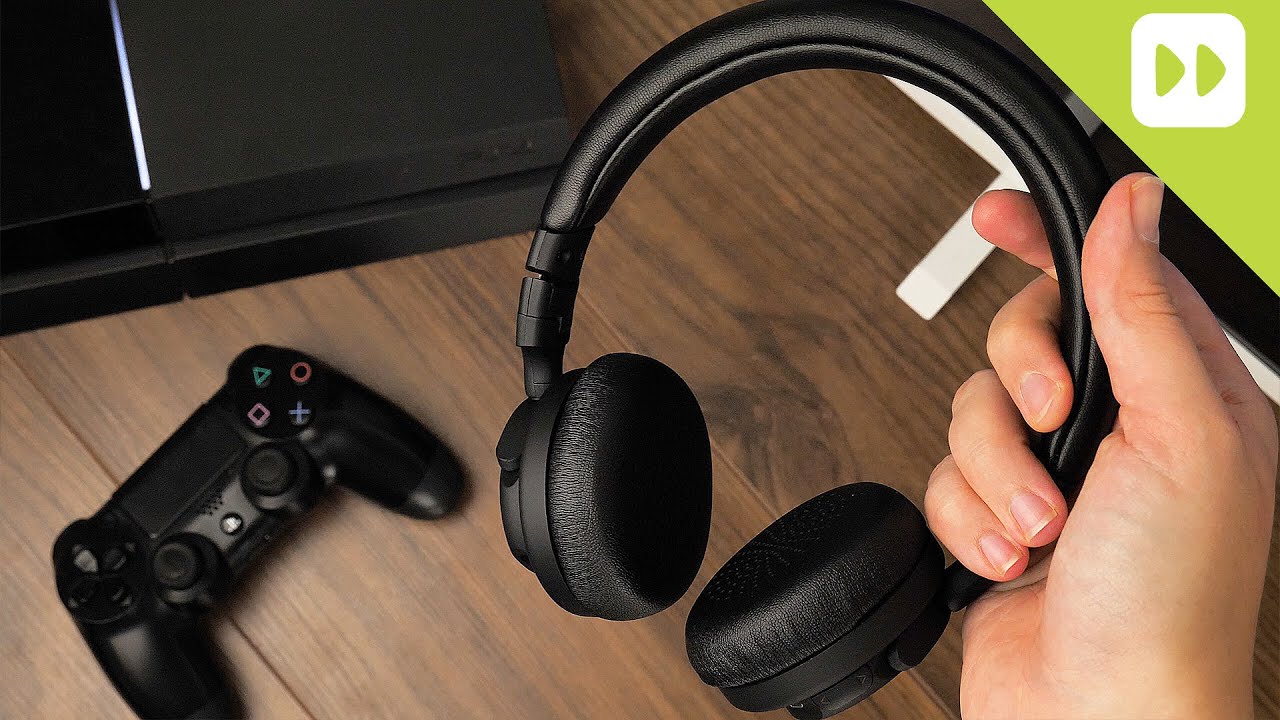
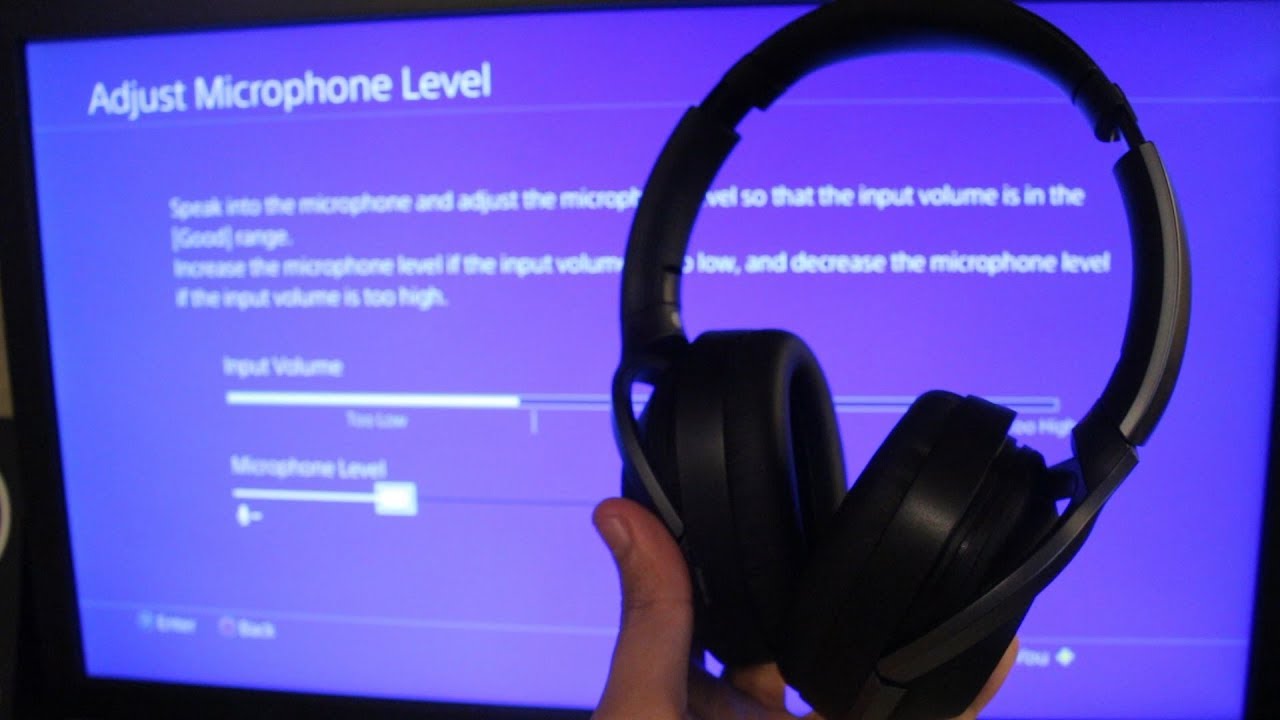
TV硬件设施 如何将蓝牙耳机连接到你的PS4 by Pramith 28 8 月, 2021 written by Pramith 28 8 月, 2021 7.8K PS4:用控制台连接蓝牙耳机 。 – 启动PS4,打开菜单中的 “设置”。 – 向下滚动一点,选择那里的 “设备”。 – 选择 “蓝牙设备”,PS4将自动搜索可用的设备. 。 – 现在打开耳麦。对于许多设备,您需要按住电源按钮几秒钟,耳麦才会开始搜索。 – 一旦PlayStation 4找到了耳机,名称和一个小的耳机图标都会显示出来。 – 如果你选择列表中的条目,两个设备将被配对。如果两台设备配对成功,名称左侧将亮起一个小绿灯。 。 0 comments 0 FacebookTwitterPinterestEmail Pramith previous post iPadOS 15:关于发布和新功能的所有信息 next post 为硬件保留的内存–你需要知道的 Related Articles 如何用移动电源给... 7 9 月, 2026 安全删除Micr... 4 9 月, 2026 我的电脑搭载的是... 25 8 月, 2026 PS4 无法显示... 25 7 月, 2026 三星电视:关闭自... 25 7 月, 2026 通过电视播放音乐... 25 7 月, 2026 将Kindle ... 25 7 月, 2026 64、128 还... 20 7 月, 2026 IPS 还是 V... 15 7 月, 2026 BIOS:电池没... 7 7 月, 2026 Leave a Comment Cancel Reply Save my name, email, and website in this browser for the next time I comment.