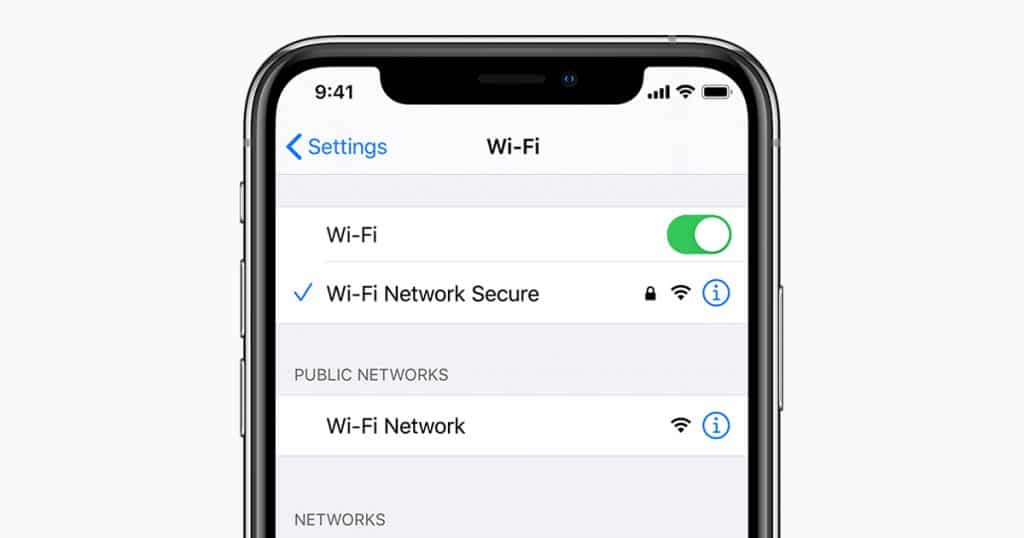
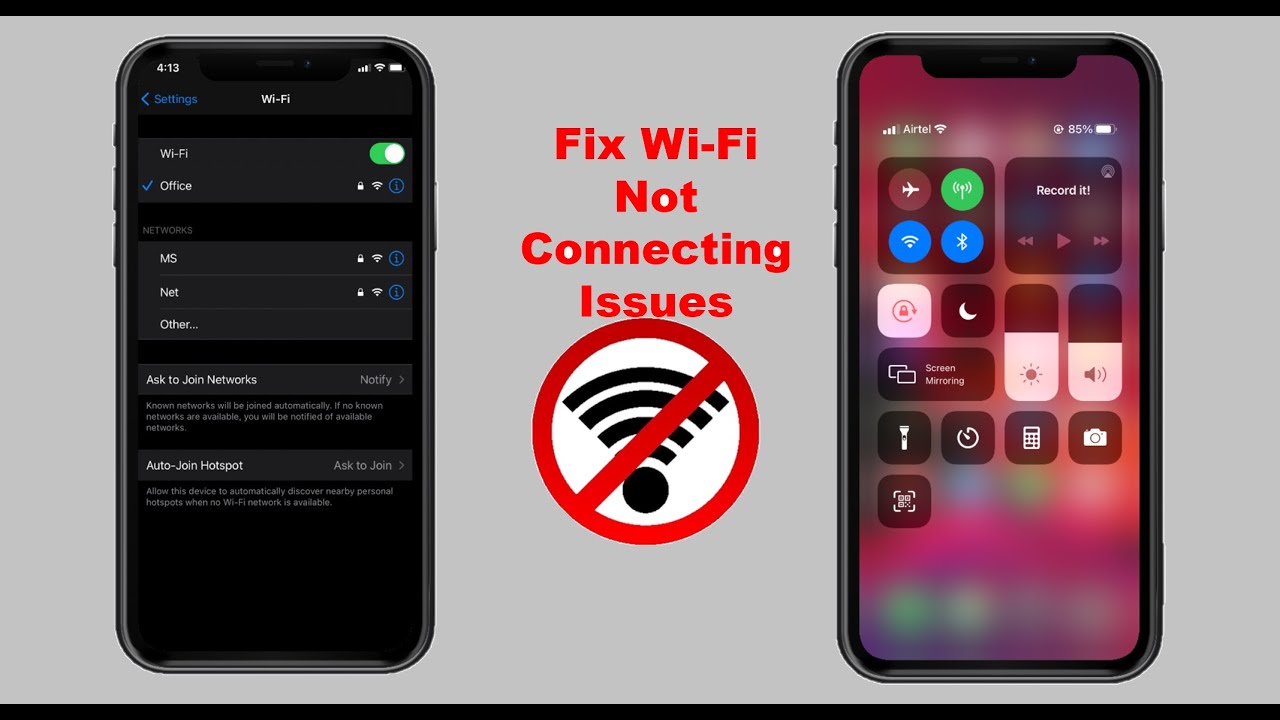
iPhone/iPad iPhone:撤销 “忽略WLAN” by Corinna 11 1 月, 2022 written by Corinna 11 1 月, 2022 2.6K 如果你在iPhone上忽略了一个WLAN网络,你可以通过几种方式撤销这一过程。我们将告诉你如何做。 在iPhone上解除被忽略的WLAN 如何再次释放你的WLAN进行连接。 打开 “设置 “应用程序,点击 “WLAN “类别下的 “其他 “按钮。在这里手动输入你的WLAN网络的名称,然后连接。 如果仍然不显示WLAN,请在 “设置 “应用程序中打开 “常规 “类别。在最下面,在 “重置 “项目下,你会发现 “网络设置 “选项。然而,这将删除所有保存的WLAN连接。 IphoneSettingsWiFiWIRELESS 0 comments 0 FacebookTwitterPinterestEmail Corinna previous post 三星Galaxy S20:如何进行屏幕截图 next post 字。没有页码的目录和封面 Related Articles iPhone:启... 12 9 月, 2026 删除 Apple... 3 9 月, 2026 在 iPhone... 28 8 月, 2026 iPhone/i... 28 8 月, 2026 不连接手机使用智... 25 8 月, 2026 iPhone版G... 20 8 月, 2026 iPhone 听... 20 8 月, 2026 iMessage... 14 8 月, 2026 iPhone 听... 8 8 月, 2026 iOS:在锁屏界... 24 7 月, 2026 Leave a Comment Cancel Reply Save my name, email, and website in this browser for the next time I comment.