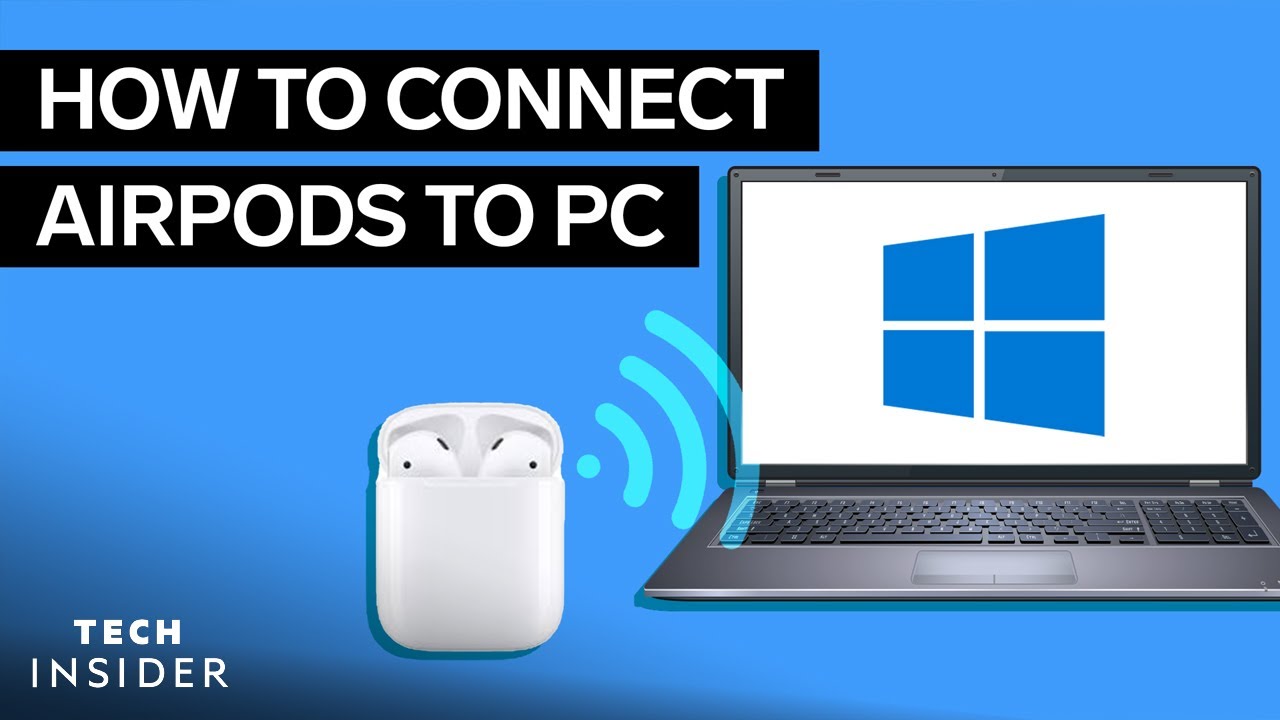
硬件设施 将AirPods与PC和Mac连接起来–方法如下 by Flo 25 1 月, 2022 written by Flo 25 1 月, 2022 2.5K 如果你的PC有蓝牙模块,你也可以将你的AirPods连接到它。我们向你展示它在Windows和Mac上是如何工作的。 将AirPods与PC配对。它是如何工作的 在这些说明中,我们指的是运行Windows 10的电脑。 按住你的AirPods上的连接按钮,直到LED灯闪烁白色。 使用 “Windows按钮 “进入电脑的 “设置”,选择 “设备”。 点击 “蓝牙和其他设备 “ 选择 “添加蓝牙或其他设备 “ 现在你可以点击你的AirPods了。 几秒钟后,AirPods就可以使用了。 AirpodsAppleBluetoothHeadphonesMacPC 0 comments 0 FacebookTwitterPinterestEmail Flo previous post 将AirPods与安卓智能手机连接起来–方法如下 next post 将AirPods与Apple TV一起使用–方法如下 Related Articles 如何用移动电源给... 7 9 月, 2026 安全删除Micr... 4 9 月, 2026 我的电脑搭载的是... 25 8 月, 2026 64、128 还... 20 7 月, 2026 IPS 还是 V... 15 7 月, 2026 BIOS:电池没... 7 7 月, 2026 USB OTG:... 7 7 月, 2026 耳机:麦克风无法... 4 7 月, 2026 出售电脑:如何估... 4 7 月, 2026 对流式取暖器:其... 25 6 月, 2026 Leave a Comment Cancel Reply Save my name, email, and website in this browser for the next time I comment.