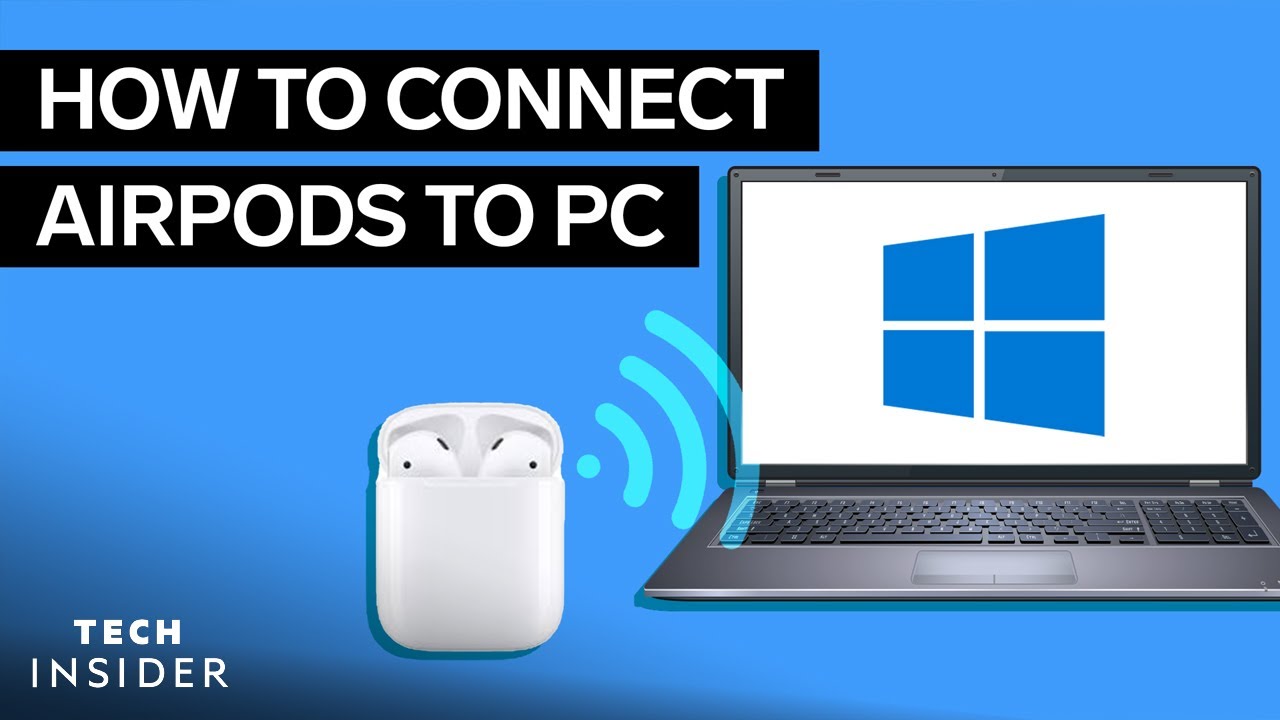
硬件设施 将AirPods与PC和Mac连接起来–方法如下 by Flo 25 1 月, 2022 written by Flo 25 1 月, 2022 2.6K 如果你的PC有蓝牙模块,你也可以将你的AirPods连接到它。我们向你展示它在Windows和Mac上是如何工作的。 将AirPods与PC配对。它是如何工作的 在这些说明中,我们指的是运行Windows 10的电脑。 按住你的AirPods上的连接按钮,直到LED灯闪烁白色。 使用 “Windows按钮 “进入电脑的 “设置”,选择 “设备”。 点击 “蓝牙和其他设备 “ 选择 “添加蓝牙或其他设备 “ 现在你可以点击你的AirPods了。 几秒钟后,AirPods就可以使用了。 AirpodsAppleBluetoothHeadphonesMacPC 0 comments 0 FacebookTwitterPinterestEmail Flo previous post 将AirPods与安卓智能手机连接起来–方法如下 next post 将AirPods与Apple TV一起使用–方法如下 Related Articles UASP:关于存... 27 10 月, 2026 Synology... 21 10 月, 2026 爱普生:通过Ai... 14 10 月, 2026 3D打印机的耗电... 6 10 月, 2026 安装新处理器——... 5 10 月, 2026 将笔记本电脑用作... 5 10 月, 2026 HDMI 支持 ... 1 10 月, 2026 删除 Firef... 23 9 月, 2026 电脑无法识别显示... 18 9 月, 2026 如何用移动电源给... 7 9 月, 2026 Leave a Comment Cancel Reply Save my name, email, and website in this browser for the next time I comment.