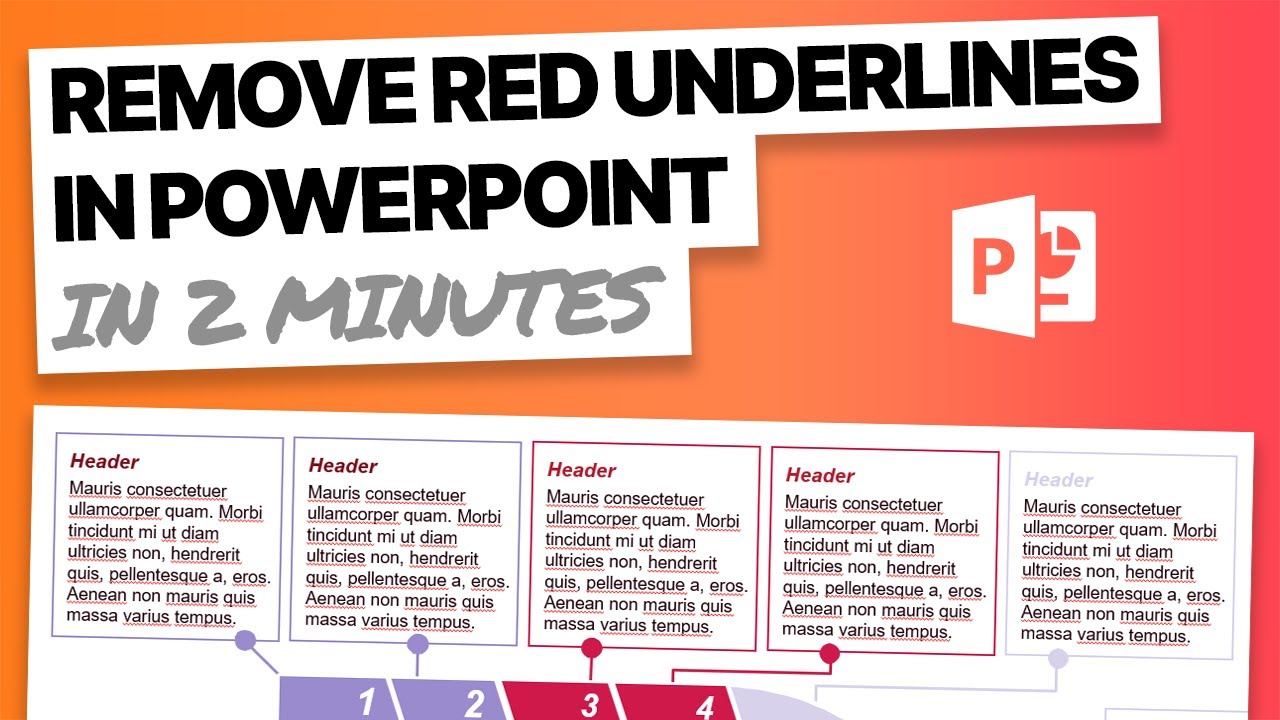
MS Office PowerPointのオートコレクトをオフにする by Tobias 1月 28, 2022 written by Tobias 1月 28, 2022 2.5K PowerPointのオートコレクトをわずかな手順でオフにすることができます。スペルチェッカーを無効にする方法を以下に説明します。 PowerPointのオートコレクトをオフにします。やり方 パワーポイントの文書中で、「レビュー」タブを開きます メニューの「言語」の項目をクリックし、「言語設定」をクリックしてください。 新しいウィンドウが開きますので、左上の「ドキュメントチェック」という項目を選択してください。 「自動補正のオプション」で希望の設定を決定し、「OK」で確定します AutocorrectMS OFFICEPowerPointpptSpelling 0 comments 0 FacebookTwitterPinterestEmail Tobias previous post iPadやタブレットでPowerPointのプレゼンテーションを開く next post 教会を離れる:すべての情報が一目でわかる Related Articles Outlook:... 8月 31, 2026 Wordの電話ア... 8月 31, 2026 印刷用周期表:テ... 8月 2, 2026 PowerPoi... 8月 2, 2026 Wordでデルタ... 5月 31, 2026 Word用の封筒... 5月 22, 2026 Excel:IF... 5月 22, 2026 Word:マーク... 11月 20, 2025 Word用封筒テ... 11月 11, 2025 Excel:IF... 11月 10, 2025 Leave a Comment Cancel Reply Save my name, email, and website in this browser for the next time I comment.