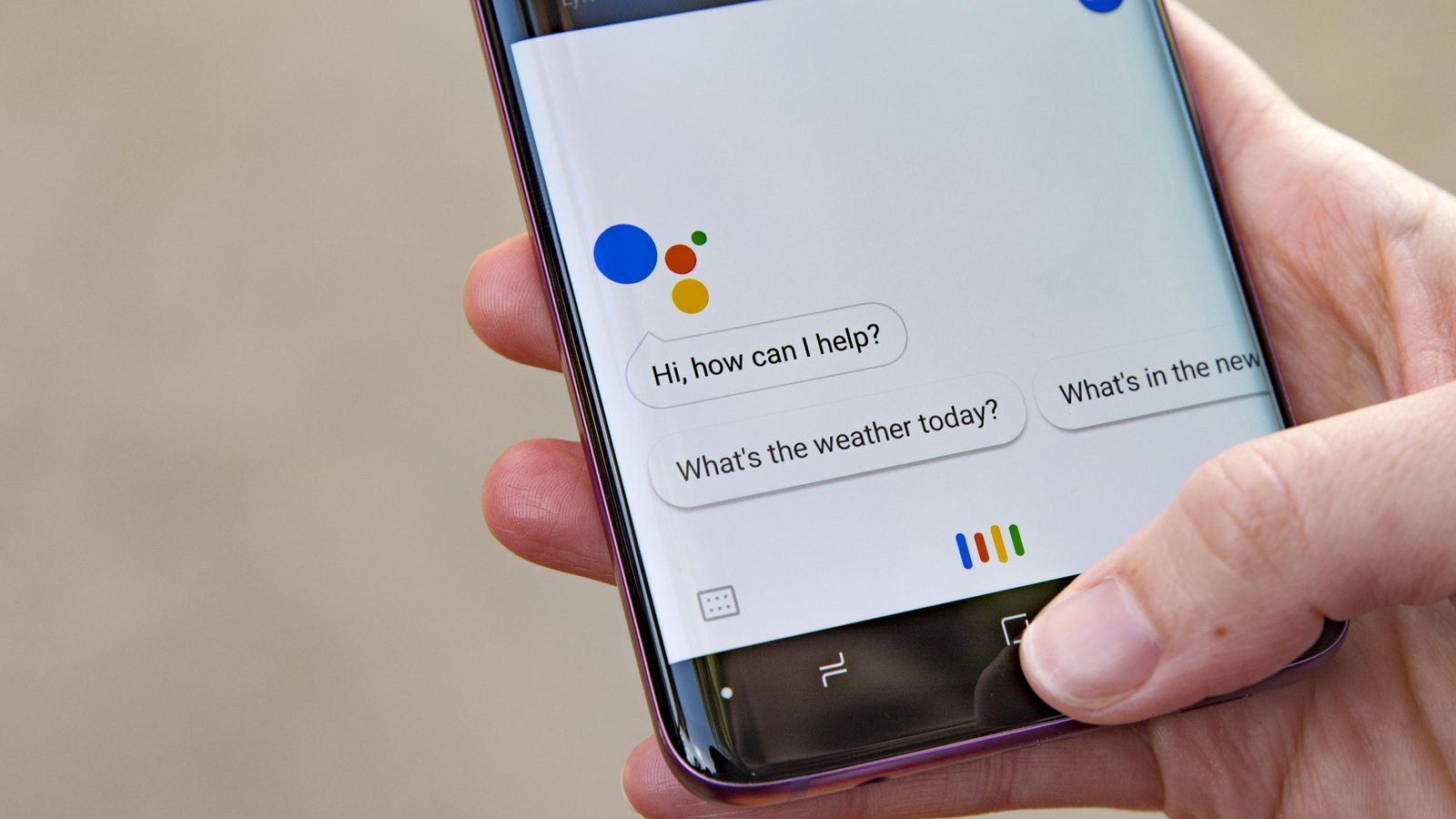
Android 如何停用谷歌助手 by Johannes 26 3 月, 2022 written by Johannes 26 3 月, 2022 3.3K 谷歌助手通常预装在安卓设备上,但它可以被停用,没有任何问题。在这篇文章中,我们将解释如何做到这一点。 停用谷歌助理。说明 如果你想停用谷歌助理,请按照以下步骤操作。请注意,个别步骤可能因设备和版本不同而略有不同。 打开你的移动设备上的设置。转到Google.菜单项。 进入谷歌应用程序或账户服务的设置。 在下一个菜单栏中,进入谷歌搜索、谷歌助手和语音输入。点击谷歌助理。 向下滚动到所有设置☻常规。点击谷歌助理,使右边的蓝点不再是彩色的,并被禁用。 Android Google AssistantCell phoneGoogleGuideHelpSmartphoneTurn Off 0 comments 0 FacebookTwitterPinterestEmail Johannes previous post 带宝宝骑车:给父母的所有信息 next post 佳能打印机显示支持代码1403:你能做什么 Related Articles 禁用Bixby:... 17 10 月, 2026 Google P... 17 10 月, 2026 未经授权的 Go... 2 10 月, 2026 在安卓系统中设置... 2 10 月, 2026 识别未知电话号码... 24 9 月, 2026 备份三星手机:如... 24 9 月, 2026 手动安装Andr... 24 9 月, 2026 Android ... 22 9 月, 2026 如何查询安卓设备... 22 9 月, 2026 三星Galaxy... 15 9 月, 2026 Leave a Comment Cancel Reply Save my name, email, and website in this browser for the next time I comment.