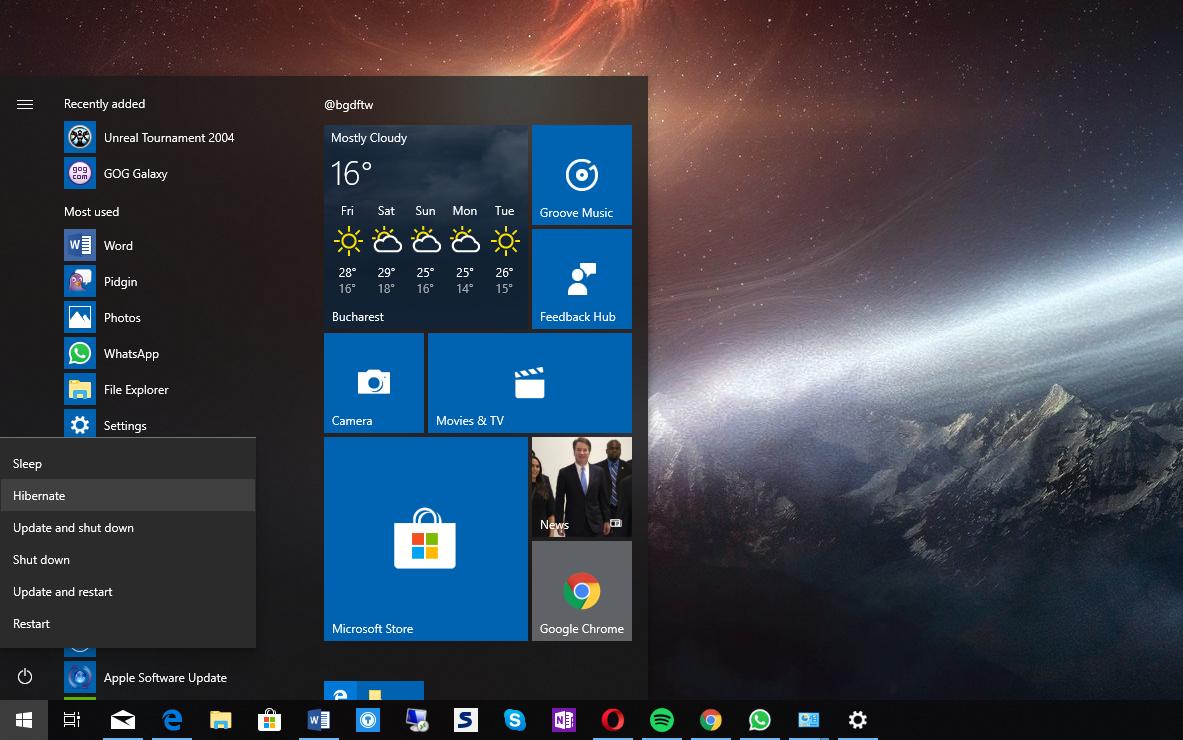
Windows 通过电源按钮进行休眠。如何改变设置 by Corinna 11 2 月, 2022 written by Corinna 11 2 月, 2022 2.5K 通过正确的设置,你可以用电源按钮使你的电脑进入休眠模式。我们将在本提示中向你展示你需要做什么。 电源按钮。如何改变命令 。 你可以在系统设置中找到你要找的设置。 打开控制面板,选择 “电源选项”。 在左边的选择中,点击 “选择按下电源开关时的情况”。 你现在可以在 “按下电源开关时 “条目后面选择 “休眠”。 你必须为电源和电池操作设置这个命令。然后用 “保存更改 “确认。 HibernationPowerSettingsswitch offWindows 0 comments 0 FacebookTwitterPinterestEmail Corinna previous post 测量WLAN的速度–这里的方法 next post iPhone上的反向图像搜索:这是工作原理 Related Articles 通过BIOS控制... 18 10 月, 2026 加装 TPM 2... 11 10 月, 2026 什么是CPU负载... 10 10 月, 2026 修复损坏的文件—... 8 10 月, 2026 设置新笔记本电脑... 8 10 月, 2026 电脑发出蜂鸣声:... 5 10 月, 2026 什么是 Wind... 4 10 月, 2026 将病毒移至隔离区... 4 10 月, 2026 如何打开VCF文... 28 9 月, 2026 使用 ScanP... 21 9 月, 2026 Leave a Comment Cancel Reply Save my name, email, and website in this browser for the next time I comment.