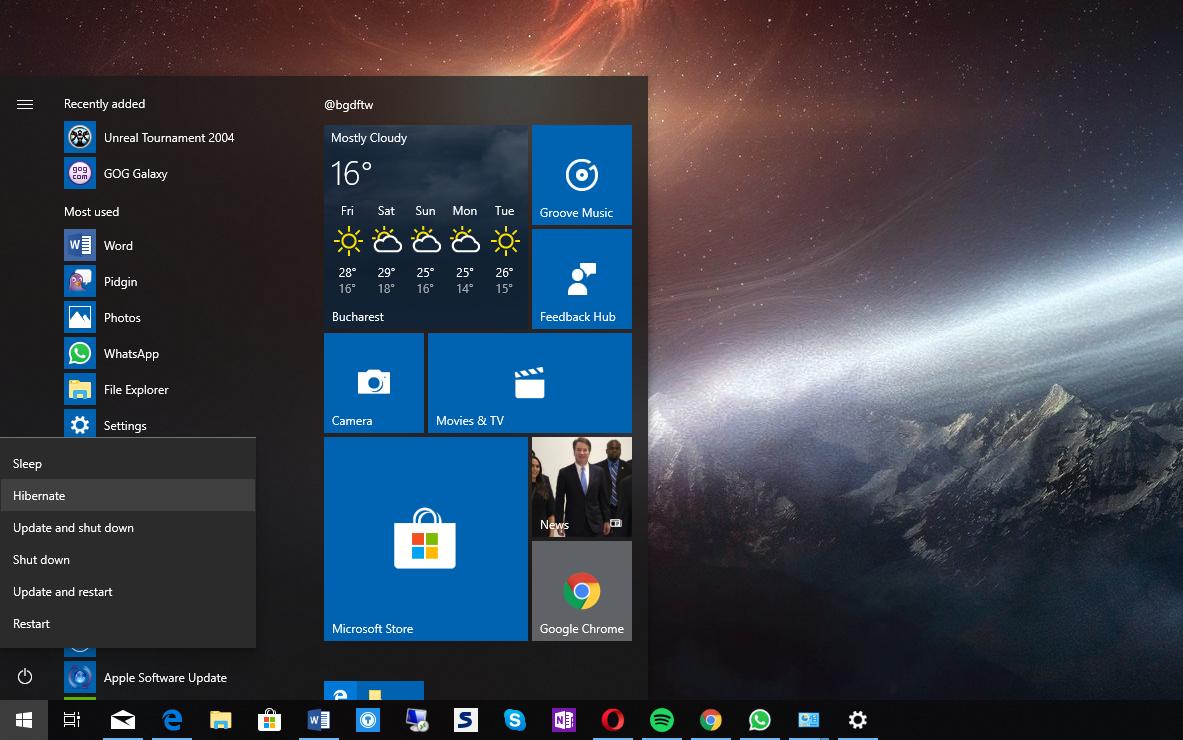
Windows 通过电源按钮进行休眠。如何改变设置 by Corinna 11 2 月, 2022 written by Corinna 11 2 月, 2022 2.4K 通过正确的设置,你可以用电源按钮使你的电脑进入休眠模式。我们将在本提示中向你展示你需要做什么。 电源按钮。如何改变命令 。 你可以在系统设置中找到你要找的设置。 打开控制面板,选择 “电源选项”。 在左边的选择中,点击 “选择按下电源开关时的情况”。 你现在可以在 “按下电源开关时 “条目后面选择 “休眠”。 你必须为电源和电池操作设置这个命令。然后用 “保存更改 “确认。 HibernationPowerSettingsswitch offWindows 0 comments 0 FacebookTwitterPinterestEmail Corinna previous post 测量WLAN的速度–这里的方法 next post iPhone上的反向图像搜索:这是工作原理 Related Articles 在 Window... 8 9 月, 2026 关闭美式键盘 8 9 月, 2026 删除Quick ... 4 9 月, 2026 Windows:... 31 8 月, 2026 在 Window... 30 8 月, 2026 如何查询鼠标DP... 25 8 月, 2026 启用并设置 Wi... 6 8 月, 2026 Windows ... 3 8 月, 2026 蓝屏:Fltmg... 21 7 月, 2026 在没有网络的情况... 21 7 月, 2026 Leave a Comment Cancel Reply Save my name, email, and website in this browser for the next time I comment.