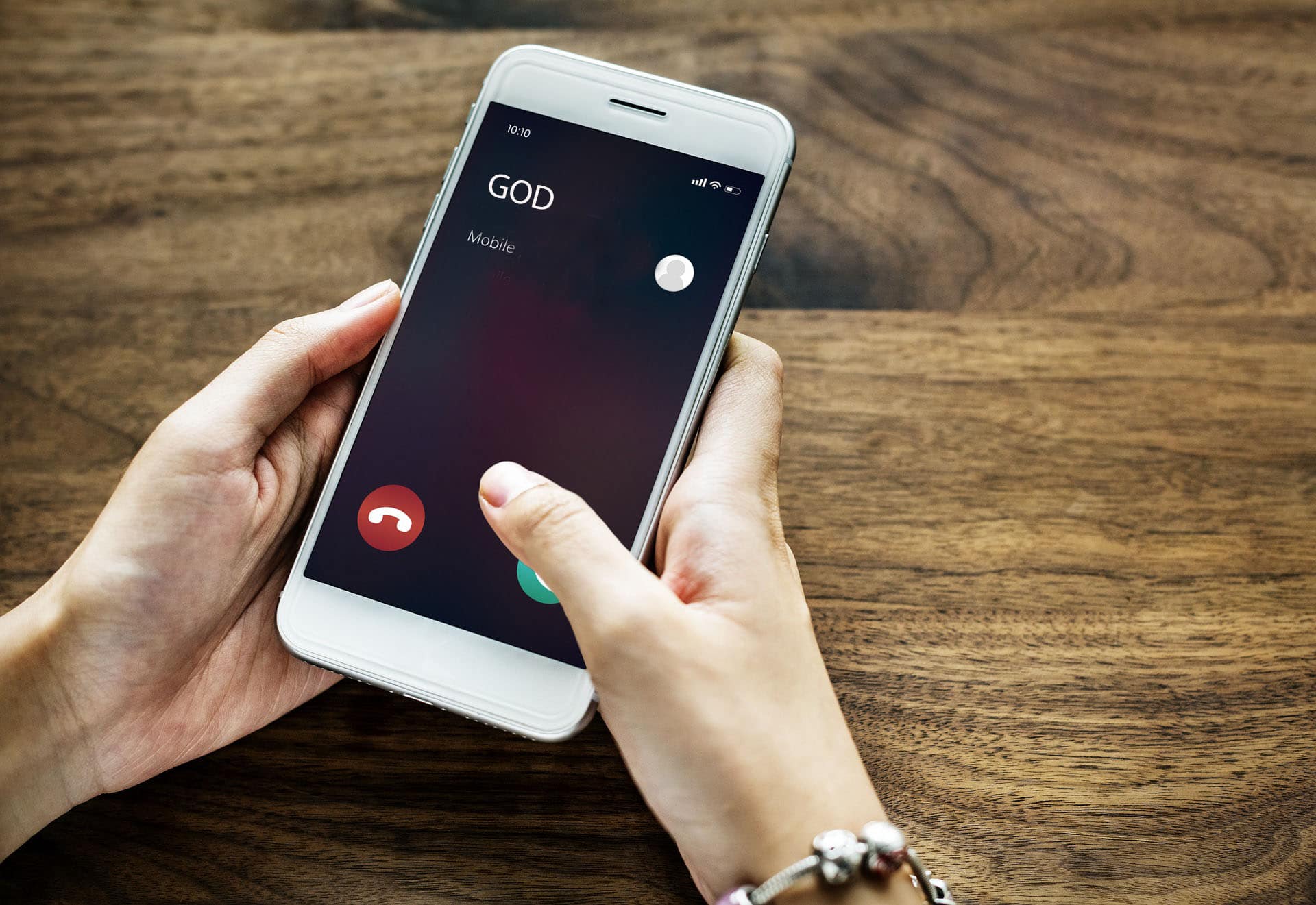
One of the common problems with smartphones, both Android and iPhone, is that the screen automatically turns off during phone calls and/or calls in messengers.
This guide explains in detail why the screen may turn off during calls and how to fix it.
Proximity sensor
The most common reason for this situation is the proximity sensor on your smartphone. It serves precisely this purpose: to turn off the screen during a call when you bring the phone to your ear. However, this can also happen without bringing the phone to your ear in the following cases:
- You are covering the proximity sensor with your hands.
- The proximity sensor is dirty, covered by a case, or covered by a cloudy or peeling protective film.
- There are cracks in the glass above the proximity sensor.
- A malfunctioning proximity sensor (due to drops, moisture, or poor-quality repairs that damage the cables) can also lead to this result.
The proximity sensor itself is usually located at the top of the smartphone above the screen, somewhere near the front camera, but on some of the cheapest models, the front camera itself may be used instead.
Eliminate the causes described above: remove the case, make sure there is no dirt or damage at the top of the screen, and that you are not covering the sensor with your fingers.

Other options
If the options from the previous section are not applicable, consider the following possible causes and solutions:
- Try simply restarting your smartphone and see if the problem persists. This may work for both iPhone and Android — sometimes the problem is caused by a random system process failure.
- If you have an Android smartphone, check if the problem persists in safe mode — this will eliminate the influence of third-party services and applications, which in some cases can cause this result.
- Usually, if you briefly press the power button during a call, even with the screen off, the screen will turn on.
- If the problem occurred after an OS update, the next update may fix the situation.
- Some smartphones have a Proximity Sensor Calibration option in the engineering menu. There are also apps for this on Google Play, but use them with caution.
- As a last resort, you can try resetting your smartphone to factory settings, after saving all important data to your computer or cloud storage.