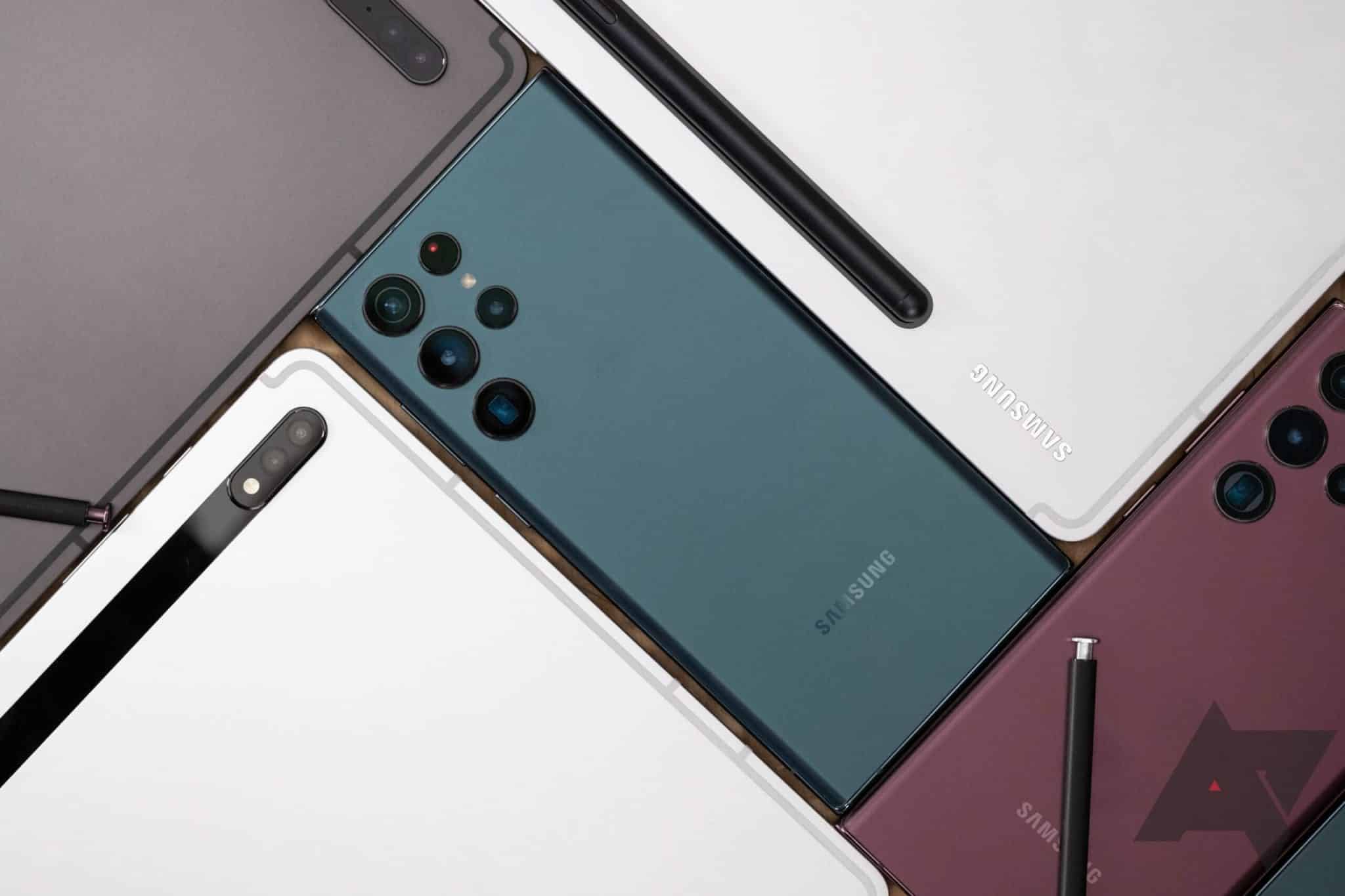
Android 如何关闭三星Galaxy S22 by Pramith 16 2 月, 2022 written by Pramith 16 2 月, 2022 5K 如果你想关闭你的三星Galaxy S22,你有几个选择。你按照一定的按键组合。在此阅读他们是哪些人。 要关闭你的三星Galaxy S22 关闭你的三星Galaxy S22可以节省电池和数据消耗。例如,在晚上,关闭手机是有意义的–当你睡觉时,没有人可以打扰你。 关闭或重新启动三星Galaxy S22的最好和最简单的方法是通过滑动按钮。要做到这一点,只需同时按住侧面和降低音量按钮几秒钟。 一旦出现 “关机 “按钮,你可以点 “关机 “或 “重启 “按钮。 然后关闭你的三星Galaxy S22,按住侧面按钮几秒钟,直到屏幕上出现三星标志。 AndroidPower OffS22Samsung Galaxy 0 comments 0 FacebookTwitterPinterestEmail Pramith previous post 使用Apple Fitness+。你需要知道的是 next post Jaumo:约会应用的费用一览 Related Articles 禁用Bixby:... 17 10 月, 2026 Google P... 17 10 月, 2026 未经授权的 Go... 2 10 月, 2026 在安卓系统中设置... 2 10 月, 2026 识别未知电话号码... 24 9 月, 2026 备份三星手机:如... 24 9 月, 2026 手动安装Andr... 24 9 月, 2026 Android ... 22 9 月, 2026 如何查询安卓设备... 22 9 月, 2026 三星Galaxy... 15 9 月, 2026 Leave a Comment Cancel Reply Save my name, email, and website in this browser for the next time I comment.