414
While most laptops require you to press a key combination during startup, various Lenovo laptops also allow you to access the BIOS via a button. In this article, we’ll show you exactly what this “Novo” button is and where to find it.
This is the “Novo” button on Lenovo laptops that opens the BIOS
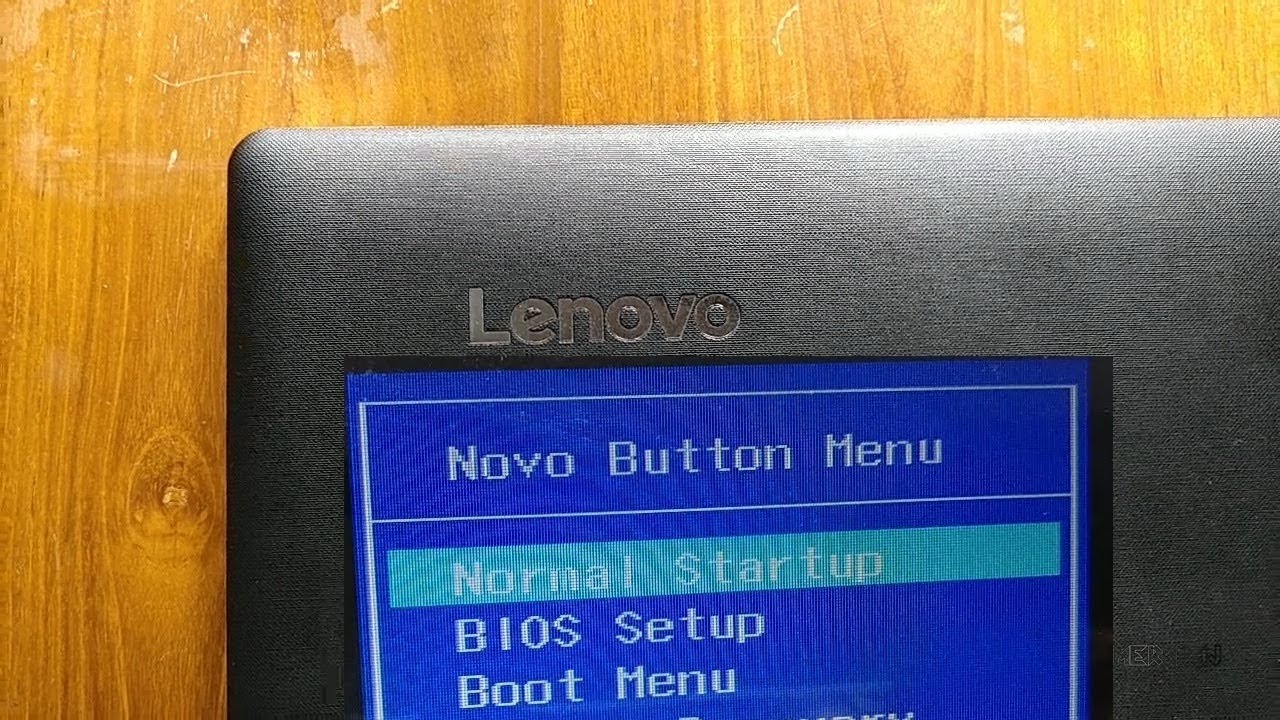
The Lenovo BIOS button, also known as the “Novo” button, allows you to access the BIOS of the respective device. The BIOS is firmware stored on a small chip on the motherboard that monitors all components of the system and is responsible for starting the laptop.
- You can recognize the Lenovo BIOS button by a backward-facing arrow that resembles an upside-down U. The “Novo” button can either be a capacitive button or a pinhole that you have to press with a paper clip or similar object.
- The “Novo” button is positioned differently depending on the model. You can find it in the upper left corner near the on/off button, but also on the right or left side of the device. If you can’t find it, take a look at the user manual.
- In addition to the BIOS, you can also use the button to access the boot menu, start the system normally, or restore it. This is particularly helpful if your laptop does not start properly.


previous post