218
You can set up your motion detector so that it doesn’t go off every time an animal runs past. If you want to save electricity, there are a few settings you should adjust correctly.
Setting up motion detectors: Finding the right height and range
Motion detectors should be triggered at the right moment, but they shouldn’t react to every little thing. That’s why you should first think about the right height and range.
- Set the correct height for your motion detector so that it does not react to every little movement of a dog running by or a stray cat.
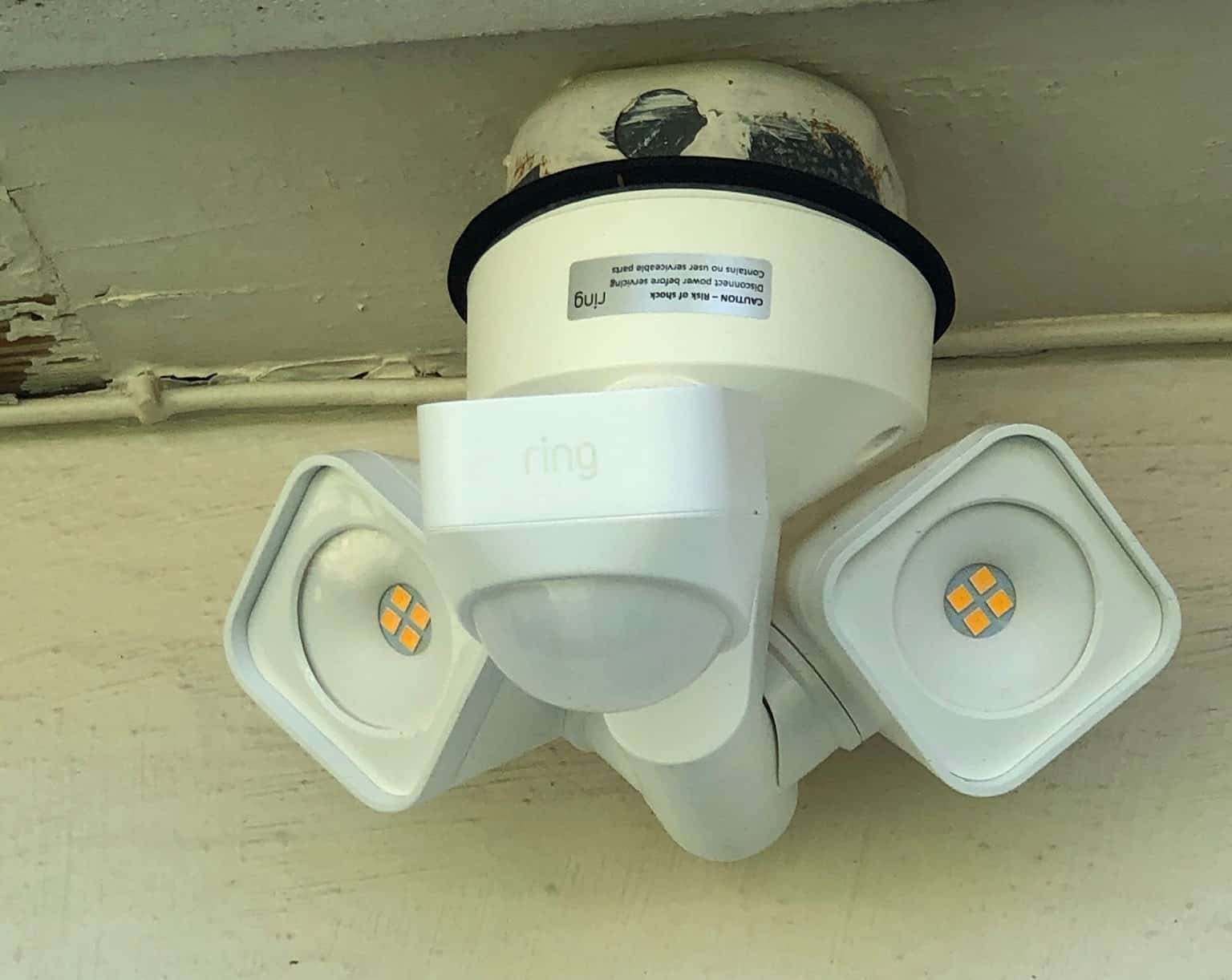
- In the entrance area of your front door, the motion detector is often aligned from top to bottom. However, as this orientation is unfavorable in the case of animals, you should align the motion detector across the typical direction of movement. Movements that are directly toward the sensor are less likely to be detected.
- The optimal height is between two and 2.5 meters. In this range, the sensor can detect movement well without compromising its range or sensitivity.
- If the device is mounted too low, it will often react too late or not at all – if mounted too high, the sensitivity will also decrease because the movements take place outside the optimal angle.
- Depending on the size of the area you want to illuminate, you should purchase a device with range control. If you only want to illuminate a small area, a shorter range is sufficient. For a larger area, the range must be correspondingly higher.
- Make sure you don’t choose too large a range or too wide a detection angle, as your motion detector may then be triggered by movements on the footpath or at your neighbor’s house. First, set the detection angle precisely to the spot where you want light when you arrive. You can always readjust if the detection angle is too large.
Setting the lighting: What you should pay attention to
Once the motion detector is installed, you can think about when your device should activate and how long it should illuminate the desired area.
- The LUX value for light sensitivity controls the ambient brightness at which the motion detector should be activated. Light sensitivity cannot be adjusted on every device. However, some motion detectors have a control on the housing that allows you to choose between at least a moon and sun symbol. In some cases, more detailed LUX levels can be set.
- The moon symbol on the LUX control means that the motion detector is only active at night. If the LUX control is set to the sun, the area will be illuminated day and night when movement is detected. To be active at dusk, the LUX control must be turned to the appropriate position between the sun and moon.
- Thanks to the twilight switch, which most motion detectors for outdoor and indoor use have, the light only comes on when it gets too dark.
- If you can set the LUX value more precisely, the adjustable range is usually between 0 and 2000 lux, depending on the model. The standard value for activation at dusk is typically around 25 lux. In almost complete darkness, the value is between zero and ten. If you want the device to be active even in daylight, you need to set it to 2000 lux.
- You can also control the illumination time using a switch. The control range varies depending on the sensor type: Microwave sensors (HF) can usually be set to between five seconds and ten minutes using a DIP switch. PIR sensors (infrared): Some can be set in increments from ten seconds to 30 minutes.
- Some modern models also offer a bypass mode that you can activate via app or remote control – for garden parties or maintenance work. This mode includes, for example, continuous lighting for four to twelve hours.
- To find the perfect setting for you in terms of switch-on time, it is best to start with a longer running time. If, for example, you notice when unlocking the door that you need significantly less lighting time, you can reduce this setting.

Different models of motion detectors
Motion detectors not only help to alleviate feelings of unease in the dark, but also provide security against attempted break-ins. In general, two sensor technologies are mainly used in motion detectors: infrared sensors (PIR) and microwave sensors (HF). Both systems have specific characteristics that you should consider when selecting and setting them up.
- The setting options vary depending on the model you purchase. Some models even require you to unscrew or twist them open—similar to a fire alarm—to access the setting buttons.
- PIR models, passive infrared detectors, are popular for outdoor use. Like an infrared camera, they detect the movement of bodies that emit heat – at least when the body heat contrasts with the surroundings. Infrared models are particularly good at detecting movements that cross their light sectors.
- Many PIR models offer sensitivity levels from one to five, allowing you to adjust the range. At the highest level, level 5, the maximum detection range is usually up to six meters.
- Infrared sensors are less susceptible to weather conditions and are therefore well suited for protected outdoor areas. However, infrared detectors cannot detect movement through glass or walls. It may also react incorrectly to underfloor heating indoors. The rising heat irritates it. This model is therefore more suitable for outdoor use.
- Motion detectors can be quite sensitive, especially if the sensors are directly exposed to sunlight or are located near reflective surfaces such as windows and metal facades. This could cause them to trigger incorrectly. Therefore, position the motion detector so that it is not facing the sun or reflective surfaces. Light cones from car headlights or street lights can also cause interference.
- High-frequency detectors (HF) are suitable for indoor use. They respond to any type of movement and change in reflection and can also detect these through obstacles. They are often less suitable for outdoor use, as they may even be triggered by passing leaves or rain.
- Using DIP switches, you can flexibly set the range between 50 and 100 percent and the switch-on time from five seconds to ten minutes separately.