570
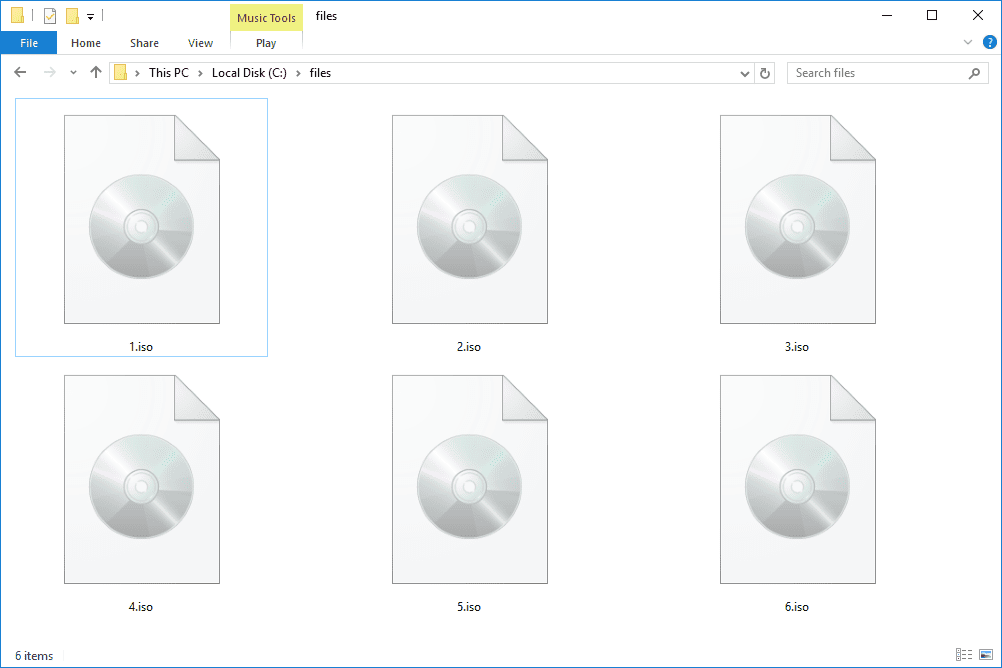
If you have downloaded an ISO file, you don’t need to burn the software to a CD to install it. In this practical tip, we show you how to do it without burning.
Windows 10 and 8: Installing an ISO file without burning it
- Right-click on the ISO file and select the “Mount” option. The ISO file will then be mounted in a virtual drive, as if the ISO were on a CD in the drive.
- In Windows 10, you can also simply double-click to open the file. There you can access all files within the ISO file. You can start the installation from the ISO file via the “setup” file.

No burning required: Installing ISO files on older computers
- You can also easily open ISO files on older versions of Windows. To do this, download compression software such as WinRAR.
- Alternatively, you can also use programs such as Daemon Tools. This software also integrates the ISO file in such a way that Windows thinks the ISO is on a CD in the drive.