8
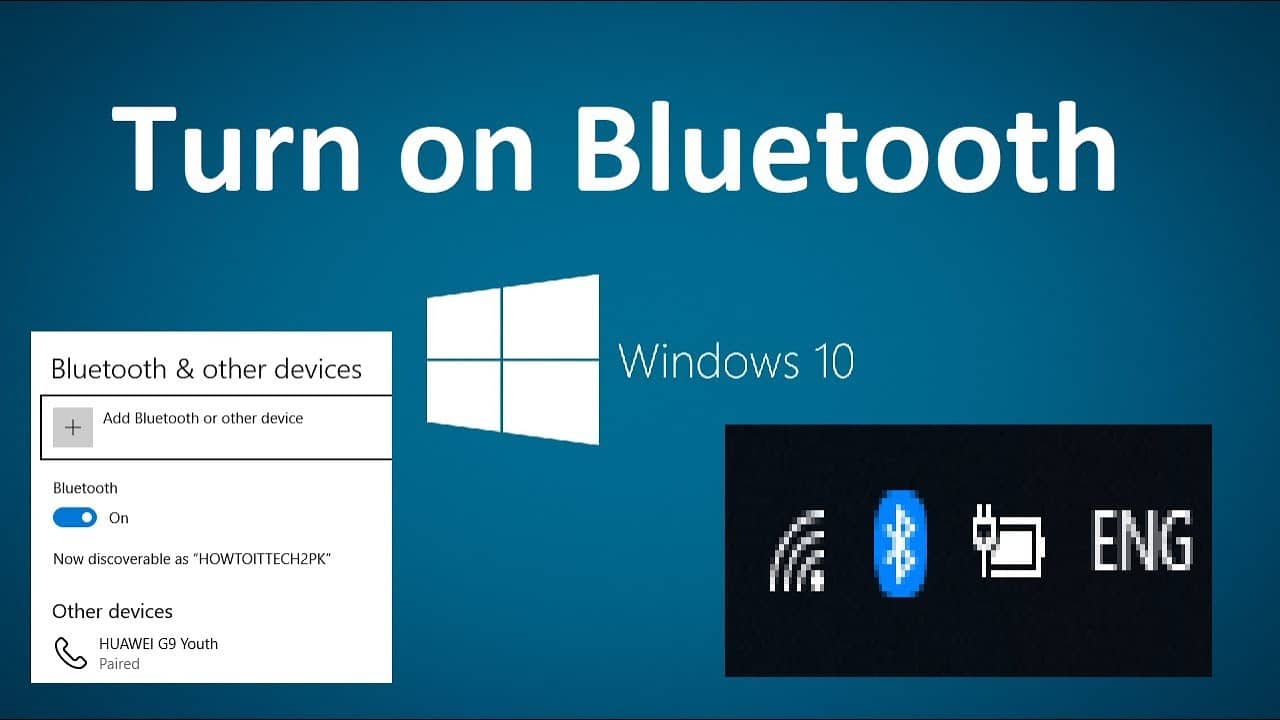
If you activate Bluetooth in Windows 10, you can connect mobile devices to your computer wirelessly. We will show you exactly how to do this on your computer.
Activate Bluetooth on Windows 10 – instructions
To activate Bluetooth, your computer or PC must of course have a Bluetooth module installed. If you cannot follow the instructions below, there is no Bluetooth module installed.
- Open the Windows 10 start menu with the [Start] button and select “Settings” via the cogwheel symbol.
- Click on “Devices” to go directly to the “Bluetooth and other devices” category.
- Under “Bluetooth”, you can switch the function from ‘Off’ to “On”.
- You can now see the name under which your laptop or PC is visible to other devices.
- To establish a connection to another device, click on the plus symbol at the top.
- Tip: Click on “More Bluetooth options” on the right and activate the option “Bluetooth devices can discover this PC”. This is the only way your computer will be found.