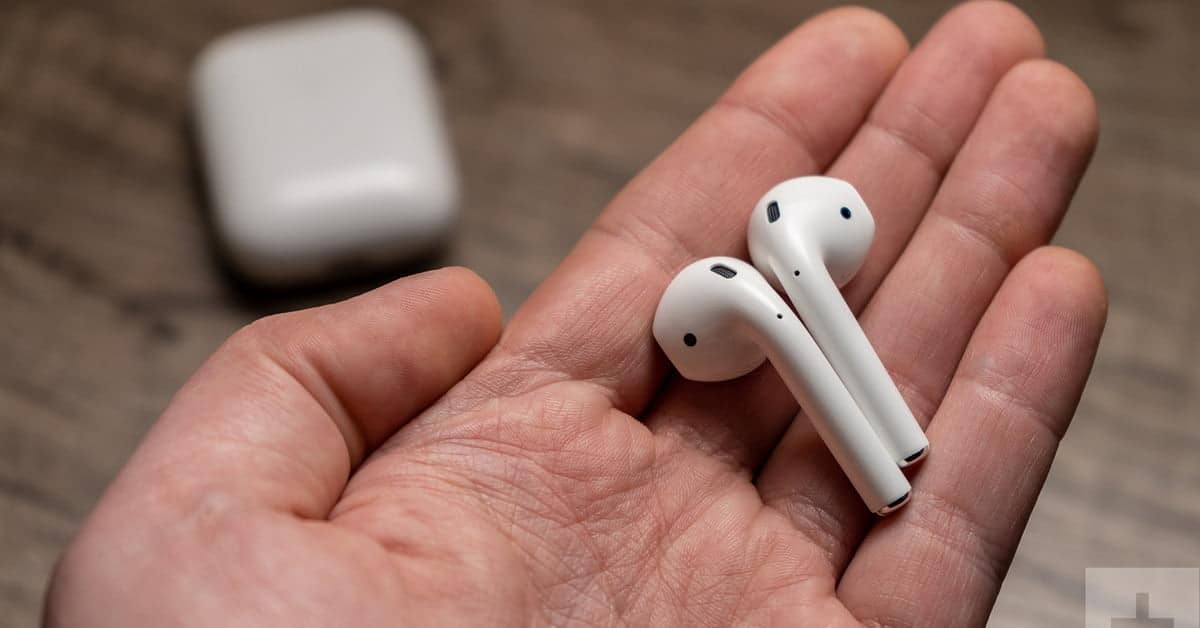
Android 将AirPods与安卓智能手机连接起来–方法如下 by Johannes 25 1 月, 2022 written by Johannes 25 1 月, 2022 2.9K 你也可以将苹果公司的AirPods与安卓智能手机一起使用。这款耳机与几乎所有支持蓝牙的设备兼容。我们向你展示如何用安卓智能手机连接和使用AirPods。 将AirPods与安卓系统连接并聆听音乐 如何连接AirPods。 在你的安卓智能手机上打开 “设置”。 点击 “蓝牙 “条目,激活蓝牙功能。 现在你的智能手机已经在搜索可用的设备来连接。 现在把AirPods放在充电盒里,让它打开。 背面有一个设置按钮。按下按钮,直到LED灯闪烁白光。 现在你也可以在智能手机上的可用蓝牙设备中看到AirPods。只需轻轻一点,你就能连接AirPods。 AirpodAndroidHeadphonesMusicMusic StreamingSmartphone 0 comments 0 FacebookTwitterPinterestEmail Johannes previous post 在PowerPoint中设置行距–这就是方法 next post 将AirPods与PC和Mac连接起来–方法如下 Related Articles 禁用Bixby:... 17 10 月, 2026 Google P... 17 10 月, 2026 未经授权的 Go... 2 10 月, 2026 在安卓系统中设置... 2 10 月, 2026 识别未知电话号码... 24 9 月, 2026 备份三星手机:如... 24 9 月, 2026 手动安装Andr... 24 9 月, 2026 Android ... 22 9 月, 2026 如何查询安卓设备... 22 9 月, 2026 三星Galaxy... 15 9 月, 2026 Leave a Comment Cancel Reply Save my name, email, and website in this browser for the next time I comment.