142
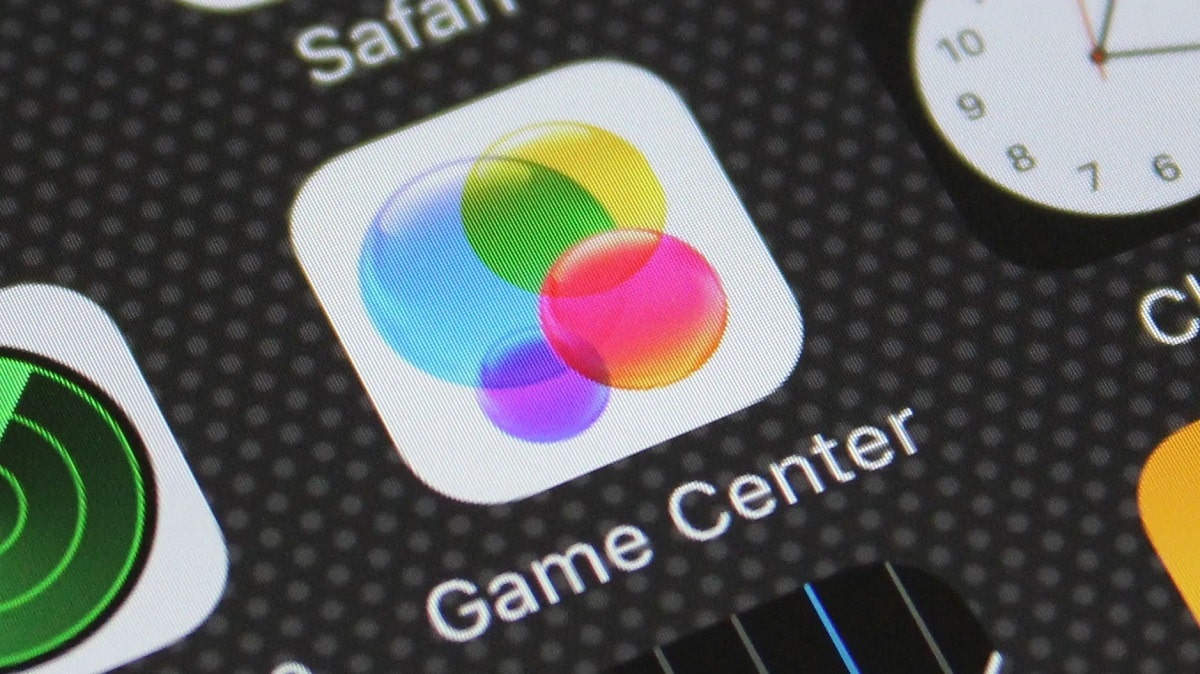
如果您不再想使用 Apple Game Center,删除账户便是明智之选。我们将向您展示具体操作方法。
停用 Apple Game Center 账户
您的 Game Center 账户仅由您的 Apple ID 组成,如果您希望继续使用该设备,则无法直接删除该 Apple ID。不过,您可以完全退出 Game Center,或者使用新的 Apple ID 登录。
- 在 iPhone 上打开“设置”应用,向下滚动至“Game Center”选项。
- 点击顶部的 Apple ID,然后选择“退出”选项。此时,您的游戏将不再与 Game Center 同步。
- 如果您仍想继续使用Game Center,随后也可以使用另一个Apple ID登录。