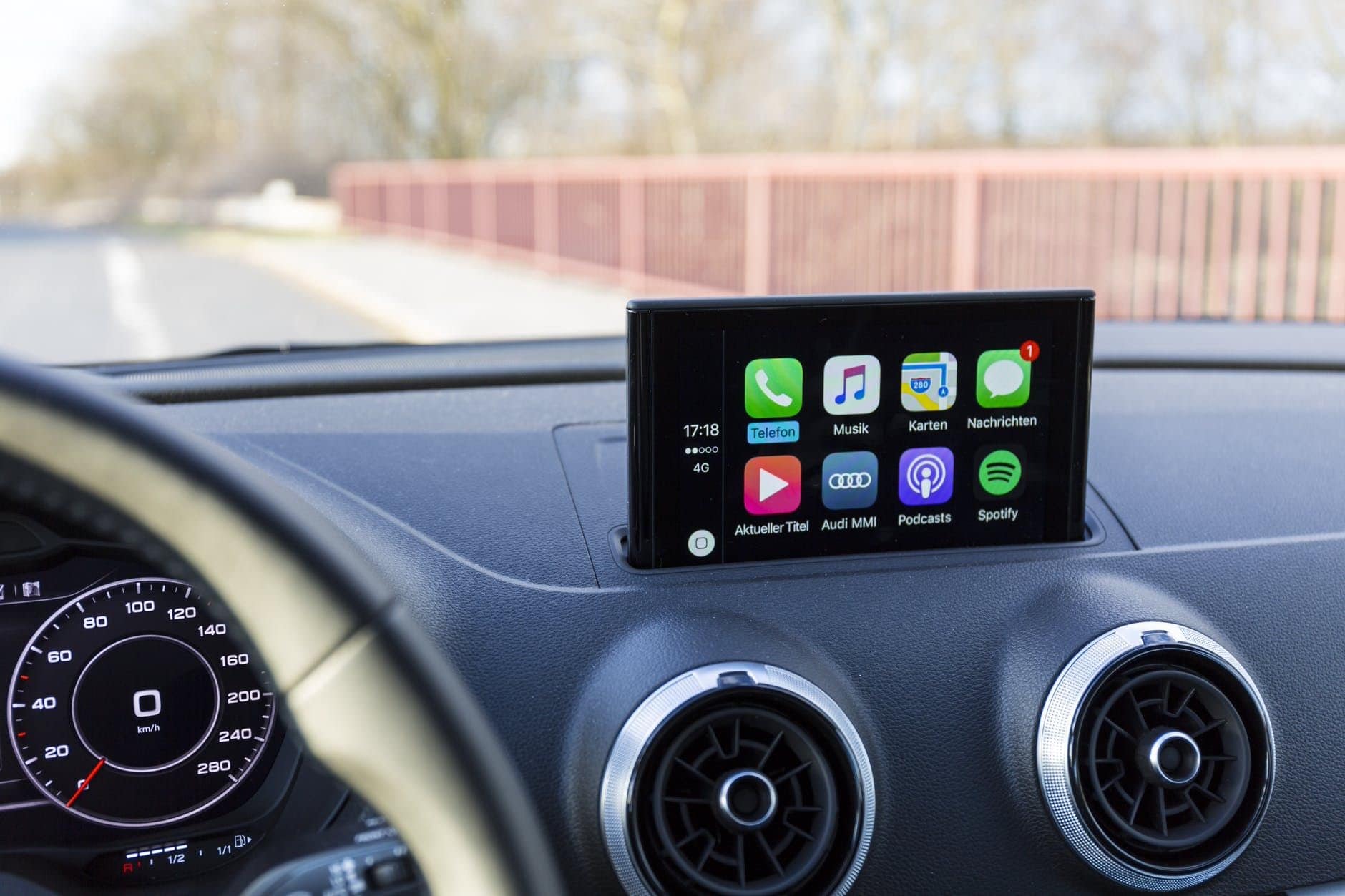
If Apple CarPlay isn’t working, there could be several reasons for this. In this practical tip, we’ll tell you what the most common causes of malfunctions are and how you can quickly fix them.
Apple CarPlay isn’t working: Here’s what might be causing it
With Apple CarPlay, you can use your iPhone not only to make calls and listen to music, but also to get directions. The handy thing is that you control the functions with your voice, so you don’t have to take your hands off the wheel. If CarPlay isn’t working, you should check the following:
- It is important that your iPhone is connected to the vehicle’s infotainment system. You can connect either via cable or via Wi-Fi or Bluetooth.
- If you are using a cable connection, try connecting the USB cable to a different USB port. Replacing the cable may also help.
- If you are using a wireless connection, check the settings to see if Wi-Fi or Bluetooth is enabled.
- Make sure that Siri is enabled. This is the only way CarPlay can function without restrictions.
- In addition, the latest version of the iOS operating system should be installed on your iPhone. If this is not the case, perform an update first.
Apple CarPlay is not responding: Other causes
If Apple CarPlay still does not work, the following tips may help:
- First, restart your iPhone and then your vehicle. This will re-establish a new connection. If CarPlay does not start automatically, locate the CarPlay logo on your infotainment display and activate it manually.
- Sometimes CarPlay may not recognize your iPhone. In this case, tap “Screen Time” in the settings and then “Restrictions.” There you will find “Allowed Apps” and can enable or disable CarPlay.
- If this does not help, you should set up CarPlay on your iPhone again. To do this, open the app settings and click on “General.” There you can ignore your car and set it up again.
Special feature of the update to iOS 18.4
Since the update to iOS 18.4, numerous users have reported significant disruptions when using Apple CarPlay. The problems include sudden connection interruptions, frozen screens, and missing music and navigation data displays.
- Both wired and wireless connections are affected, regardless of the vehicle manufacturer – difficulties have occurred in vehicles from Audi, Nissan, VW, Mazda, Honda, and Ford, among others.
- Apple itself has described these problems in the release notes for iOS 18.4.1 as a rare glitch that prevents the use of wireless CarPlay in certain vehicle models. The update to iOS 18.4.1 is said to have fixed most of these bugs. It is therefore advisable to install the latest iOS version as soon as possible if you have not already done so.
- Users who still experience CarPlay malfunctions can do the following: Completely delete the existing CarPlay connection from your iPhone and your vehicle’s infotainment system, then set it up again. Restart both your iPhone and your vehicle’s infotainment system to resolve connection issues.
- Apple has not yet issued an official statement regarding these issues. References to the problem can only be found in the technical notes for the update.