689
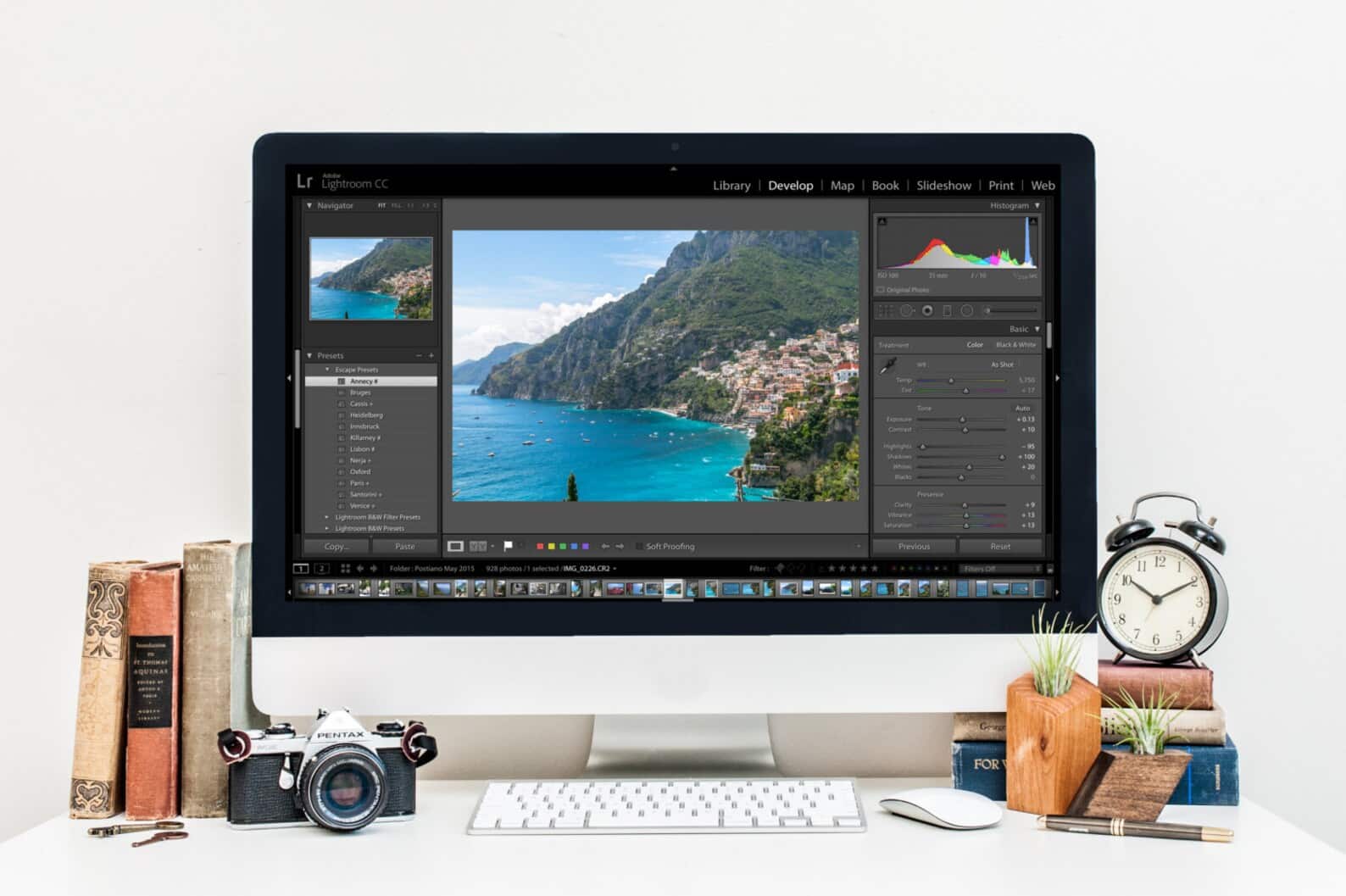
Even though Lightroom is probably the most popular image editing tool among photographers, there are free alternatives that are hardly inferior to the market leader Adobe in terms of workflow and features.
Free alternatives to Lightroom
Two open-source programs are free of charge, yet they are very popular with amateur and professional photographers alike.
- The cheapest Lightroom subscription currently available still costs just under 12 euros per month and offers 1 TB of cloud storage space. Otherwise, the program is only available in combination with other Adobe programs, such as Photoshop.
- Darktable is completely free and, unlike Lightroom, is available not only for Windows and MacOS, but also for Linux. If you already have experience with Lightroom, the Darktable user interface will look very familiar.
- RAW Therapee is also free and, as the name suggests, suitable for editing RAW files. The workflow here is slightly different from conventional programs and may take some getting used to at first. However, it also offers innovative features that Lightroom does not.

Darktable
The approach is the same as with Lightroom: image editing is lossless and non-destructive. This means that changes are documented in a so-called XMP file. Corrections are therefore only applied during export, leaving the original photo unchanged.
- For Lightroom users, Darktable will feel very similar. The user interface is also divided into three parts. In the middle, you have an overview of one or more photos, on the right-hand side a column with all functions, and on the left-hand side a column with information and metadata about the images. The content of these three sections varies depending on the mode you are in.
- The most important modes are Darkroom and Lighttable. The latter is comparable to the Lightroom Library: here you can import images, sort them, and add information. One feature that is only available in the paid version via a plug-in is the display of focus points.
- As the equivalent of Lightroom’s “Develop” mode, Darktable offers the Darkroom. This includes approximately 60 functions for image editing and correction. The most common tools, such as brightness, contrast, vignette, and color adjustment, are organized into groups and located on the right side of the interface.
- The quality of image editing is not particularly different from that of the market leader. However, the user interface and user experience are still a bit clunky. Many icons are difficult to recognize or can only be accessed using shortcuts, and some functions are so detailed that they can be slightly overwhelming.
- Darktable can definitely compete with Lightroom, as it offers the same and in some cases even more tools than the market leader. However, precisely because of this complexity, Darktable has a steep learning curve, which is why beginners may have some difficulties at first.