7
After a while, every hard drive ends up full of unnecessary files. That’s why you should delete duplicate files in Windows.
Find and delete duplicate files in Windows manually
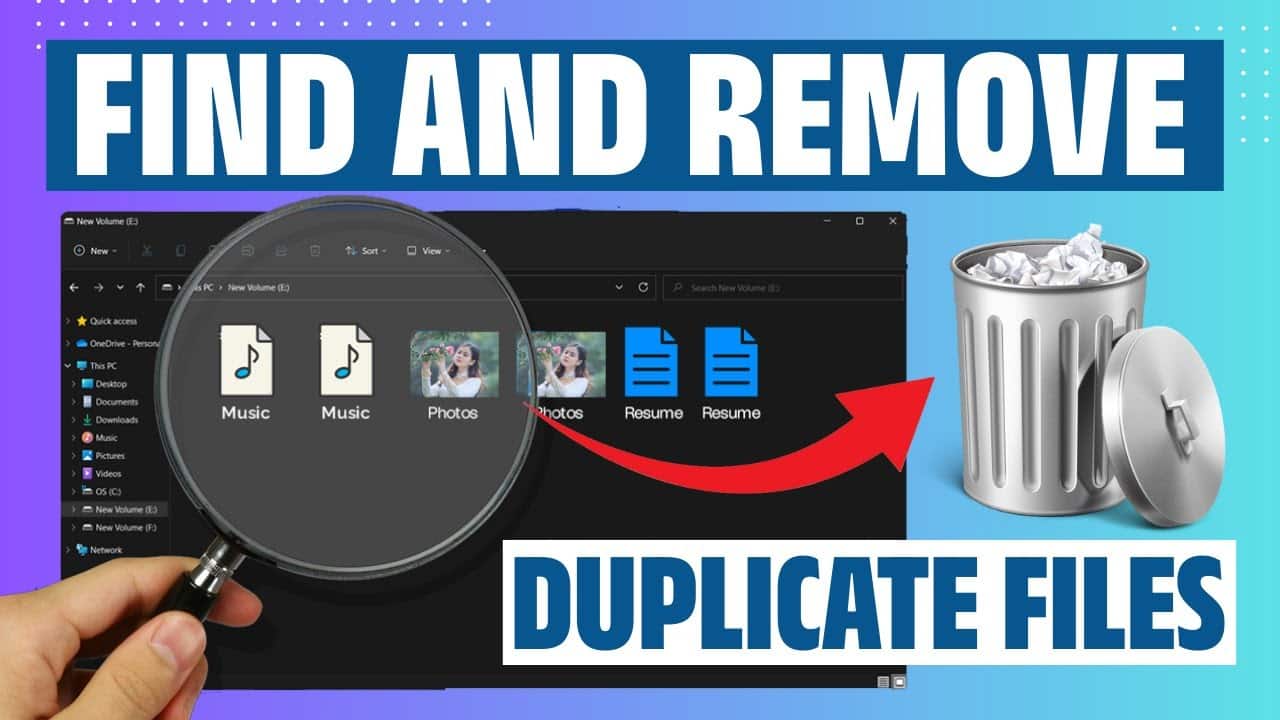
Duplicate files make your life – and your work – difficult: not only do they take up a lot of space on your hard drive, but they also make it harder to keep track of your files. Duplicates arise, for example, when you’ve downloaded the same files multiple times from the internet or when backup copies are scattered all over the place. A simple but time-consuming method for deleting duplicate files is to search for them manually:
- To do this, open File Explorer and navigate to a folder you suspect may contain duplicates.
- Sort the files by name, size or date. Files with similar names and identical sizes could be duplicates.
- Compare the contents and delete any unnecessary copies.
- The advantage is that you don’t need any additional software. However, the risk of overlooking duplicates is higher with this method.

Deleting duplicates using Windows tools and third-party software
Windows offers a number of built-in features that can help you tidy up. However, there are also third-party tools available to assist you.
- Storage optimisation: Under Settings > System > Storage, Windows can automatically clean up temporary files and old versions, but not specific duplicates.
- PowerShell scripts: Experienced users can use PowerShell to identify duplicates based on file sizes and hash values.
- As well as system cleaning, CCleaner offers a feature to find duplicate files. For beginners, we recommend Auslogics Duplicate File Finder, which is free and user-friendly. dupeGuru also supports various file types such as images, music and documents.
- Duplicate Cleaner is a powerful tool that analyses files based on their names, sizes, contents or hash values. Download and install the programme. Then launch Duplicate Cleaner and select the folders you want to scan. You can specify search criteria such as identical names or sizes. You can easily delete any duplicates found.
