1
You can check whether your laptop has a microphone directly in Device Manager on Windows. MacBooks, on the other hand, make it even easier.
Does your Windows laptop have a microphone or not? Use Device Manager
Microphones in laptops are usually integrated with a webcam. You’ll find this in the centre above the screen. Next to it, there’s often a small hole where the microphone is located. To check whether a microphone is actually present, you need to look under built-in hardware in Windows.
- Press the [Windows] + [R] keys simultaneously to open a small window labelled Run. Type devmgmt.msc into the box and click the “OK” button. The Device Manager will open.
- Alternatively, simply type Device Manager into the Windows search bar. You’ll find the application there as well.
- Here you can now see all the hardware installed on your system. If you double-click on the item Audio inputs and outputs, two components will usually appear: “Speakers” and “Microphone”, provided one is installed.
- There, you can also check what type of microphone it is and, if necessary, disable it or even uninstall the driver.

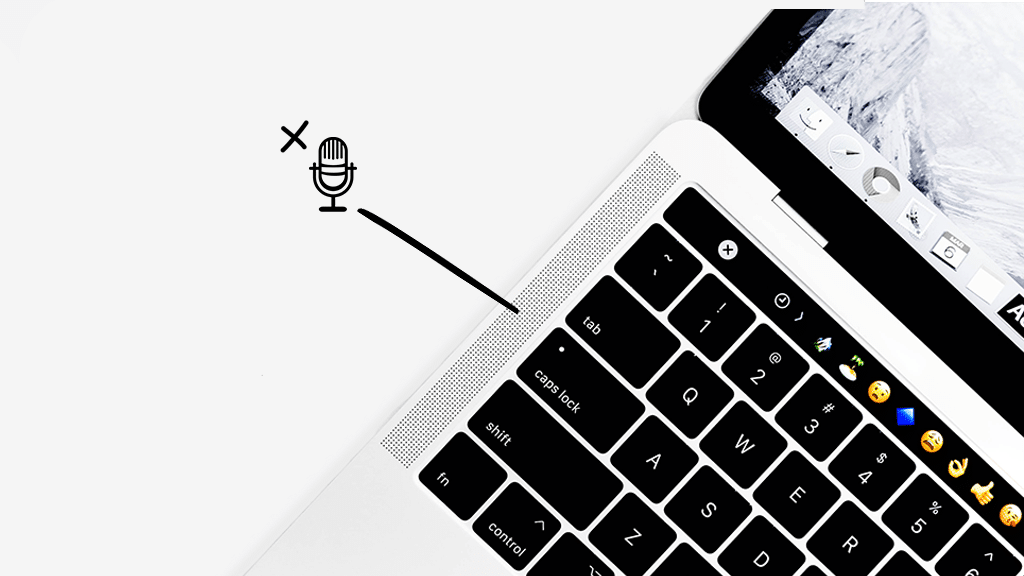
MacBooks: Do Apple laptops have a microphone?
If you’re using a MacBook, the question of whether it has a microphone answers itself.
- All MacBooks are equipped with one or more microphones . This means you can use them straight away.
- You can check whether the microphone is switched on via your MacBook’s System Preferences. You can do this via the Sound menu. Here, you can switch the microphone on or off.