0
If your dishwasher won’t start, there may be various reasons for this. Error messages can also vary depending on the manufacturer.
Dishwasher won’t start: causes and solutions
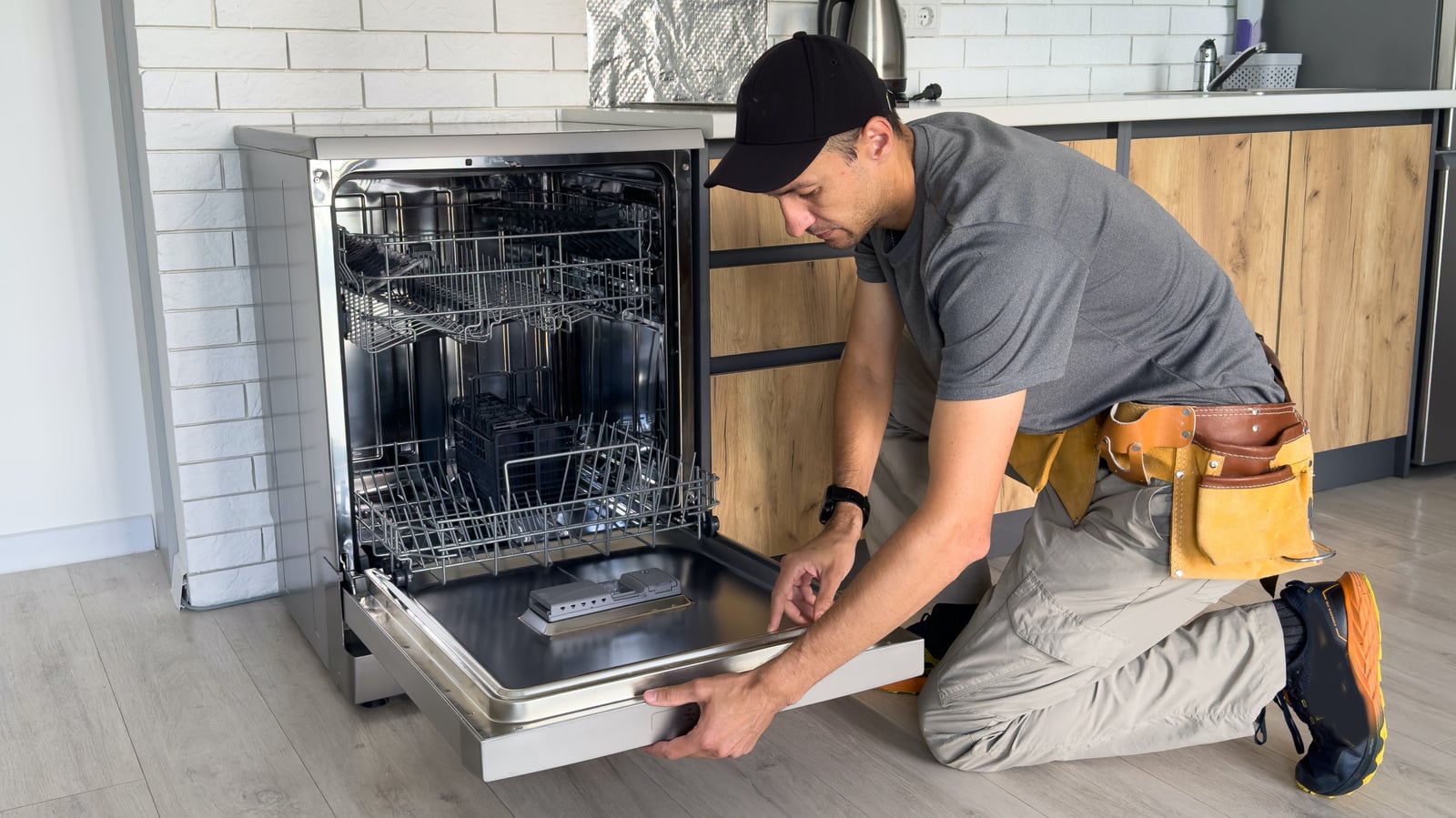
If your dishwasher won’t start, you should get to the bottom of the problem quickly. These days, it’s hard to imagine a household without a dishwasher. Not only do they make washing up easier, but they also use less water than washing up by hand. Nevertheless, technical problems can sometimes occur. Before you start any repairs, you must, for safety reasons, unplug the appliance or switch off the fuse.
- First, check that the water supply is turned on. You should also ensure that the dishwasher is connected to the mains. It often helps to switch the appliance on and off again. If the switch feels loose, this could be a possible reason why the dishwasher isn’t working.
- If your dishwasher won’t start, the problem may lie with the water supply. You can usually tell if the dishwasher is drawing water correctly by a quiet whirring sound. The water inlet may be blocked or turned off. The water pressure should be at least 0.5 bar for the machine to work. Check that the tap for the dishwasher is fully open and that the inlet hose is not kinked or blocked. For appliances with an Aquastop, you should also check the housing at the hose connection. If necessary, the small strainer at the tap connection can be carefully removed and cleaned. Then turn the tap back on and run a test cycle.
- Another possible reason why the dishwasher won’t start can be identified by checking the base tray. You may find water standing in it. This indicates that the drain hose or the drain filter is blocked. Sometimes, for example, food residues can be found in the hose. To resolve the issue, clean the hose and filter thoroughly. In some cases, the drain hose will need to be removed to do this.
- Furthermore, water in the base tray may also be due to a leak. In electronic Aquastop systems, the base tray acts as an alarm. If there is a hole anywhere in the dishwasher, water drips into the tray, triggering the Aquastop. The system is a safety measure designed to prevent water from leaking out and causing damage. Consequently, the Aquastop system may also be the reason why the dishwasher won’t start.
- To reset the Aquastop, you must first turn off the tap and disconnect the dishwasher from the mains by unplugging it. Depending on the model, you may then need to carefully disconnect the inlet hose. To reset the Aquastop completely, it is best to consult the user manual, as the procedure varies depending on the dishwasher model and the Aquastop system.
- Another common reason for a dishwasher not working is a blocked filter. This can cause the pump to become blocked or the water level to remain too high, for example. To clean the filter, first disconnect the appliance from the mains. Then remove the dish rack and take out the filter. This usually consists of a coarse filter and a fine mesh strainer. Clean both parts under running water and remove any dirt, such as limescale deposits. Finally, reinsert the filter assembly. Also check that both filters are securely locked in place before switching the machine on, as a loose filter can damage the dishwasher.

Dishwasher won’t start: error codes
- E15: This error code indicates that the Aquastop has been triggered because water has entered the base tray. To resolve the fault, it is worth deactivating the Aquastop system.
- E24: This indicates a blockage in the water flow, meaning the water is draining slowly or not at all. Clean the filter and check the drain hose.
- E25: This error is caused by the pump, which may be blocked by foreign objects. Remove the filter. This will give you access to the pump, allowing you to check it for food residues or other foreign objects.
- E09: A heating fault means the water is not being heated sufficiently or at all. This may be because, for example, the heating element or the temperature sensor is faulty. You should have this problem rectified by a qualified technician.
- E01/E02: This error code indicates a problem with the control electronics or the main circuit board. Try resetting the system. If this does not work, professional servicing will be required in this case as well.
- E22: This means there is water in the base of the unit. Clean the filter and the strainer, and check the pump sump and the drain.