145
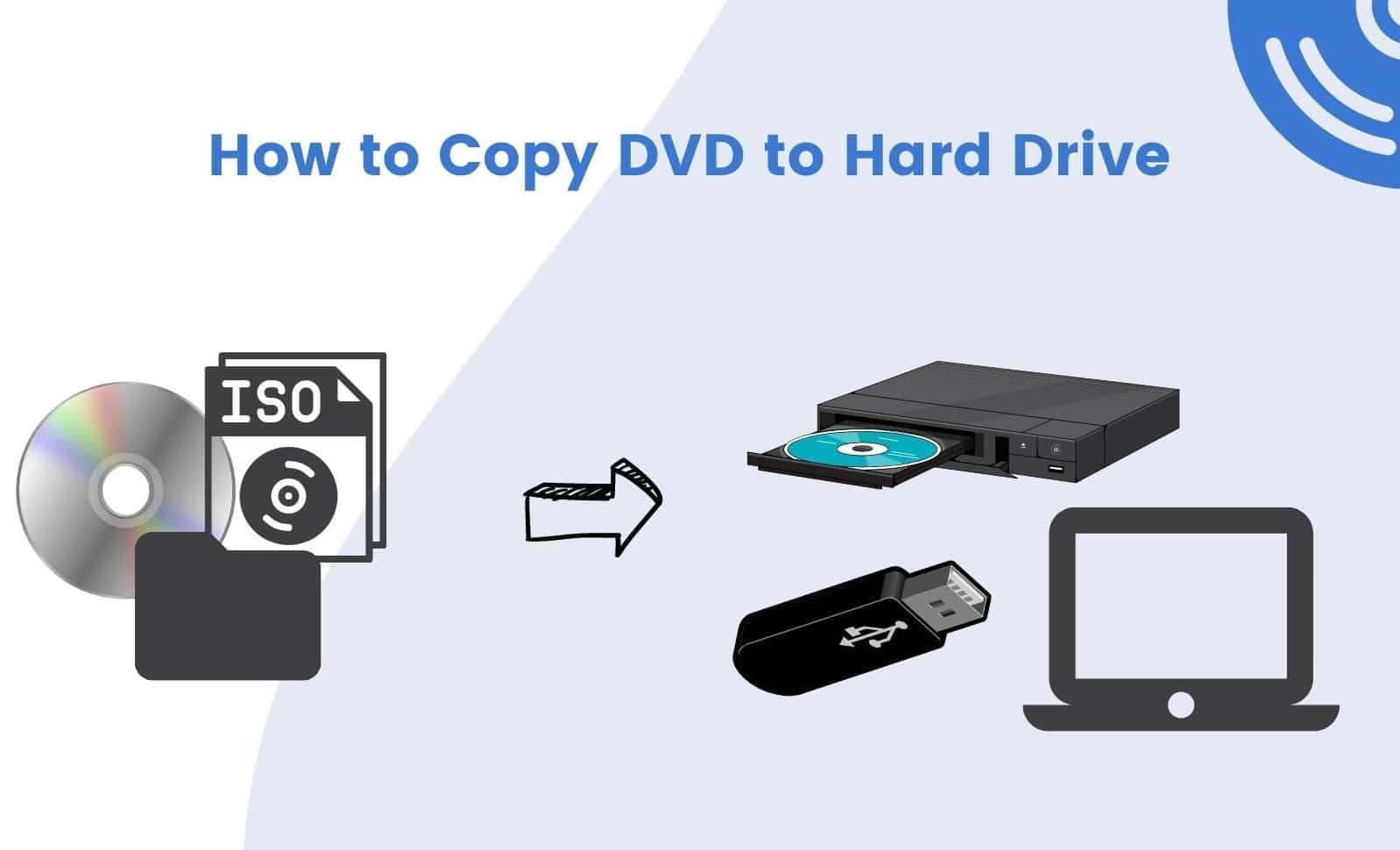
If you want to copy a DVD to your hard drive, our step-by-step guide will help you do just that. However, not every video or movie can be transferred just like that. We’ll also explain what’s important to keep in mind.
Copying a DVD to your PC hard drive – how to digitize movies and videos
If a DVD is not copy-protected, you can easily copy it to your PC. If a DVD or CD is copy-protected, this is prohibited. Detailed information on copy-protected DVDs can be found in a separate article.
- Once you have inserted an unprotected DVD into your PC’s drive, go to “My Computer” on your computer and open the DVD folder.
- Select the contents of the folder using the key combination [Ctrl]+[A]. Then copy the contents of the folder using the key combination [Ctrl]+[C].
- Now go to your hard drive and create a new folder with the name of the DVD, or the video, in the desired location.
- Open this newly created folder and use the key combination [Ctrl]+[V] to copy the contents of the DVD from the clipboard into it.


previous post