0
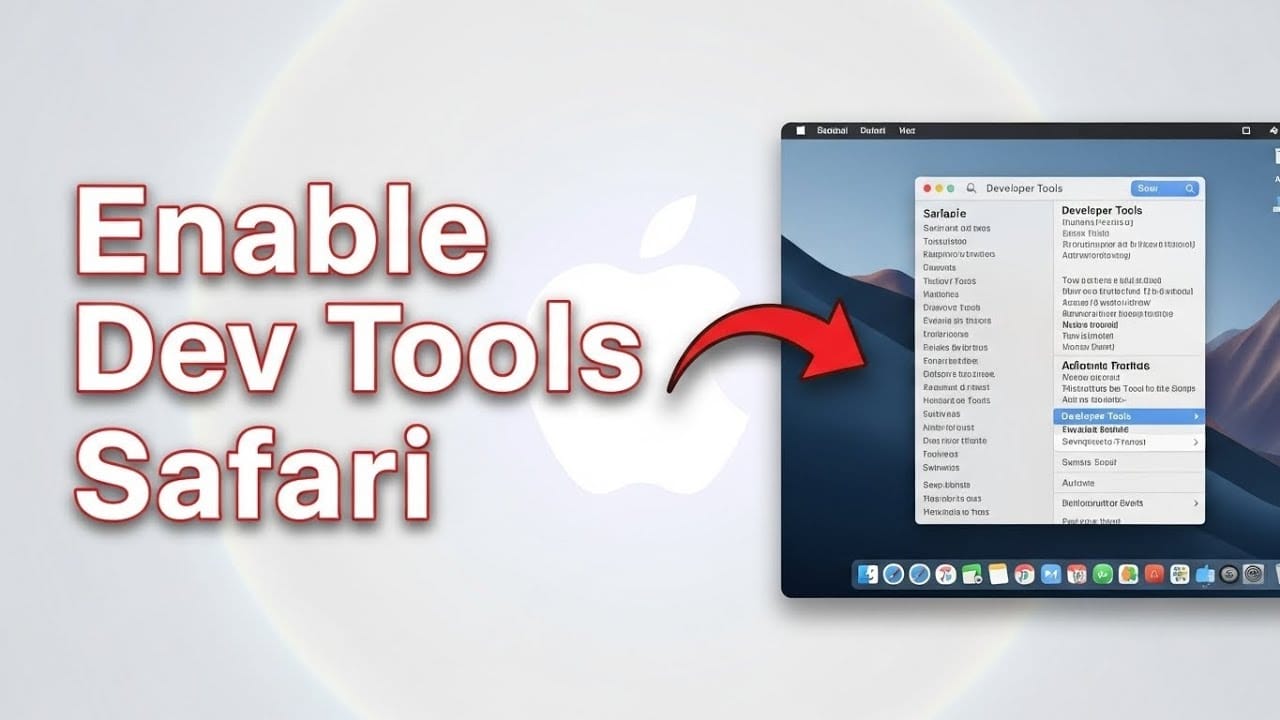
Safari offers developer tools that let you take a look ‘under the bonnet’ of a website. Read this practical tip to find out how to enable them with ease.
Enabling the Developer Tools in the Safari browser
It only takes a few clicks to enable the Developer Tools in Safari:
- Open Safari and click on the ‘Safari’ -> ‘Preferences’ option in the menu bar.
- Now click on the ‘Advanced’ icon and tick the checkbox at the very bottom labelled ‘Show Develop menu in menu bar’.
- You can now access the developer tools via the “Developer” menu bar option.