574
To see all your data in Windows 10, you need to show hidden files.
Windows 10: Display hidden files
By default, Windows 10 hides sensitive system files and folders as well as temporary files. If you want to see these files, you must display the data separately.
- Press the key combination [Windows] + [E] to open Windows Explorer.
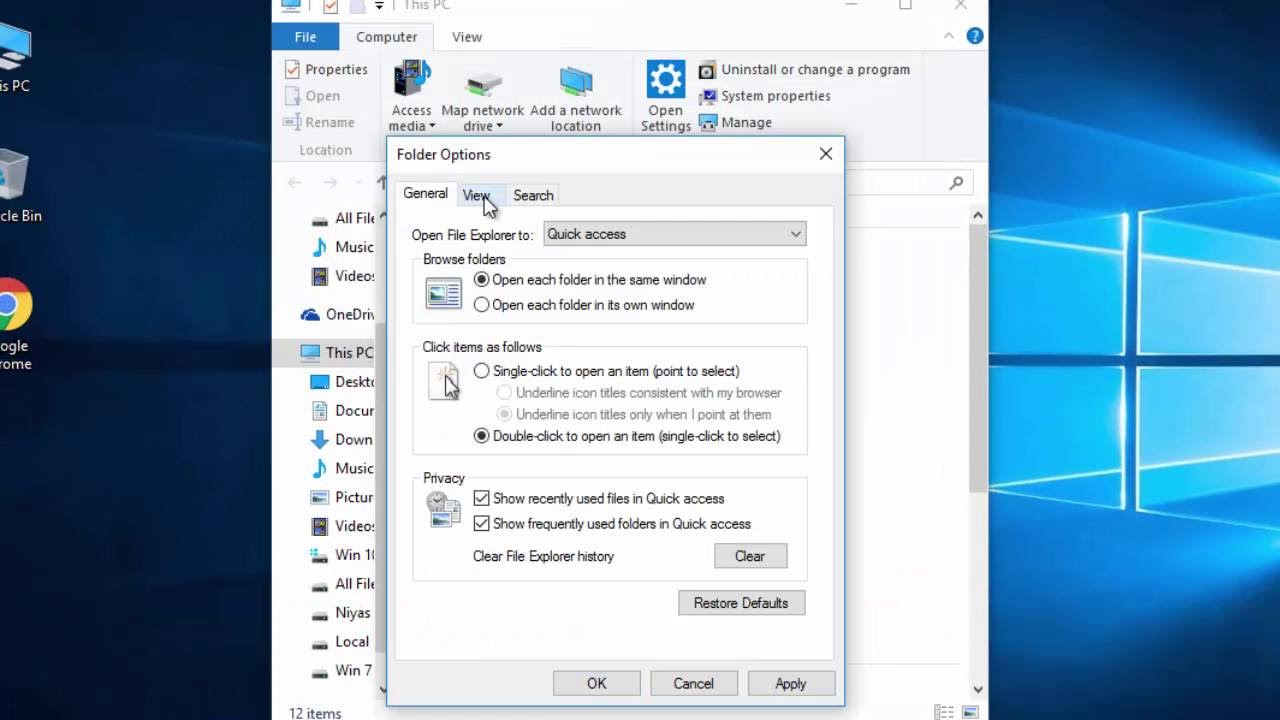
- Switch to the “View” tab at the top.
- Right-click on the “Show/Hide” button.
- Finally, activate the “Hidden items” entry in the drop-down menu.