5
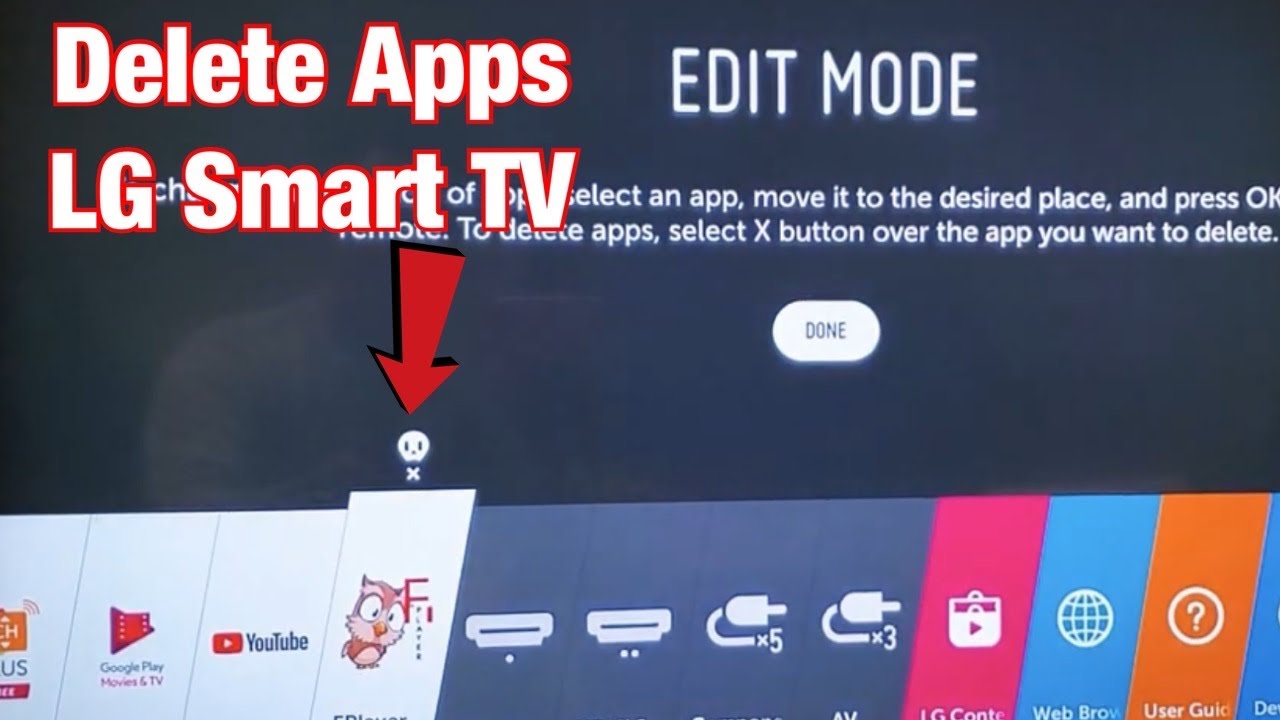
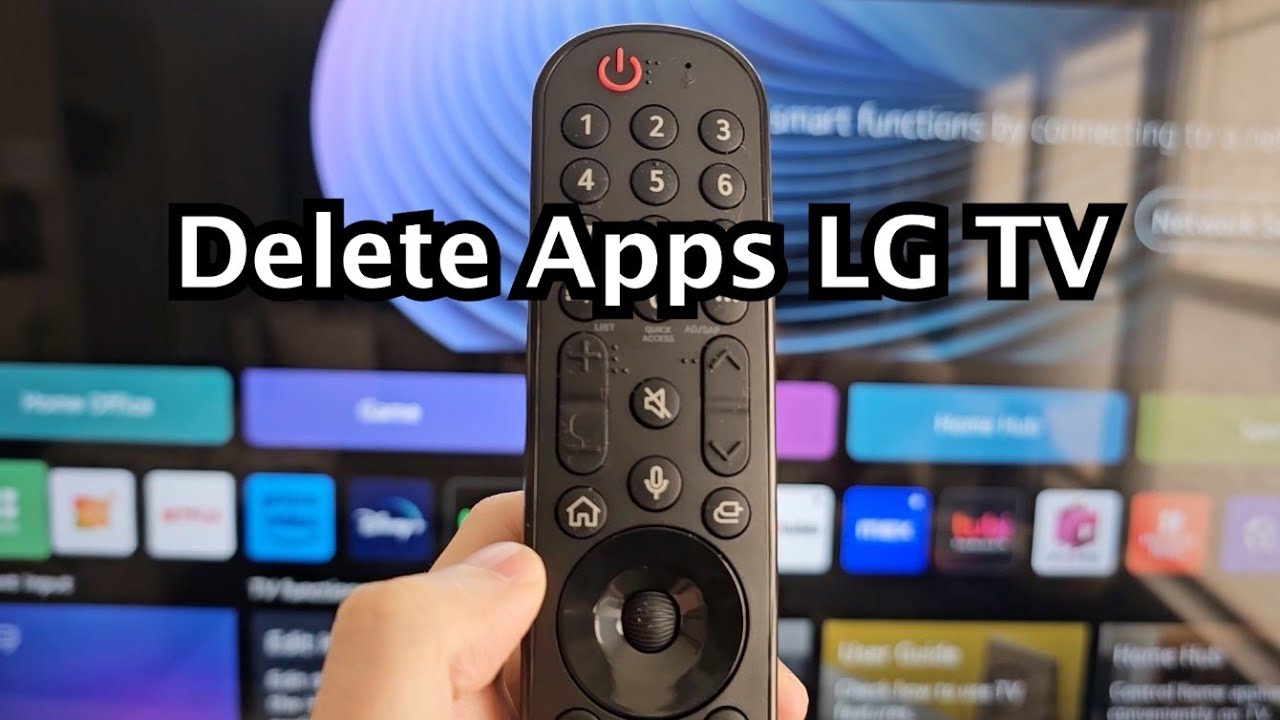
You can delete apps from your LG Smart TV if you no longer need them. This allows you, for example, to free up space for new apps.
Deleting apps on your LG Smart TV
If you installed some apps after buying your Smart TV that you no longer need, you can delete them in just a few steps:
- First, open the LG Content Store, which is located at the bottom of the home screen. Here you’ll find all the apps you’ve installed, as well as all those available for your TV.
- Next, go to the App Store. Now select the app you wish to delete.
- In the app’s edit mode, you can now click on ‘Delete’.
- As a final step, all you need to do is confirm that you really want to uninstall the app. The app will then be uninstalled.