When booting an image—usually from a Ventoy USB drive—some users may receive the error message “No bootfile found for UEFI! Maybe the image does not support x64 UEFI.”
This guide details the causes of the error, how to fix it, and how to boot from the desired image.
Causes of the error and how to fix it
The error message “No bootfile found for UEFI! Maybe the image does not support x64 UEFI” (No boot file found for UEFI. The image may not support x64 UEFI) when booting from a Ventoy drive usually indicates a combination of the following factors:
- Booting from the USB drive was performed in UEFI mode.
- GRUB2 Mode was selected as the boot type.
- The image either does not contain the necessary boot files at all, or they are not located where Ventoy scripts look for them.
At the same time, the image itself may well be compatible with UEFI booting, but organized differently than Ventoy expects.
GRUB2 boot mode in Ventoy is intended only for Linux-based images and, unlike the standard “Normal mode,” mounts the image into memory, after which it searches for the necessary boot configuration files to hand over control. If it does not find them in the specified locations, the Ventoy script reports the error in question.

Here are the main solutions:
- Use Normal mode — when selecting a boot option, this is the primary and recommended method for booting into Ventoy. For Windows and WinPE images, it is essentially the only method that works reliably. In Normal Mode, Ventoy does not search for boot files itself; instead, it emulates the drive and UEFI: UEFI reads a special boot record from the ISO image, which contains the addresses of the boot configuration files.
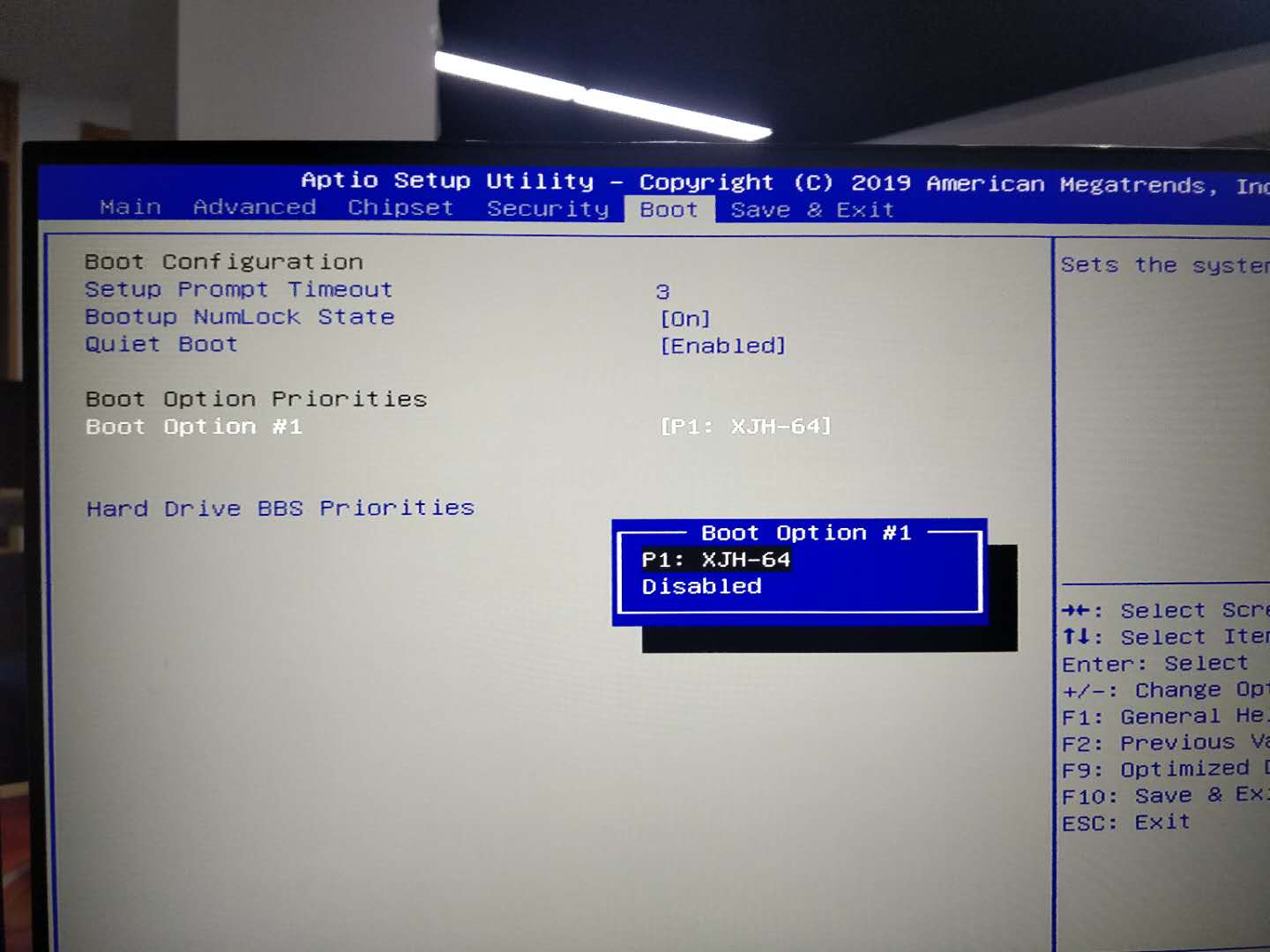
- Try booting in Legacy (CSM) mode by enabling the corresponding boot mode in the UEFI settings and selecting a USB drive without the UEFI/EFI label as the first boot device.
- For some specific images, manual writing to a separate USB drive may be required; it is best to use the tool recommended by the developer (but the article on the best programs for creating a bootable USB drive may also be useful):
Although Ventoy is compatible with many images, compatibility is not 100%, and sometimes you have to use the “traditional” approach.