1.2K
If you’ve ever wondered how to send a text message while using your smartphone, this guide is here to help. We’ll show you, step by step, how to compose and send a text message.
Guide: “How to write a text message”
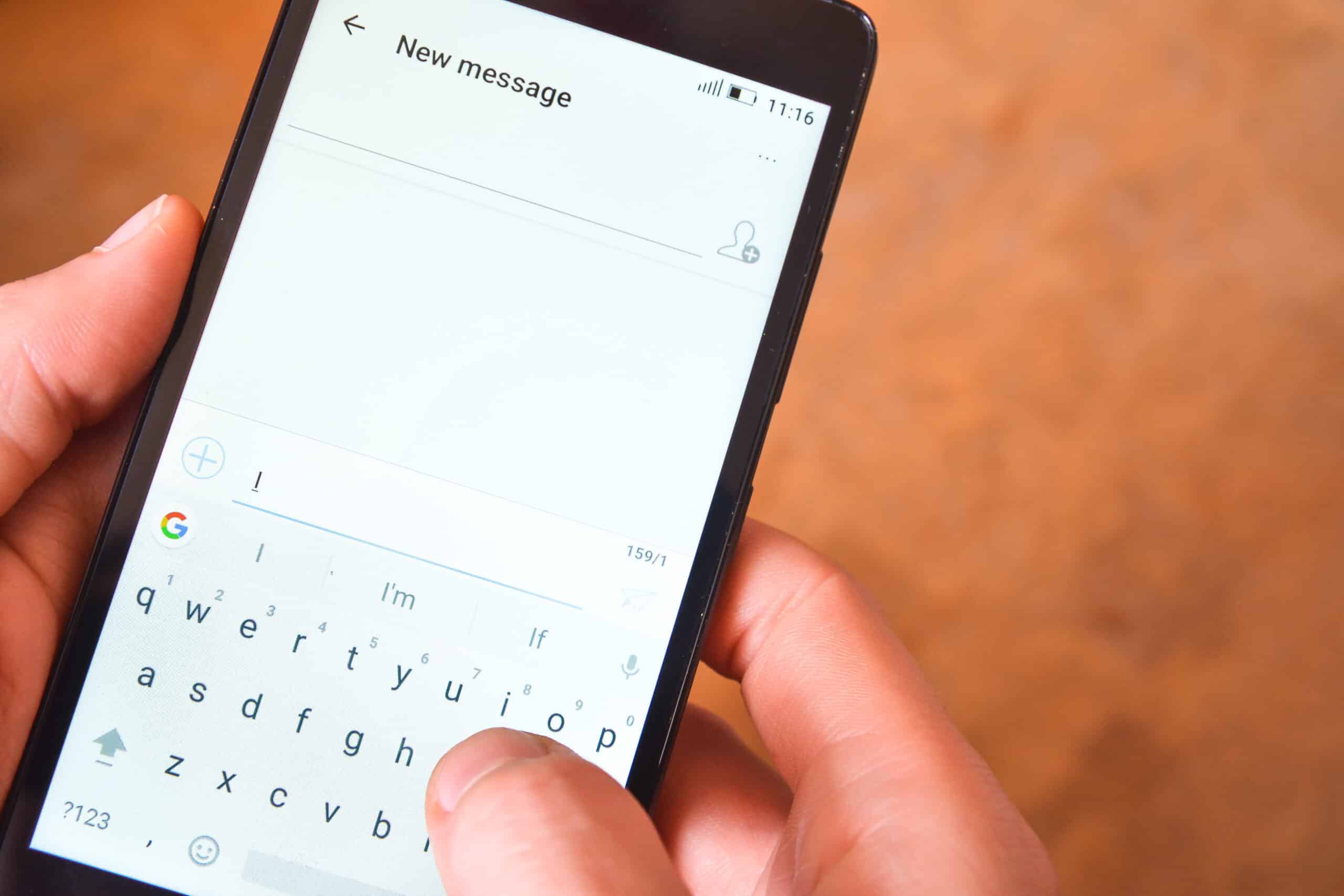
With the countless apps and features on a smartphone, it’s not always easy to keep track of everything. If you want to write a text message, you’ll need to use the “Messages” app. Here’s the best way to do it:
- Unlock your smartphone and swipe your finger from the bottom up to access the app overview.
- Look for the “Messages” app—it’s usually listed alphabetically under “M” and marked with a small envelope icon.
- Tap the speech bubble with the small plus icon in the bottom right corner to compose a new text message.
- Now tap the plus icon in the “To” field. Your contacts list will open. Tap the name of the person you want to send the message to and confirm by tapping “OK” at the bottom.
- Now use your smartphone’s on-screen keyboard to type the text. You can also tap the small face icon if you want to add emojis.
- Once your text message is ready, tap the arrow icon on the right to send it.

Interesting facts about SMS
SMS is an abbreviation for “Short Message Service”.
- You only have a limited number of characters available in an SMS. If you write more than 160 characters, a second text message will automatically be started.
- Unless you have a flat-rate plan that allows you to send unlimited messages, an SMS costs money—usually between 9 and 19 cents. Depending on what is specified in your mobile carrier’s plan, however, an SMS will always cost the same.
- Once an SMS has been sent, you can delete it from your phone afterward, but the recipient will still receive your message. It cannot be retrieved.
- By the way, you also cannot schedule an SMS for a specific time. It is sent the exact moment you press the arrow.
- When writing, the tone can be rather informal. You don’t necessarily have to include a greeting and a closing, especially if you text someone very frequently. If you contact someone only rarely, it is certainly polite to start with “Hello” and end with “Best regards.”