301
You can download things from all over the internet. But what exactly is a download? We explain it simply and clearly in this article.
What Is a Download? Find out here
Before you start a download on the internet, you should understand what happens during the process:
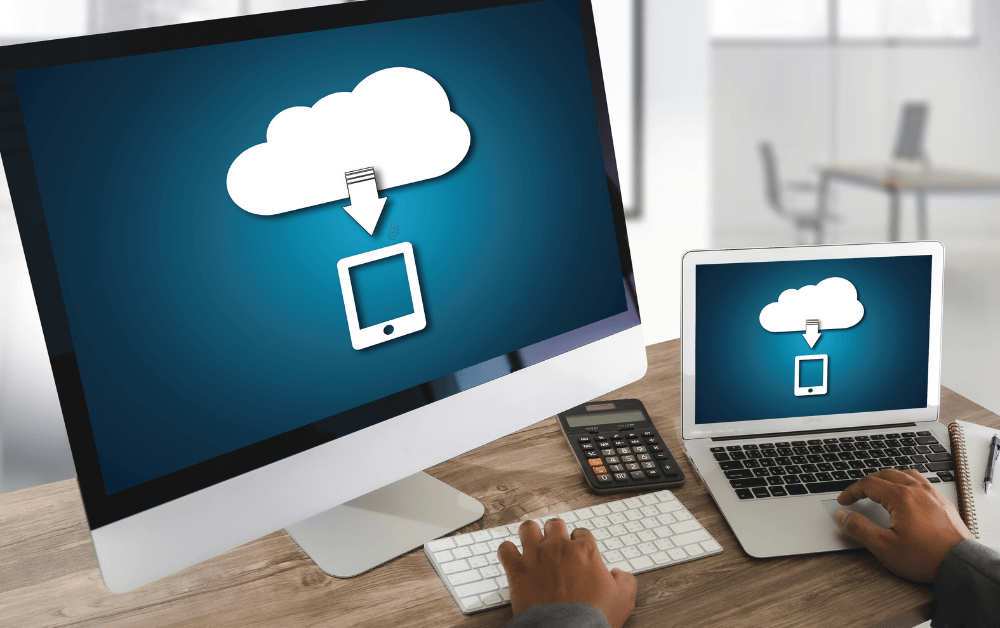
- Essentially, downloading means that data is transferred from the internet to your computer and saved there.
- So whenever you visit a website, you’re performing a series of downloads. The downloaded data is then displayed by your browser.
- However, this explanation is still very general, and most of these downloads are only temporary. This means they are deleted from your computer once you leave the website.
- When people talk about downloads today, they are referring to a specific type of download where you permanently (!) save larger files.
- During a download, a file is copied from the Internet to your computer so that you can use it there at a later time.

Is a download good or bad?
If you go ahead and start downloading now, there are several things you should keep in mind:
- Be careful when downloading and opening files from third-party sites. Depending on the publisher, website, and content, such files can often contain malware.
- Limit your downloads to official websites or those that explicitly verify downloads. We thoroughly scan them for viruses.
- Downloaded files are usually displayed in a row at the bottom of the browser or in the top right corner of the address bar. Here you can click on them immediately to open them.
- You can also press [CTRL] + [J] in your browser to open the download manager. You’ll find your most recent downloads there as well.