0
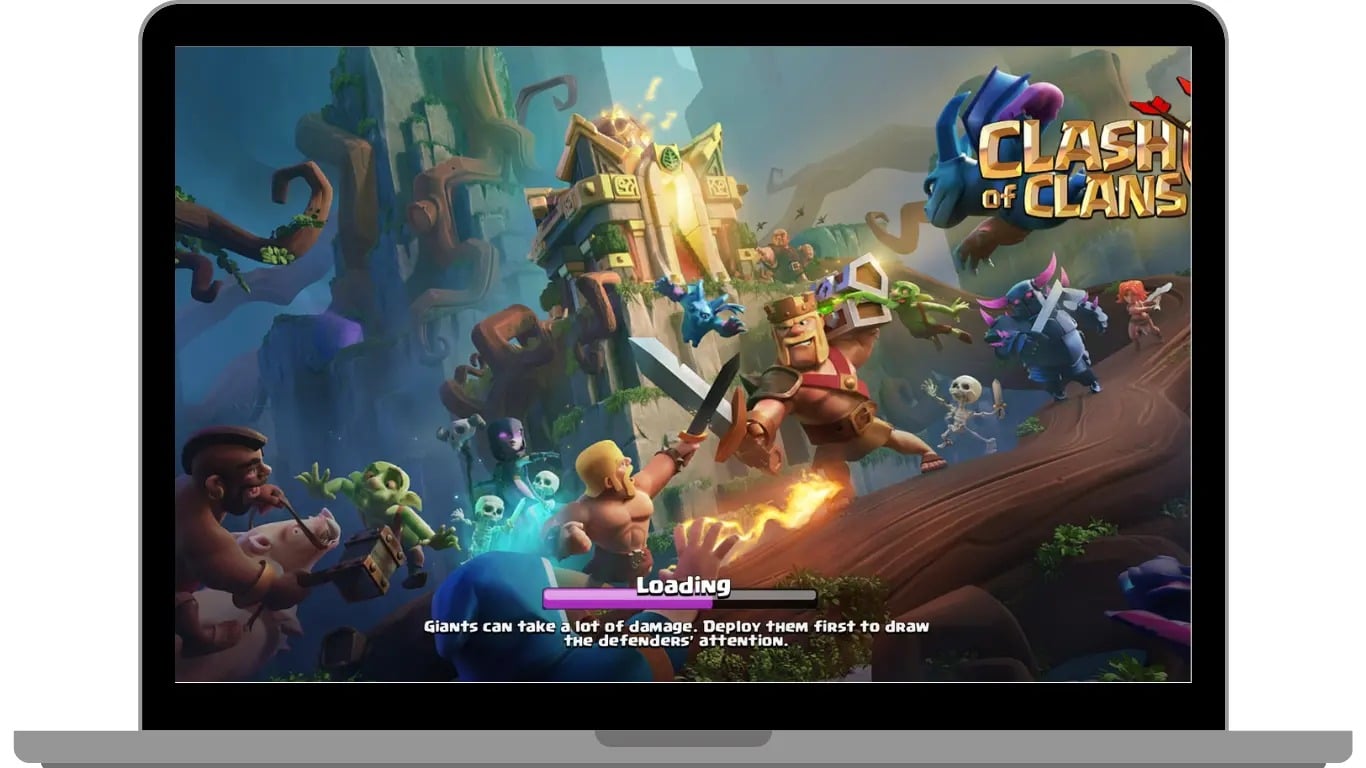
Playing Clash of Clans on a Mac is a challenge. The game was originally developed for mobile devices. However, there are ways to do it.
Mac: Installing and playing Clash of Clans
The first option for playing Clash of Clans on a Mac is to use an Android emulator.
- Emulators such as BlueStacks or NoxPlayer are popular choices for running Android apps on a Mac. These programmes simulate an Android operating system on your Mac, allowing you to play mobile games such as Clash of Clans directly on your computer.
- To use an emulator, download and install it, then sign in with a Google account to access the Google Play Store. You can then download and play Clash of Clans as if you were using an Android device.
- Emulators often offer additional features such as keyboard shortcuts and screen recording, which can enhance the gaming experience on a Mac. Another option is to use Apple’s own tool, Apple Silicon.
- Macs with M1 or M2 chipsets can run iPhone and iPad apps directly, meaning Clash of Clans can be downloaded and played via the Mac App Store. This is the simplest and most straightforward way to play the game on a Mac.
- Open the Mac App Store, search for Clash of Clans and install the game. Please note that this method only works on newer Macs with Apple Silicon.
- Older Macs, which are still equipped with Intel processors, are not supported by this feature. For users of such Macs, using an emulator therefore remains the best option.
Clash of Clans: Other options for the Mac
Playing via a cloud gaming service is another option.
- Cloud gaming allows you to play games on high-performance servers whilst the screen output is streamed to your Mac. Services such as Vortex or GeForce Now enable you to play mobile games like Clash of Clans via the cloud.
- All you need is a stable internet connection; there’s no need to install any software on your Mac. Simply sign up to a cloud gaming service, select a game, and you can get started straight away.
- Cloud gaming also offers the advantage of letting you play games on different devices without losing your progress.
- Another approach is to use screen-mirroring apps to stream Clash of Clans from an iPhone or iPad to your Mac. With tools such as AirServer or Reflector, you can mirror your mobile device’s screen onto your Mac and enjoy the game on a larger screen. However, this method requires you to actually be playing the game on a mobile device and simply be mirroring the screen to your Mac. It is particularly suitable for those who prefer the controls and user interface of a mobile device but still want to play on a larger screen.
- You can also use a virtual machine to play Clash of Clans on your Mac. This is a more technically demanding method, involving the installation of a full Android operating system on your Mac within a virtual environment. Programmes such as VirtualBox or VMware Fusion allow you to create such an environment and install Android on it. You can then install and play Clash of Clans in the same way as you would with an Android emulator. However, this method offers few advantages over a conventional emulator and also requires more system resources.