6
Understanding exactly what CPU load is is particularly useful when it comes to multitasking on a PC. In this practical tip, we’ll explain what the term actually means.
What is CPU load?
CPU stands for Central Processing Unit. This refers to your computer’s processor.
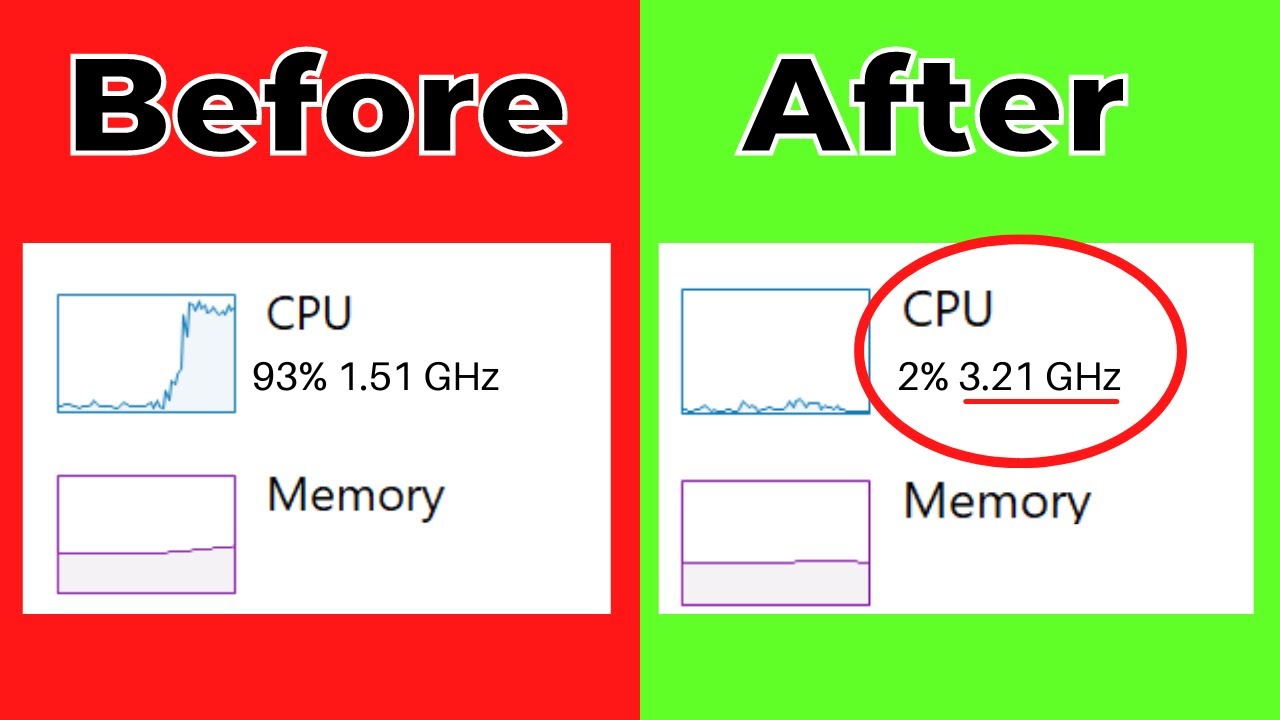
- CPU load indicates your computer’s current processing power as a percentage.
- The term ‘CPU utilisation’ is probably easier to understand. It shows how much the processor is currently occupied with computational tasks for programmes or with individual processes.
- The more processing time your PC currently requires for running processes, the higher the percentage of CPU utilisation.
- The more processing cores your CPU has, the less each individual core is utilised. Consequently, the CPU utilisation is also lower.
How to check the current CPU load
The procedure in Windows 11 is not significantly different from that in Windows 10. You can find this information in Task Manager.
- Press the [Strg] + [Alt] + [Entf] keys simultaneously, then click on ‘Open Task Manager’. To open Task Manager in Windows 11, simply right-click the ‘Start’ icon on the taskbar and then select ‘Task Manager’.
- In Task Manager, click the ‘Processes’ tab to view the processes currently running. Click on the “CPU” entry to sort the processes by their CPU usage.
- Under the “Performance” tab, the current CPU usage is displayed graphically as bar charts.
