0
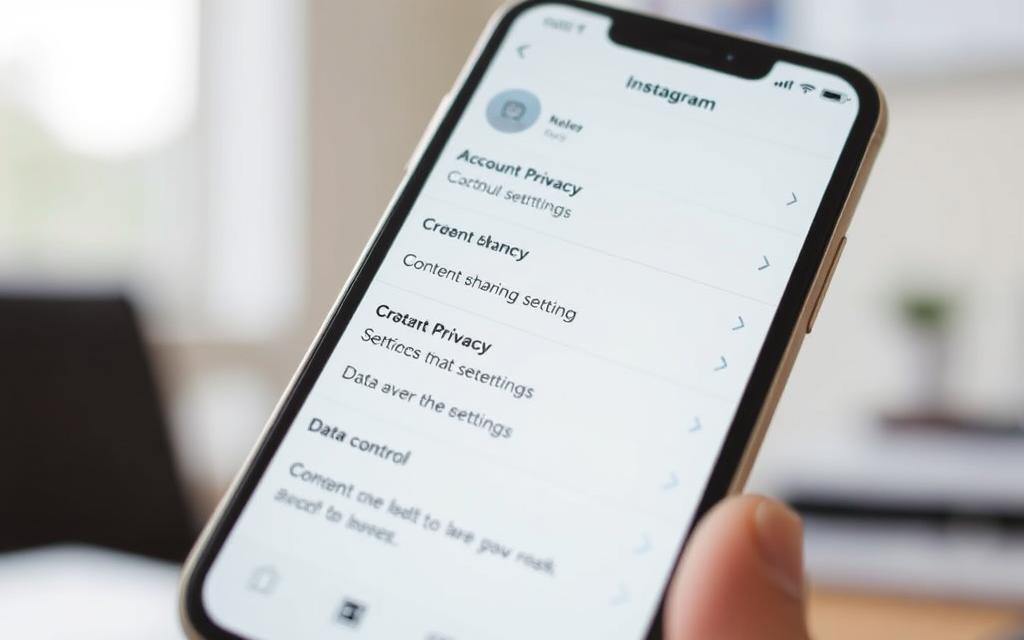
When you use Instagram, your profile is automatically set to public. However, if you configure your privacy settings correctly, you can change this. We’ll show you how.
Instagram privacy: Show posts only to approved followers
To ensure your photos and videos on Instagram remain private, you can enable a feature that allows you to approve followers. This means only approved people can see your posts. However, this is also the only privacy setting that Instagram provides.
- Open the Instagram app on your iOS device or Android smartphone.
- Tap the business card icon in the bottom right-hand corner of the screen.
- Next to your profile picture, you’ll find the ‘Edit your profile’ button.
- Scroll down and enable the ‘Posts are private’ feature.
- New followers must now be approved first. Existing followers are not affected by this. Your profile is now private. People can only find you via your username or email address, and will only be able to see your profile picture.