393
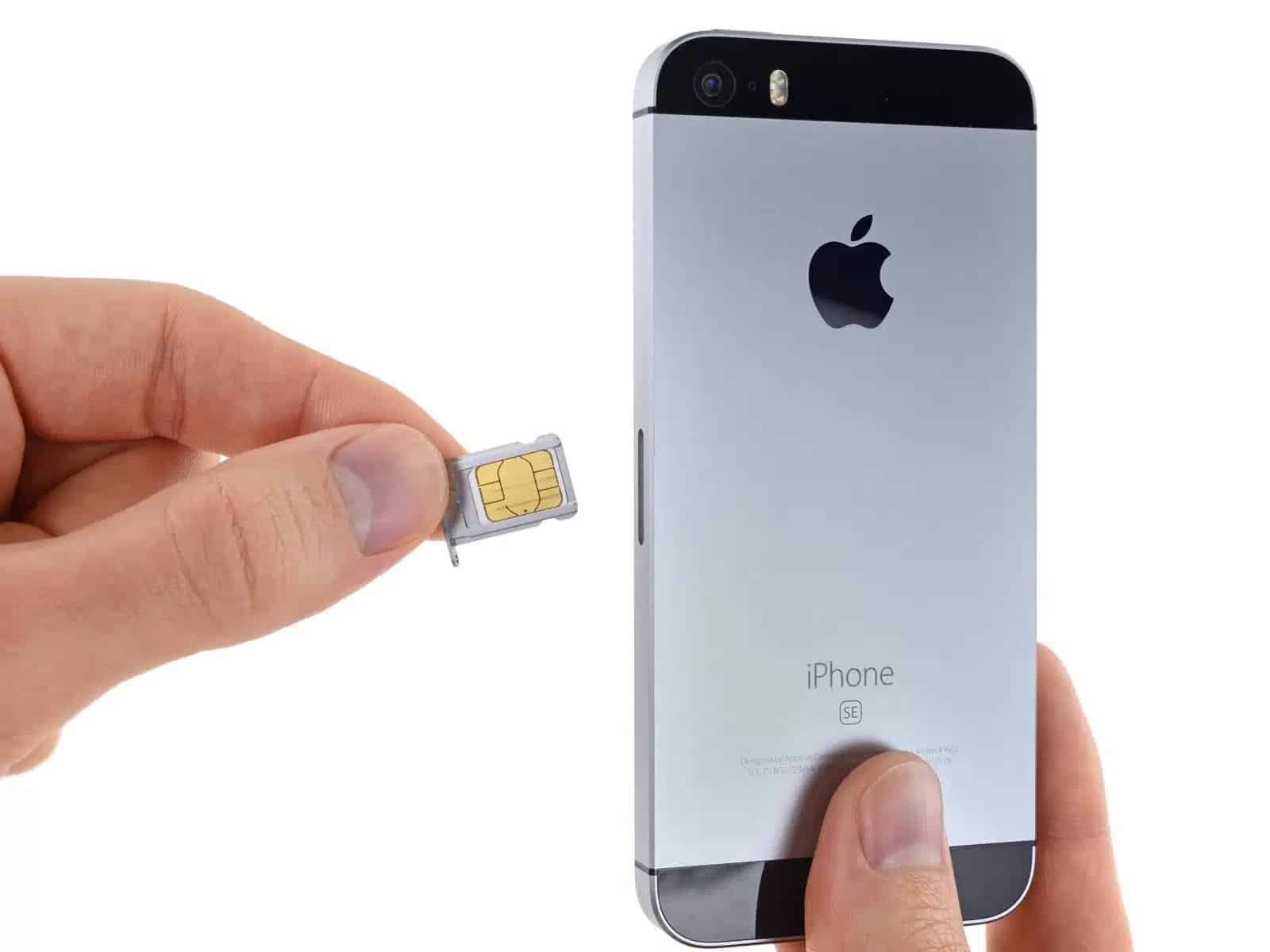
If you skipped unlocking the SIM card when you first set up your iPhone, you don’t necessarily need to restart the device.
Unlock SIM Card via iPhone Settings
Unlocking the SIM card is especially important after an iOS update or when changing the SIM card. Unlocking without restarting saves time and effort. The option to unlock the SIM PIN is hidden in the Settings.
- First, open the “Settings” app on your iPhone. This is the app with the gear icon. Select the ‘Cellular’ category at the top.
- Further down, you’ll find the “SIM PIN” option. Select this option to access the PIN settings.
- If the card is still locked, you will be prompted to unlock it immediately. Tap the “Unlock” button to access the SIM card.

Unlock iPhone SIM with a fake call
Alternatively, you can also unlock the SIM card in another way.
- To do this, simply open the Phone app and dial any number.
- The call will fail, and a prompt to unlock the SIM will appear. An unlock window will appear, and you can re-enter the SIM PIN.