282
There are two ways to set up Apple CarPlay: with a USB cable or wirelessly. Both options require very little effort and can be completed quickly.
How to Set Up Apple CarPlay
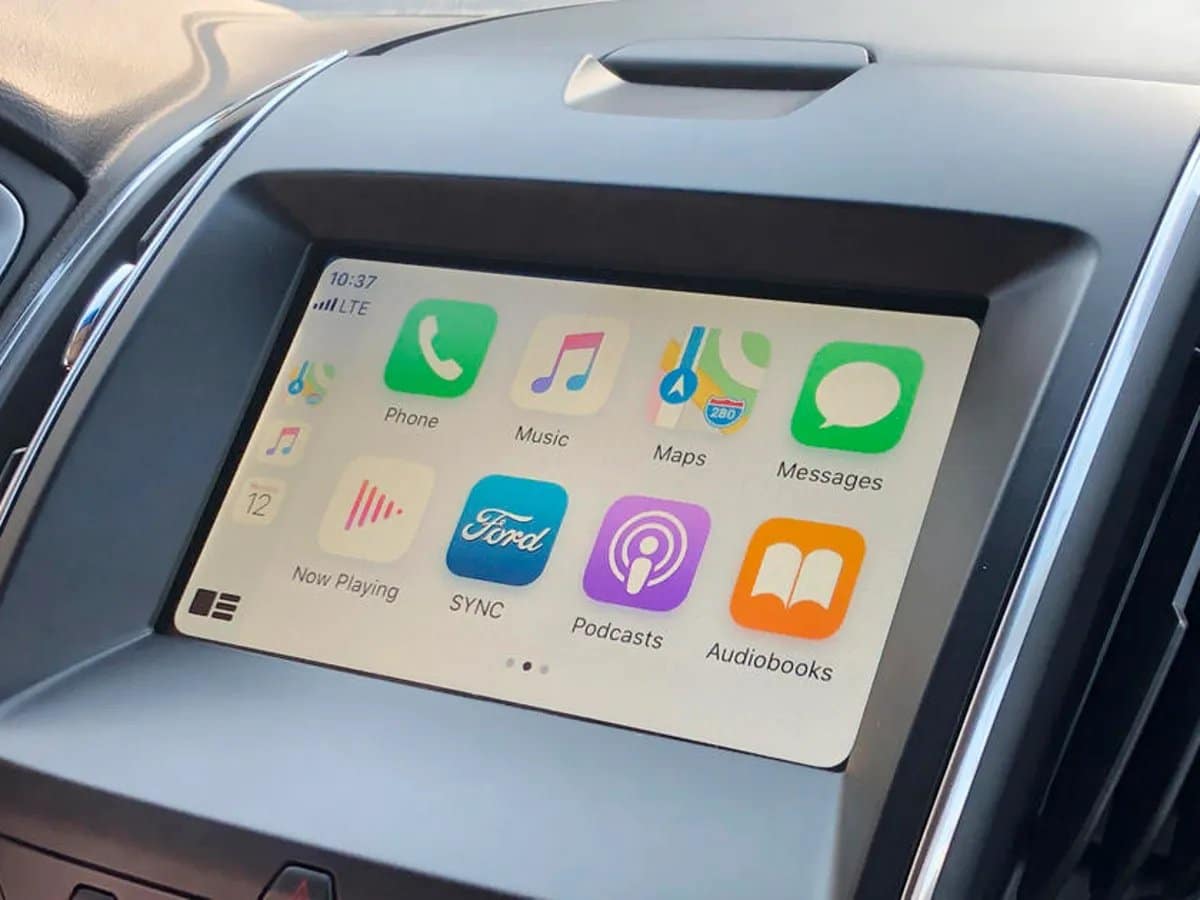
With Apple CarPlay, you can safely use your iPhone in your car. Setting up the software is quick, and once it’s done, you’ll have access to your iPhone’s apps through your car’s infotainment system.
- Wired connection: If you choose to connect your iPhone to Apple via a cable, first enable Siri. Then connect your iPhone to the car’s USB port. The port is usually marked with the CarPlay or smartphone icon. Once you’ve connected your iPhone, CarPlay will automatically appear on the car’s display. If this doesn’t happen, manually select Apple CarPlay in your car’s infotainment system.
- Wireless connection: If you prefer a wireless connection, also enable Siri beforehand. Then turn on Wi-Fi and Bluetooth on your iPhone. Next, press the voice control button on your car’s steering wheel. While holding down the button, select your car under CarPlay on your iPhone. To do this, go to “Settings” > ‘General’ > “CarPlay.” Finally, establish the wireless connection by following the on-screen instructions.
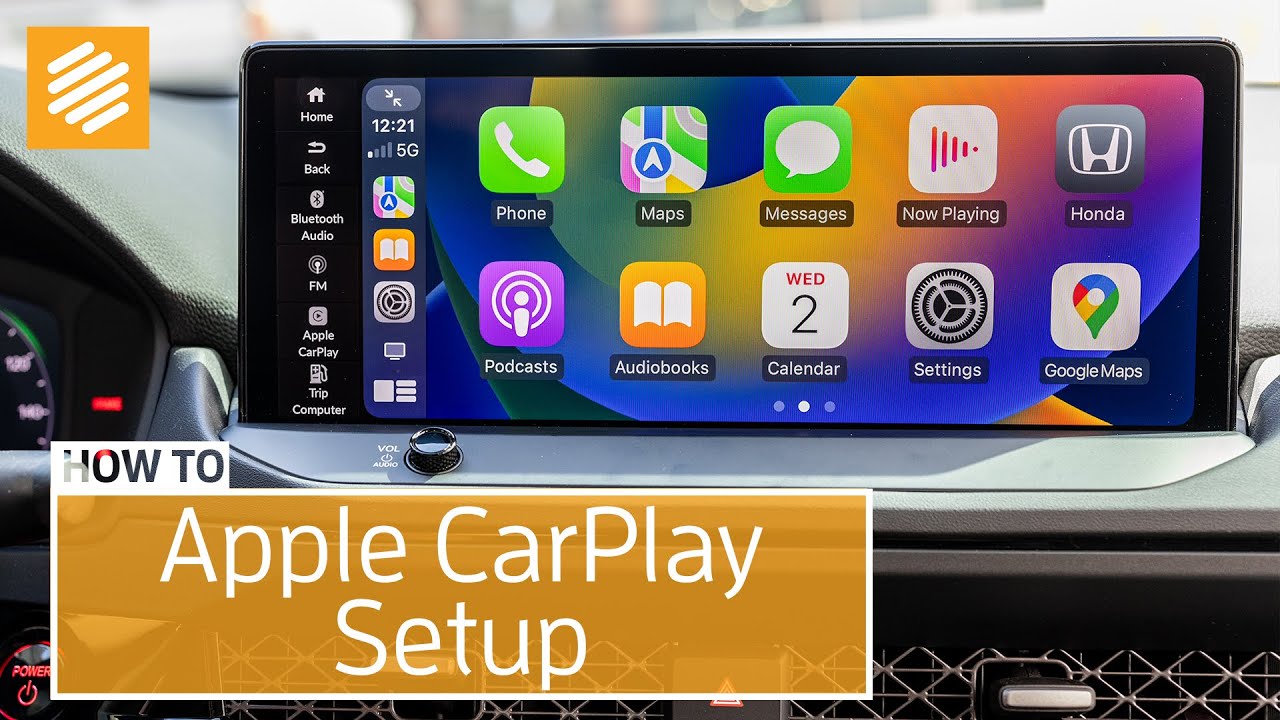
- CarPlay Settings: To make changes or adjust various settings, always go to: “Settings” > ‘General’ > “CarPlay.” There, you can, for example, rearrange the apps on your car’s display or change the background image.
Apple CarPlay – What You Need to Know
Apple CarPlay is designed not only for convenience but, above all, for safety. However, to use the software, a few basic requirements must be met:
- First, Apple CarPlay requires at least an iPhone 5 running iOS 7.1 or later. Furthermore, your car must, of course, support Apple CarPlay. This shouldn’t be a problem in most newer vehicles. Older cars can sometimes be retrofitted, though it’s not exactly cheap.
- Once you’ve successfully installed Apple CarPlay, you can use Siri to conveniently control apps via voice commands, so you won’t be distracted from the road. This includes making phone calls, sending and receiving voice messages, and using the navigation system. Entertainment options like music and audiobooks are also available.