136
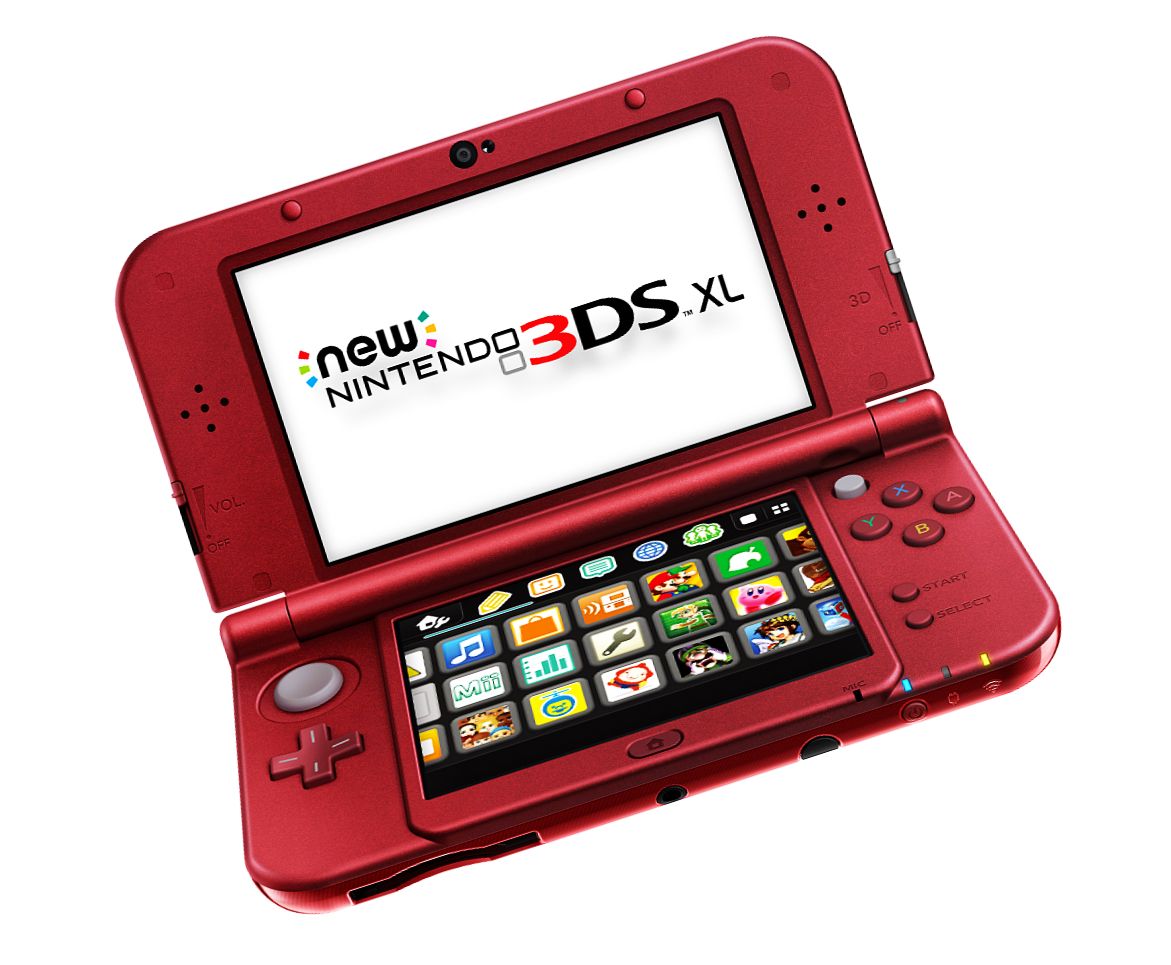
If your Nintendo 3DS won’t turn on, there could be several reasons. We’ll show you how to fix the problem.
Nintendo 3DS Won’t Turn On—Here’s What Might Help
- First, plug the device into a power source. If the battery has been completely drained due to cold temperatures or prolonged use, it may take a few minutes for the device to turn on again.
- If possible, use a different power adapter to charge it. You can borrow one from a friend.
- Press and hold the power button for a few seconds. If the Nintendo 3DS still won’t turn on, the device is most likely defective.
- Even if only one of the two screens turns on, the device is defective. In this case, a repair is necessary.

Defective Nintendo 3DS – Warranty and Repair
- If the problem still cannot be resolved, request a repair from Nintendo. To do so, contact Nintendo. You can do this either by email or through the hotline.
- If the device is still relatively new, it is covered under warranty. If the device is older, you will be charged for the repair.
