0
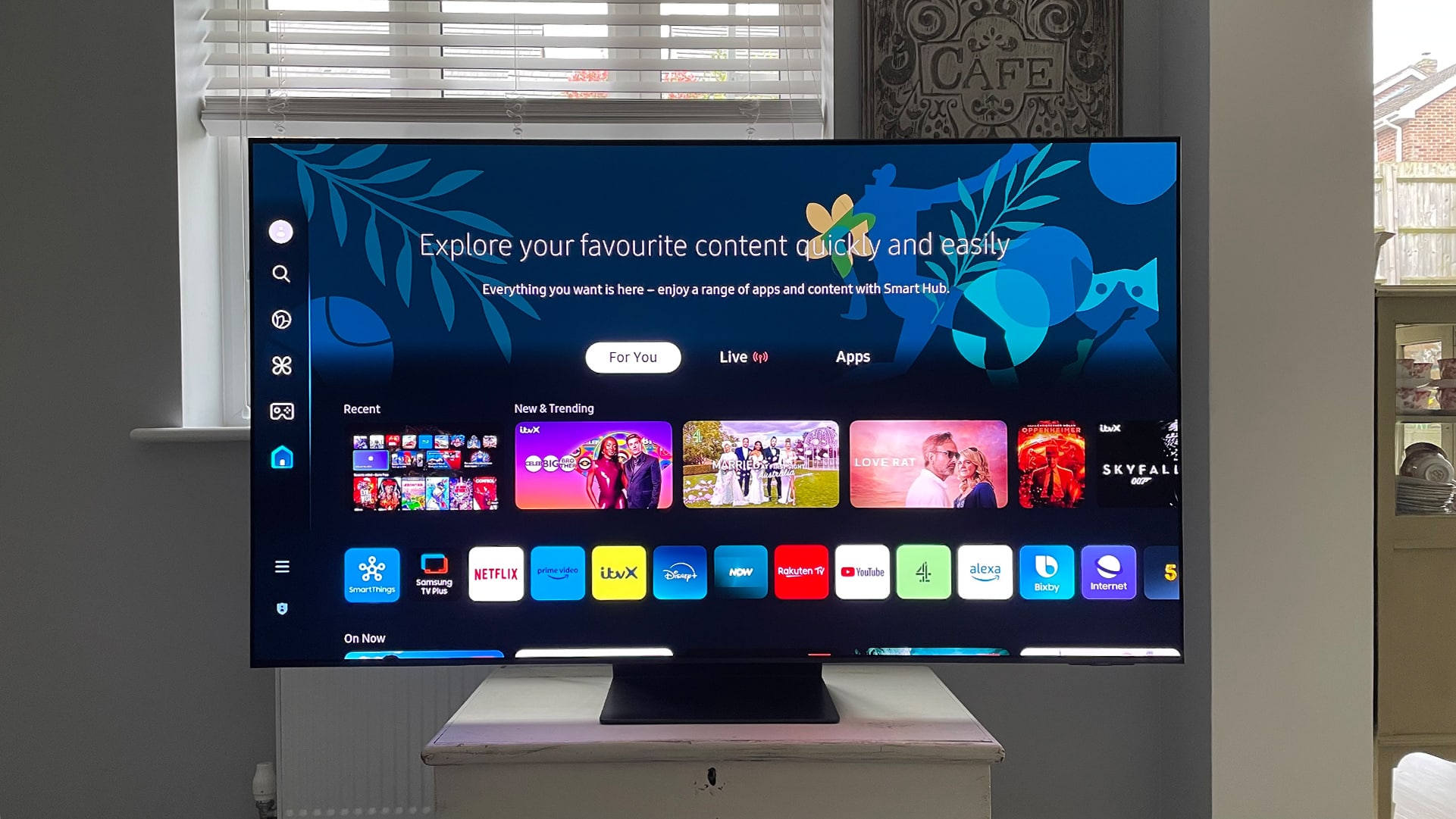
On Samsung Smart TVs, the default browser cannot be changed – even though Samsung had briefly integrated Google’s Chrome browser into the Smart Hub.
Changing the Samsung Smart TV browser – unfortunately not yet possible
Most TV manufacturers restrict you to the pre-installed browser. This was also the case with Samsung until 2012.
- However, in collaboration with Google, selected Google apps were integrated into the Samsung Smart Hub, including YouTube and Chrome. That said, there are still no televisions with Chrome pre-installed, nor can you download the app separately.
- Not much has happened since IFA 2012. Google seems to be focusing more on its ‘Chromecast’ project, and Samsung hasn’t released any updates on the subject since then either. Unfortunately, this means you’re still stuck with the pre-installed standard Samsung browser.
- If you don’t want to use Samsung’s pre-installed – and only – browser, there’s a little workaround. If you connect an Amazon Fire TV, you can use browsers such as Firefox or Silk on it. Alternatively, you can mirror your browser from your PC to the TV via a Google Chromecast.

