136
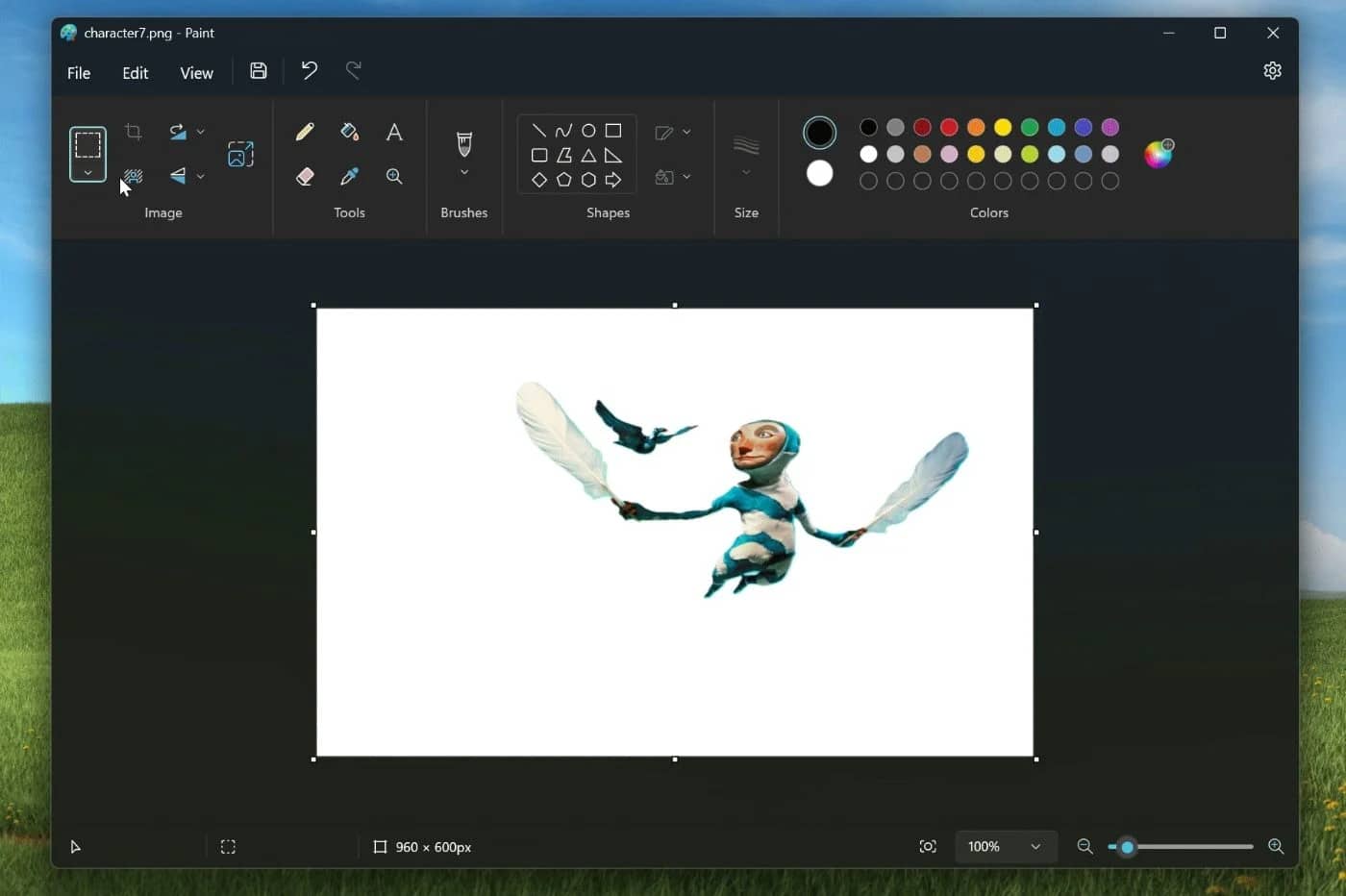
With the pre-installed Windows programme Paint, you can not only resize images but also crop them. We’ll show you exactly how to do this.
Cropping images in MS Paint
If you only need a specific section of your image, you can crop it to the desired size using Microsoft Paint. This feature has been built into Paint since the Windows XP version.
- First, open the photo you want to use in Microsoft Paint.
- Then, on the ‘Home’ tab, click the ‘Select’ button.
- You can now select the area of the image you want using the mouse. Tip: If you click on the arrow below the button, you can choose between a rectangular selection and a free-form selection.
- Once you have selected the area you want, click on ‘Crop’ in the ‘Home’ tab.
- Finally, save your changes via “File” > “Save”.

