6
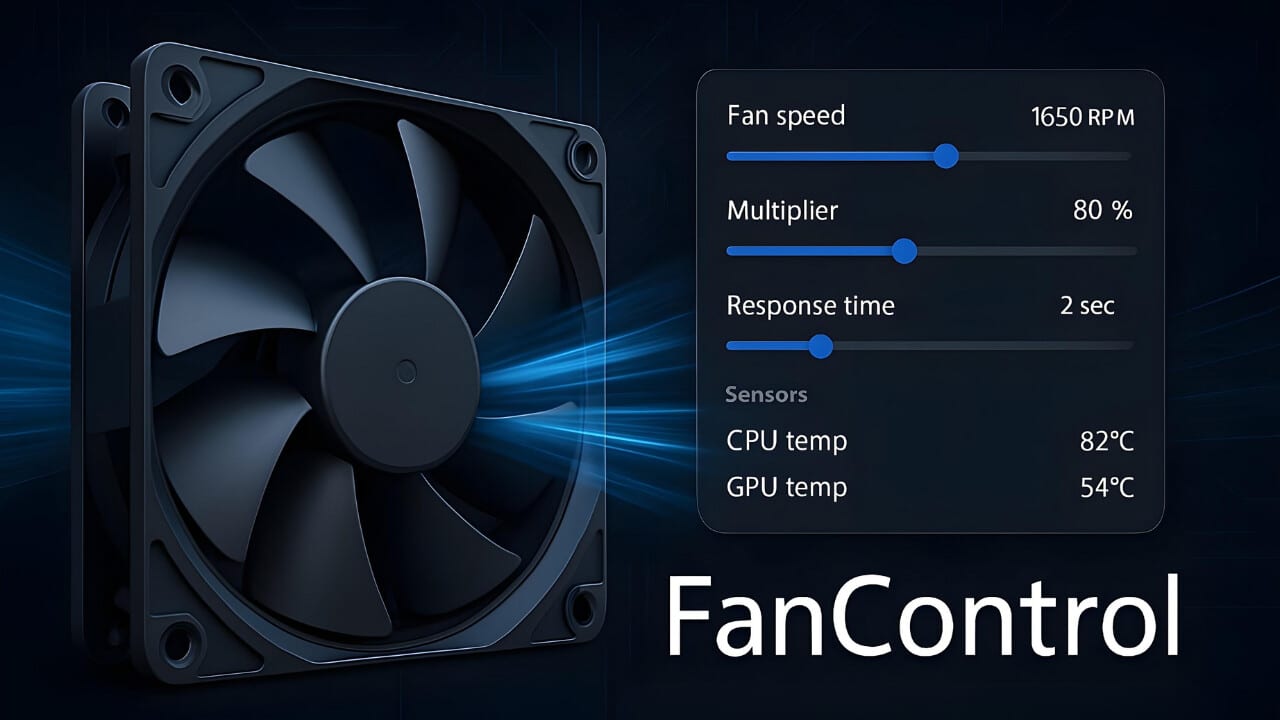
If you want to adjust your computer’s fan settings, you can do so via the BIOS. However, it is also possible to do this using specialised software in Windows. We’ll show you how.
Guide: Controlling fans via the BIOS
On newer computers, you can adjust the built-in fans directly via the BIOS. If you’re using a relatively old motherboard, you’ll need to use a software solution. Read on in the next paragraph to find out more.
- First, you need to open the BIOS. On older computers, you’ll need to use the arrow keys to navigate; on newer machines, you can navigate the menu using the mouse.
- The fans are often already displayed on the start screen. The BIOS always regulates the speed automatically. If the temperature rises, the fans speed up, thereby cooling the PC more effectively.
- If you select the fan control option, you can set a fixed speed that you wish to maintain. In some cases, the BIOS also offers an analysis feature that optimises fan speed settings.
- Note: Excessive fan speed merely increases the noise level. Conversely, insufficient ventilation can lead to individual components overheating, which may cause the computer to crash or suffer damage. After making any changes, you should monitor the temperature of the components for a few days, for example using tools such as HWMonitor.

