1
If you’d like to disable Bixby, there are several options available. Choose the one that suits you best and the Samsung voice assistant will be silenced.
Disabling Bixby via Settings
To disable Bixby on your Samsung device, follow these steps:
- Go to your device’s “Settings”.
- Scroll down and select “Advanced features”.
- Tap “Bixby”.
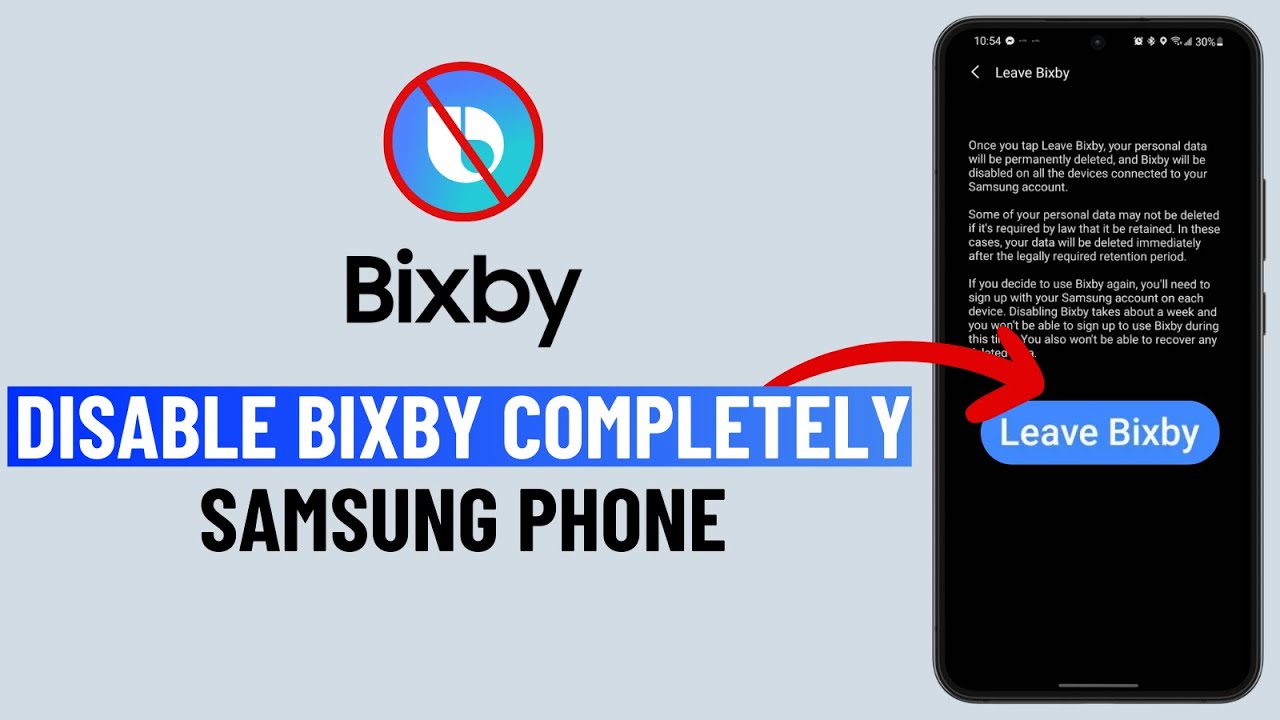
- Select “Leave Bixby” and confirm the action. You may need to enter your Samsung account password.
Disable the Bixby button
The process is even simpler if you disable the Bixby button.
- Go to your device’s “Settings”.
- Scroll down and select “Advanced features”.
- Tap “Function key”.
- Rewrite the Bixby button: Select a different action for the button, e.g. the power-off menu, or assign a different app.
Disable Bixby Home
You also have the option to disable Bixby Home. Whilst Bixby cannot be completely deleted, these steps allow you to restrict its functions and minimise any disruptive aspects.
- Tap an empty area on the home screen.
- Select ‘Home screen settings’.
- Toggle off the ‘Bixby Home’ option.
