5
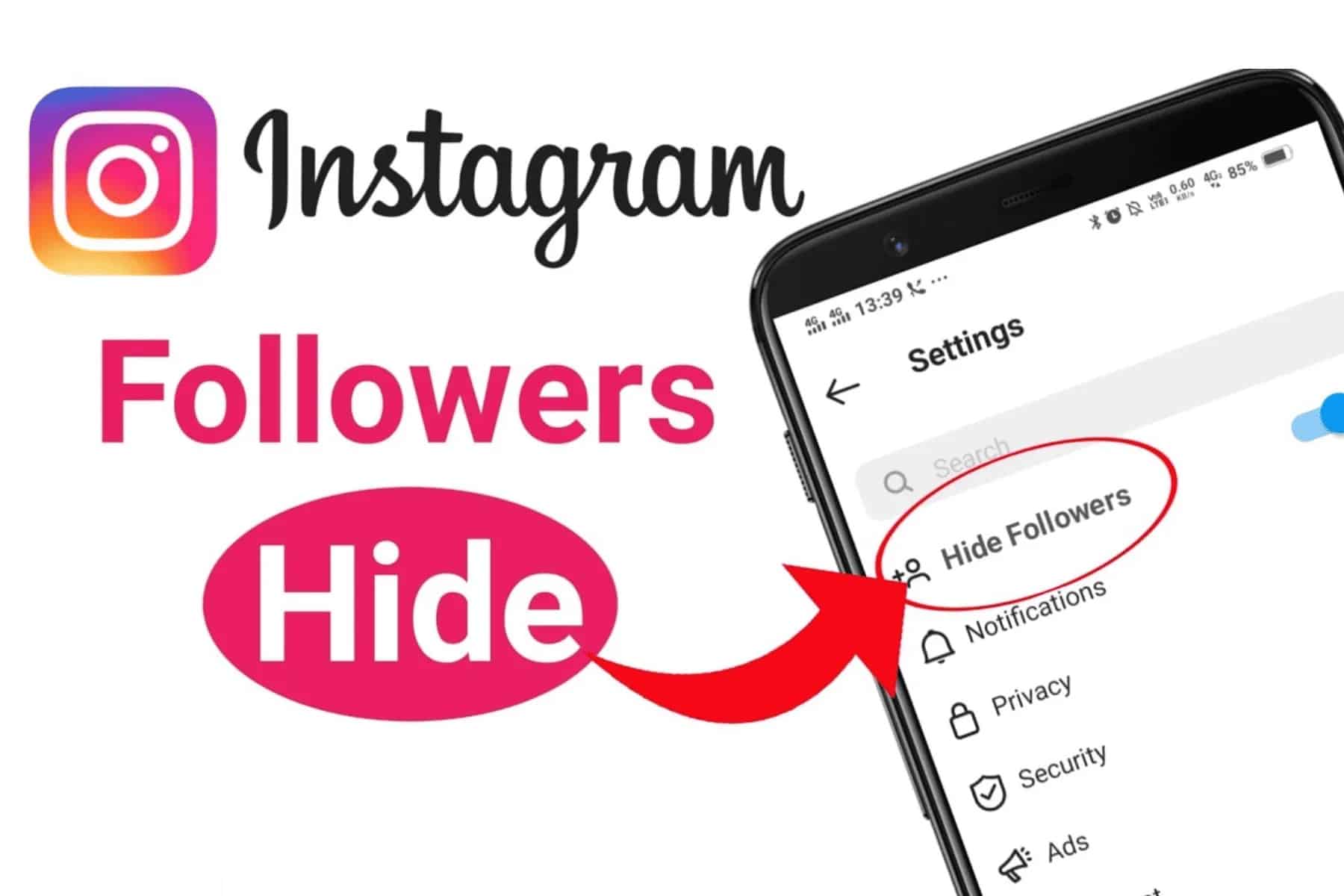
If you’d like to hide your Instagram followers, you can do so in the settings. You have two options.
Private account: How to hide your Instagram followers
If you want to hide your Instagram followers from other users, there isn’t a ready-made option for this. There isn’t a button labelled ‘Hide followers’. However, you can set your account to private – at least as long as you don’t have a business account.
- Open your private Instagram account and tap your profile picture.
- Then tap the three dots or three bars in the top right-hand corner.
- In the settings, you’ll find the Account Privacy option.
- There, enable the Private Account button by sliding it to the right.
- If you add someone you know to your contacts, that person will be able to see your followers. Your contacts remain hidden from everyone else. However, even with a private account, the total number of followers and accounts you follow remains visible to outsiders.
- Your existing followers can also view your list of followers in more detail, although you cannot selectively hide individual followers.

Block an Instagram account to hide followers
You’ll have more success hiding your followers if you block another account on Instagram. To do this, first visit the account you wish to block.
- Then tap the three-dot menu in the top-right-hand corner.
- Select Block . Then tap on it again.
- You can also report the account to Instagram if it is causing a problem or breaching the guidelines.
