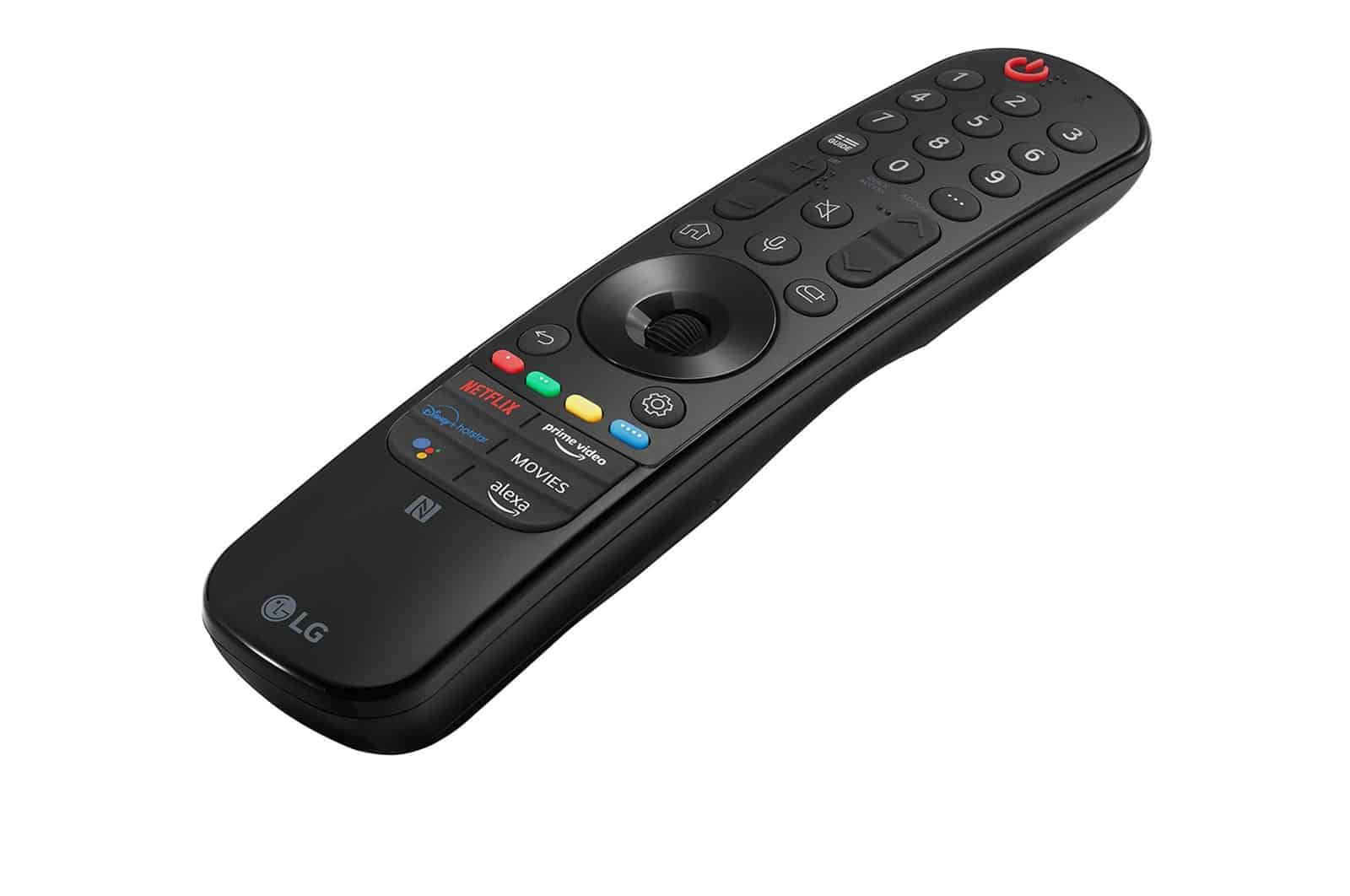
LG’s “Magic Remote” is a remote control that allows you to operate your LG TV using a cursor on the screen. You can put the “Magic Remote” to good use with LG Smart TVs.
Magic Remote: Design and handling of the LG remote control
The Magic Remote works in a similar way to a pointer used in a presentation. It also supports voice commands and gestures.
- The latest version of the Magic Remote boasts a sleek black design. The slim, lightweight plastic casing fits comfortably in the hand.
- The central scroll wheel is easily reached with your thumb. Once the Magic Remote has been calibrated, hand movements are smoothly transferred to the smart TV’s screen.
- It worked surprisingly well in our test. However, this type of remote control takes some getting used to at first. After a few minutes’ practice with the Magic Remote, though, you can control the TV almost intuitively.
The features of the LG Magic Remote
As soon as you point the remote at the TV, a cursor appears. This allows you to navigate effortlessly through menus using gestures. Specific hand movements (e.g. swiping from left to right) trigger standard functions – such as returning to the last channel. In our test, the whole system worked flawlessly via infrared.
- At the centre of the Magic Motion Remote is a scroll wheel, which allows you to move easily through web pages and channel lists on the Smart TV portal. In a direct comparison with a standard remote control, this works quite well.
- Frequently used functions, such as changing channels or adjusting the volume, can be operated directly via buttons.
- In addition to gesture recognition, the remote also understands voice commands thanks to its built-in microphone. For example, you can easily dictate search terms on web pages in the built-in browser.
- Using an on-screen keyboard, you can enter programme numbers directly via the cursor or access a teletext page. However, this method of input is less convenient than using the numeric keypad on a standard remote control.
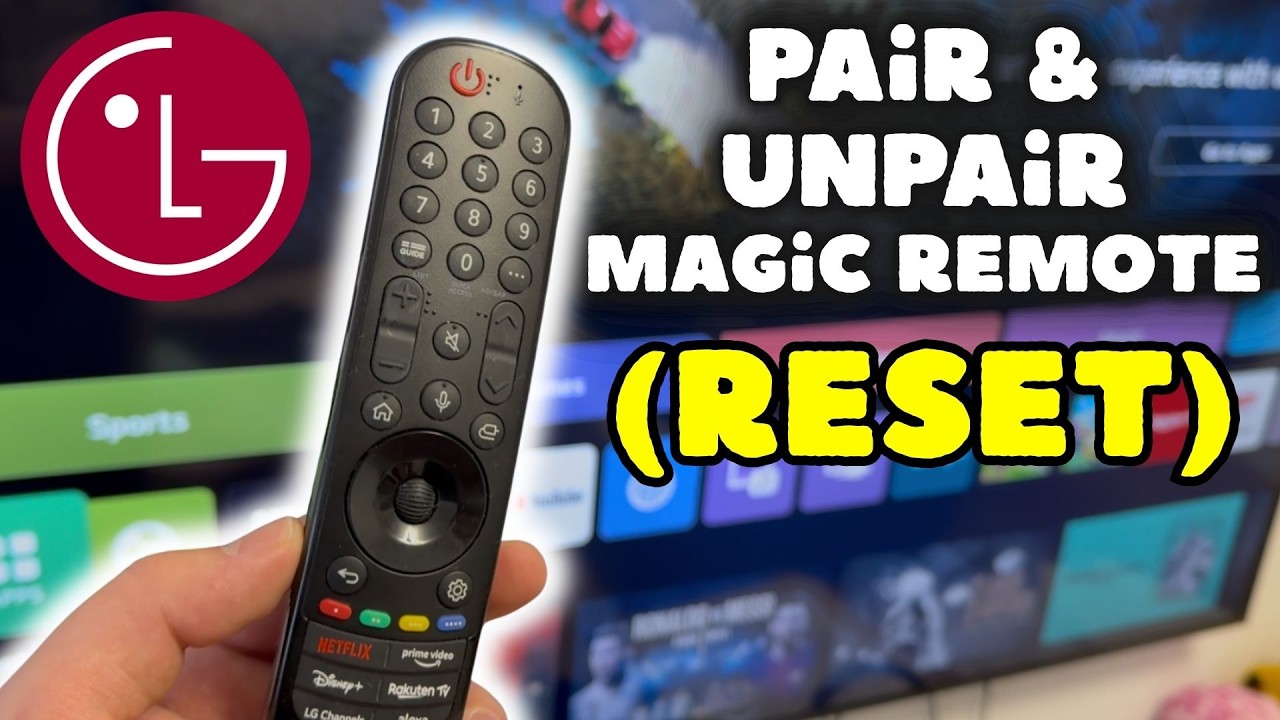
Magic Remote or standard remote control
The Smart TV menu on the latest LG televisions has been specially optimised for use with the Magic Remote. With a bit of practice, you’ll find yourself navigating the menus of your LG TV surprisingly quickly and comfortably.
- It’s not just tech enthusiasts who will appreciate this innovative way of operating the TV. You’ll quickly get used to controlling the TV with the Magic Remote; you’ll hardly need the conventional keypad remote (usually included with the TV model) anymore.
- Although all LG Smart TVs are compatible with a Magic Remote, not every new set comes with one included. However, you can usually buy the remote control for around 30 euros. When purchasing one, make sure that the Magic Remote is compatible with your TV’s generation.
