6
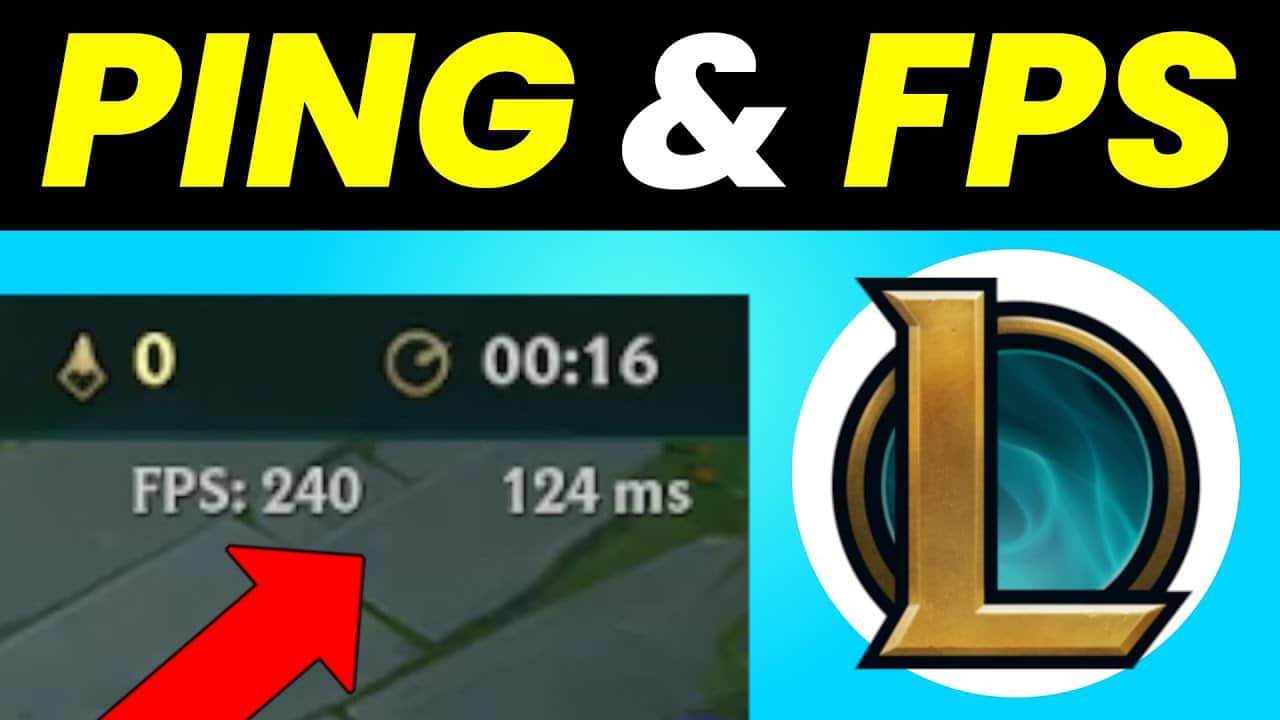
You can easily view the FPS in League of Legends using a simple hotkey combination. FPS stands for frames per second. The higher the FPS rate, the smoother the movements appear on your monitor. Read more about this here.
Displaying FPS in League of Legends
If you want to display the FPS in League of Legends, follow a similar procedure to that used for displaying pings. FPS is the abbreviation for ‘frames per second’.
- FPS is measured in Hz. Most mobile device screens and monitors have a refresh rate of 60, meaning they display 60 frames per second.
- The higher the Hz value, the more frames per second are displayed. This ensures much smoother movement and results in a better gaming experience.
- If you’d like to know what the FPS is in League of Legends, simply press in-game the hotkey combination [Strg] + [F].
- If that doesn’t work, you can open the options menu via [ESC]. Go to the ‘Hotkeys’ tab and then to the display settings.
- Clicking “+” will then bring up the “Toggle FPS Display” option. Here, you can now set your own hotkey to view the FPS rate.
- You can also view the hotkey directly in the client without having to start a game. To do this, simply click on the cog icon in the top right-hand corner to open the options menu.