
4
You can easily change the language of Mafia 2. We’ll show you how in this practical tip.
How to change the language in Mafia 2 on a PC
The PC version of Mafia 2 requires the free Steam client. Within Steam, you can choose between several language versions:
- In your Steam library, right-click on Mafia II and select ‘Properties’ from the context menu.
- Switch to the ‘Language’ tab. There, you can now select your preferred game language.
- You may now need to wait for the additional language files to download. Once this is complete, you can launch the game.
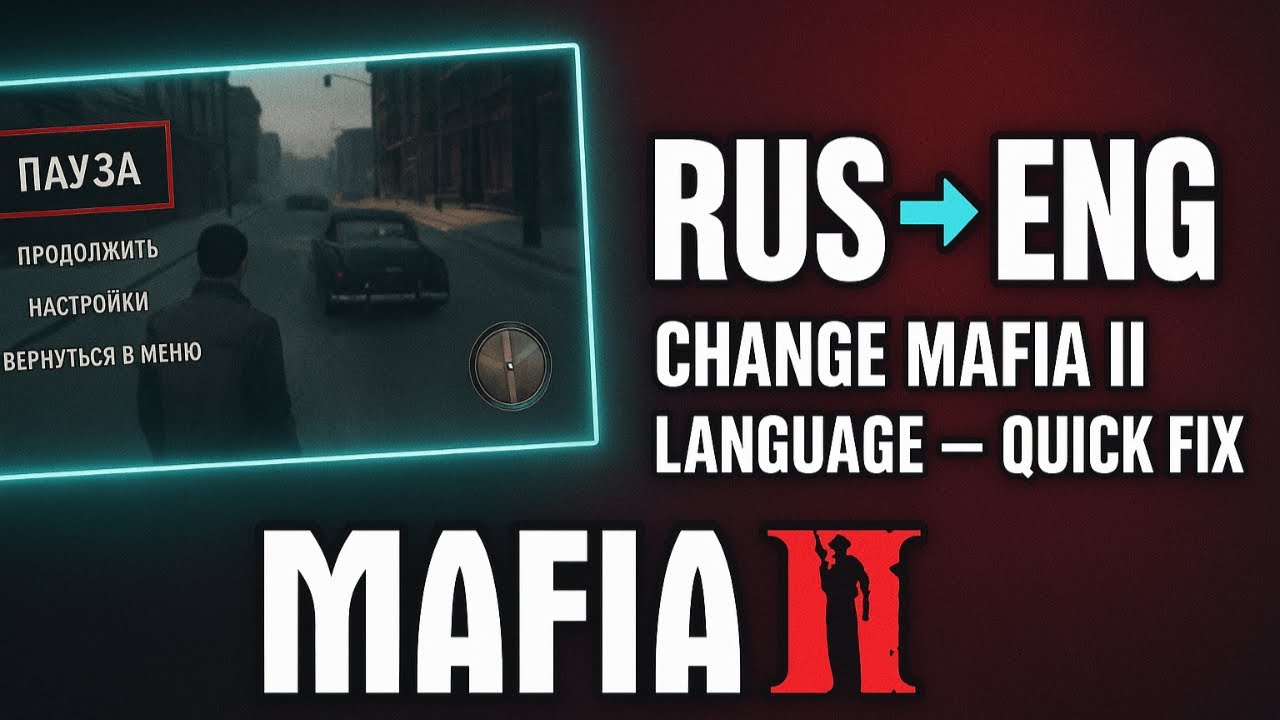
Mafia 2: Language selection on the Xbox 360
You can also change the language in the Xbox 360 version of Mafia 2. To do this, follow these steps:
- Go to ‘My Xbox’ and open ‘System Settings’.
- Select ‘Console Settings’ using the A button on your controller.
- Switch to the “Languages” tab. You can now choose between German and English.
