153
How Minesweeper works is a mystery to many, even though the game comes pre-installed on Windows computers. We’ll explain the rules and share some strategic tips.
Minesweeper: How Does the Game Work?
Minesweeper comes in various versions, both for PC and as an app. However, the basic gameplay remains the same.
- The goal of the game is to uncover all the safe squares that don’t contain bombs. So you need to know exactly where each mine is located. If you accidentally uncover a mine, the game is over.
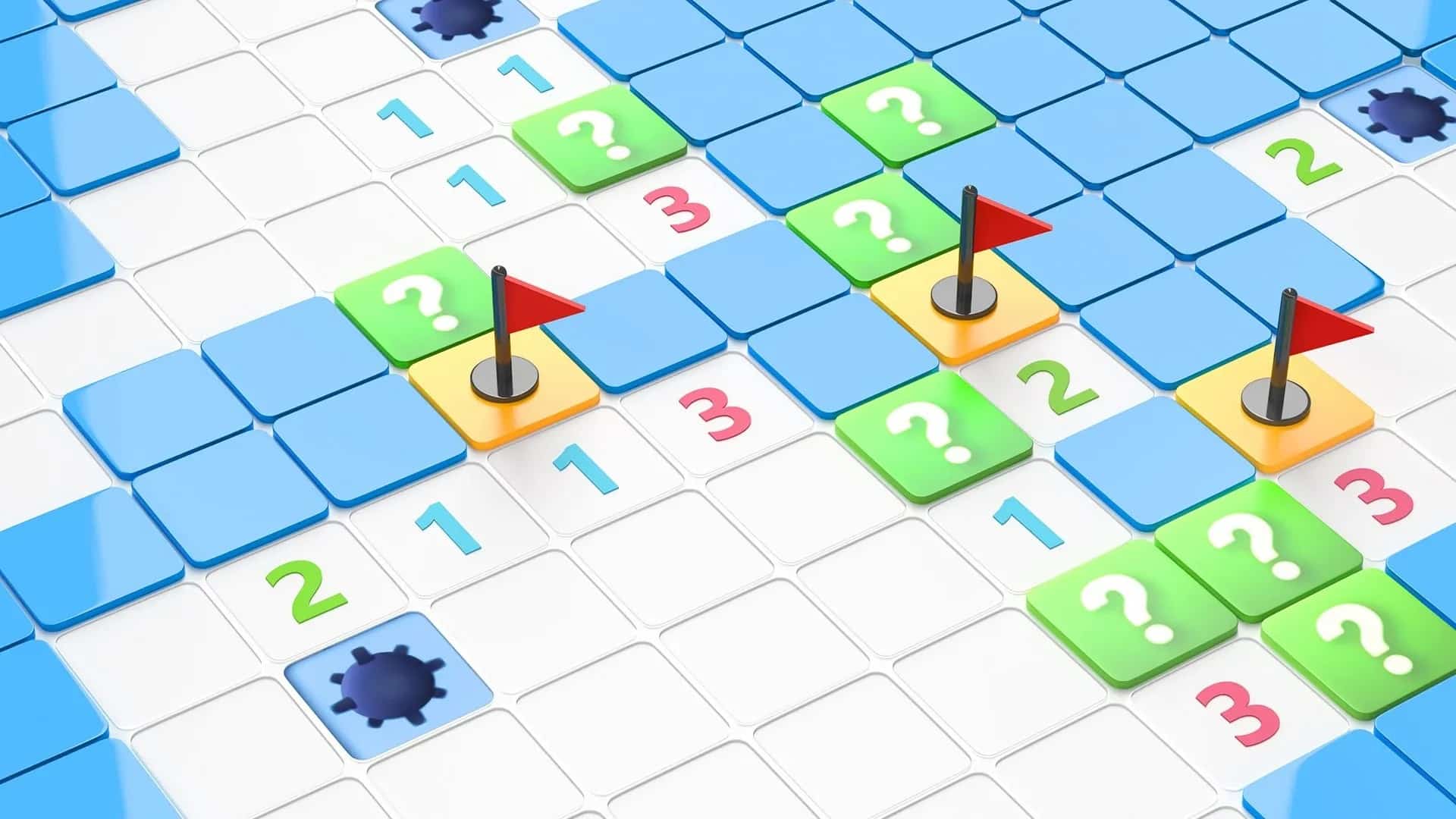
- The numbers revealed show you how many mines are in the surrounding squares.
- For example, if you uncover a three, that means three mines are hidden in the eight adjacent squares.
- If you’ve already found three bombs in a 3×3 grid, you know accordingly that there can be no more bombs in the remaining adjacent squares.
- You can either uncover squares or place a flag. A flag can be used, for example, to mark squares that contain a bomb. The flags help you keep track of where you are and prevent you from accidentally clicking on the same square again.
- Often, your clicks will reveal large areas of the board. Empty squares simply mean that no bombs are adjacent to them.
Playing Minesweeper: Tactical Tips
Success in Minesweeper is based on logic and good strategy. Our tips will help you advance in the game.
- At the start of the game, you should try to find empty areas. Your first clicks are therefore a matter of luck. Once you find an empty area, you can begin playing.
- It’s best to start with single-number squares located at a corner. Since they have only one adjacent square, you know there must be a mine at that corner.
- Then move on to the next adjacent number. Note that this number is already adjacent to a mine. So, for example, if the next number is a one, you can safely open all adjacent squares.
- It’s important that you never open squares you’re unsure about. If you get stuck in one spot, move on to another.
- Draw logical conclusions by recognizing chain reactions from safe squares. If multiple squares could theoretically contain mines, assess the probabilities to minimize your risk. This helps you avoid common mistakes like clicking too quickly or overlooking marked mines.

Variations and Difficulty Levels
The basic principle always remains the same: You uncover squares and avoid mines.
- Traditionally, there are three difficulty levels—Beginner (9×9 squares, 10 mines), Advanced (16×16 squares, 40 mines), and Expert (30×16 squares, 99 mines).
- Modern versions often offer additional variations such as hexagonal grids, giant playing fields, or custom settings where you can freely specify the size and number of mines.
History and Origins of Minesweeper
Minesweeper has its roots in logic puzzles from the 1970s and 1980s and was first released in 1990 as part of the Microsoft Entertainment Pack for Windows.
- Starting with Windows 3.1, it became a standard feature of the operating system and thus gained worldwide popularity.
- Millions of users played the game to pass the time or practice using the mouse—and in doing so, turned Minesweeper into a classic.
- Today, Minesweeper is no longer included by default, but you can download the game as an app for your PC or smartphone and play Minesweeper online. The game is even available as a Puzzle Block.