2
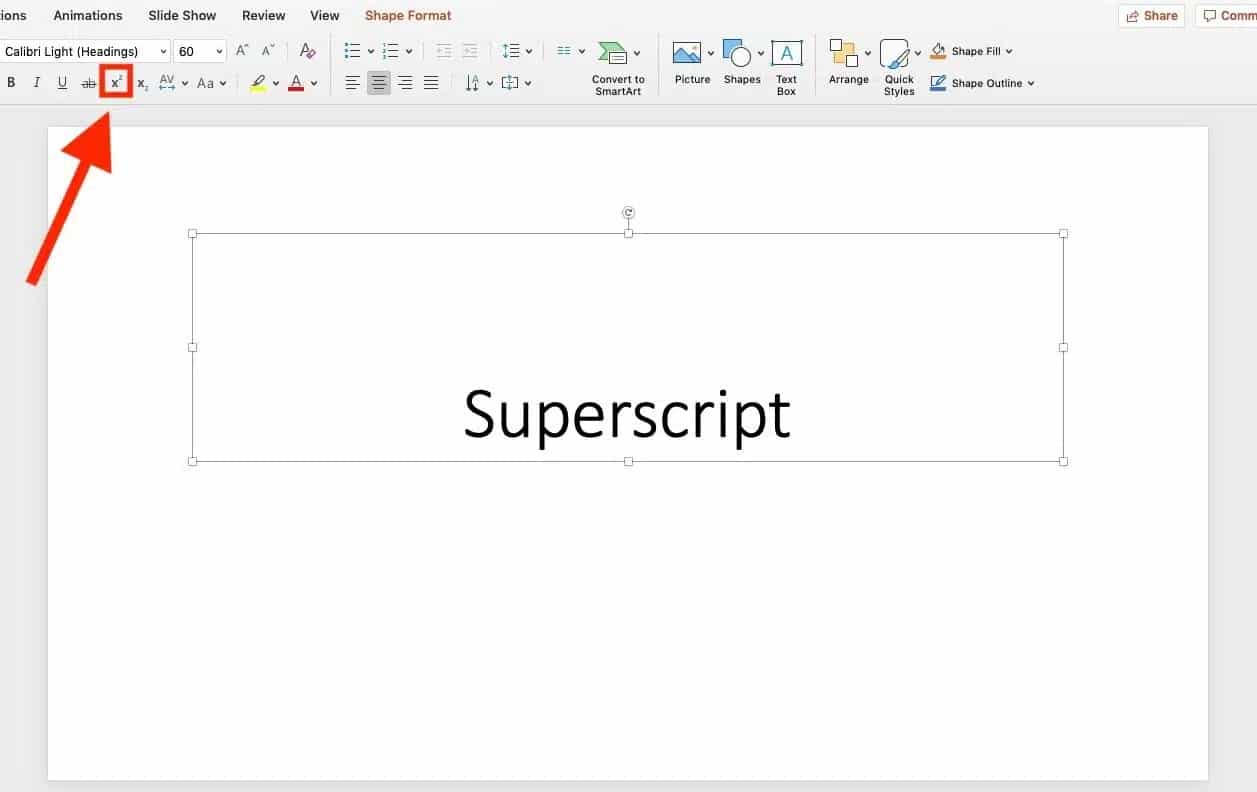
As with other Office programmes, you can create superscripts for individual characters in PowerPoint. In this article, we’ll show you exactly how it works.
PowerPoint: Creating superscripts
Superscripting means placing the number or character above the normal text, such as m².
- First, in PowerPoint, select the text or character you want to superscript.
- Then, in the “Home” tab, in the “Font” section, click the small arrow in the bottom right-hand corner (see photo).
- A dialogue box will open. In the new window, under “Effects”, tick the box next to “Superscript”.
- Save your selection by clicking “OK”.
- You can undo this step by going back to the bottom-right corner of the Font group and clicking on the tick you previously set to deselect it.