231
You can easily recover deleted videos on an iPhone or iPad. With just a few steps, you can play the videos again.
Instructions: Recover Deleted Videos on an iPhone or iPad
- First, open the Photos app on your iPhone or iPad. Scroll down under “Albums.”
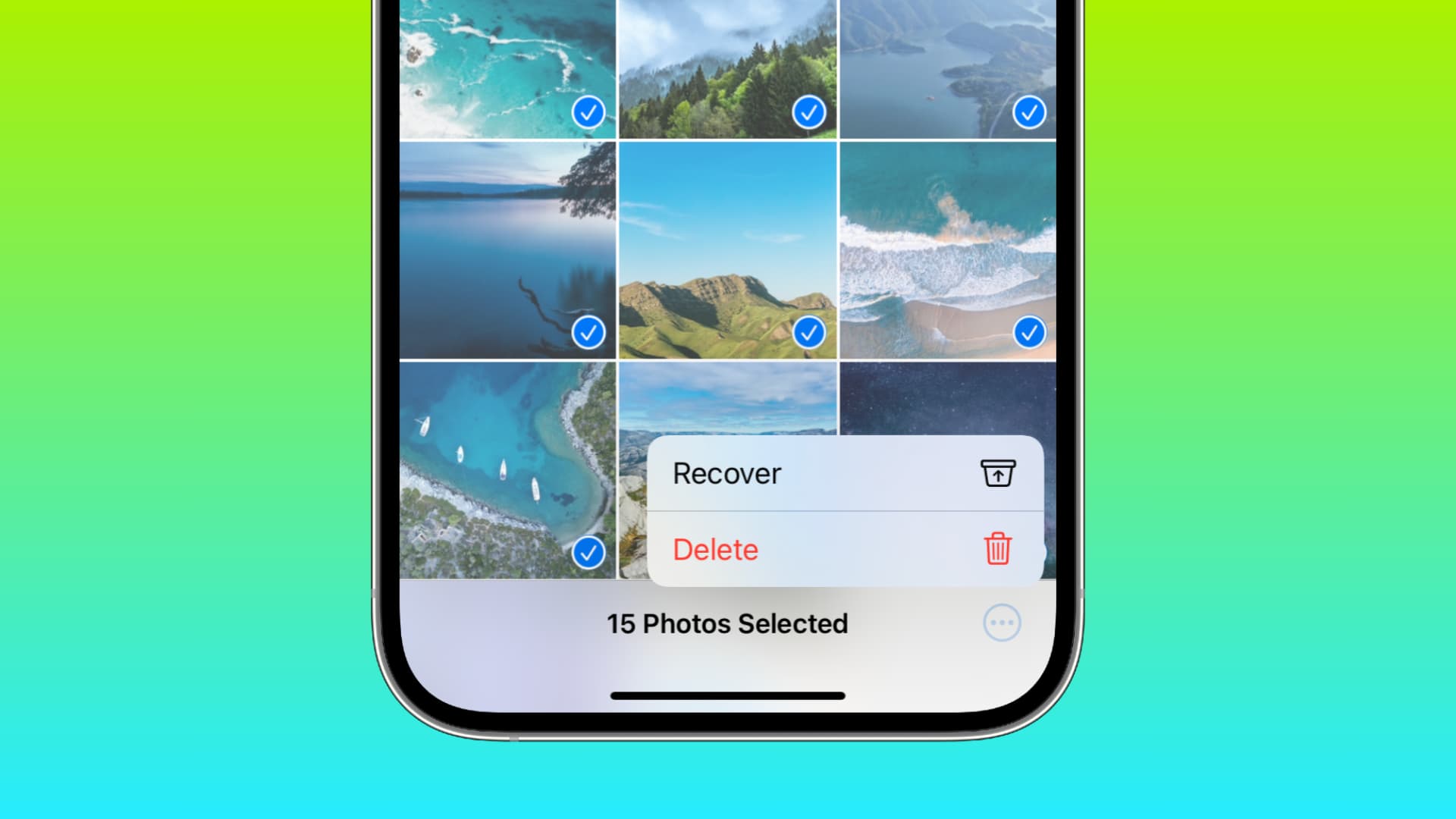
- Select the “Recently Deleted” folder. Deleted videos are stored in this folder for up to 30 days.
- Now select the video you want to restore. Tap “Restore” and confirm your selection. The video will now be automatically loaded into your Photos app.
Here’s another way to restore the videos
Deleted videos aren’t immediately lost, even without a backup. You can quickly restore them using data recovery software.
- Use data recovery software to restore the videos. Use a specialized tool for this. You can use apps like iMyFone D-Back or Aiseesoft FoneLab to restore the videos.
- Install the software on your computer or laptop. Connect your iPad or iPhone using a USB cable.
- Scan the device using the software to locate the deleted videos. Select the deleted videos and then click “Recover.”
Recovering from an iTunes Backup—Here’s How
A backup saves files to your device. Using this feature, you can easily recover deleted videos.
- Connect your iPhone or iPad to your computer or laptop. Then open iTunes on your computer or laptop.
- Now select your device. Then click “Restore Backup.” Your deleted videos will now be automatically restored from the backup.

Restore videos from an iCloud backup
An iCloud backup can also help you watch deleted videos again.
- Reset your iPhone or iPad to factory settings. When setting up the device, select the “Restore from iCloud Backup” option.
- Sign in with your Apple ID and select a backup that contains the deleted videos. This will restore the videos to your device.
Restore directly via iCloud.com
iCloud.com can also help you recover deleted videos.
- Visit iCloud.com and sign in. Go to the “Photos” section and check the “Recently Deleted” album.
- Select the video and click “Restore.” This will download the videos you accidentally deleted back to your device.