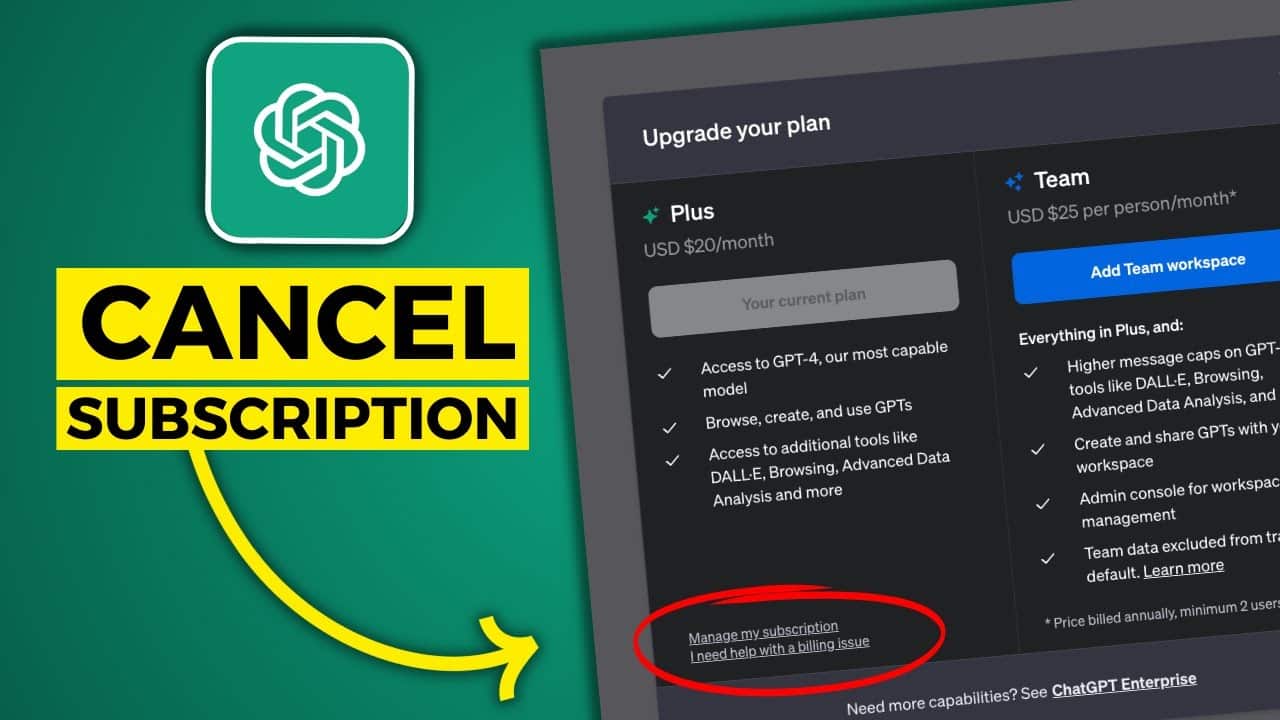
If you’d like to cancel your ChatGPT subscription, it only takes a few clicks. It depends on whether you took out the subscription via the web version or the mobile app.
How to cancel your ChatGPT Plus subscription via the web version
With ChatGPT Plus, ChatGPT offers a paid subscription for the AI chatbot. However, if you no longer use this version, you can cancel it via your web browser.
- Open the ChatGPT website. If you haven’t already done so, log in to the AI bot using your account.
- Click on your username or the three-dot menu (⋯) in the bottom left-hand corner.
- Select “Settings” and then the “Subscription” tab.
- Click on “Manage subscription”. There you’ll find the option to cancel your subscription.
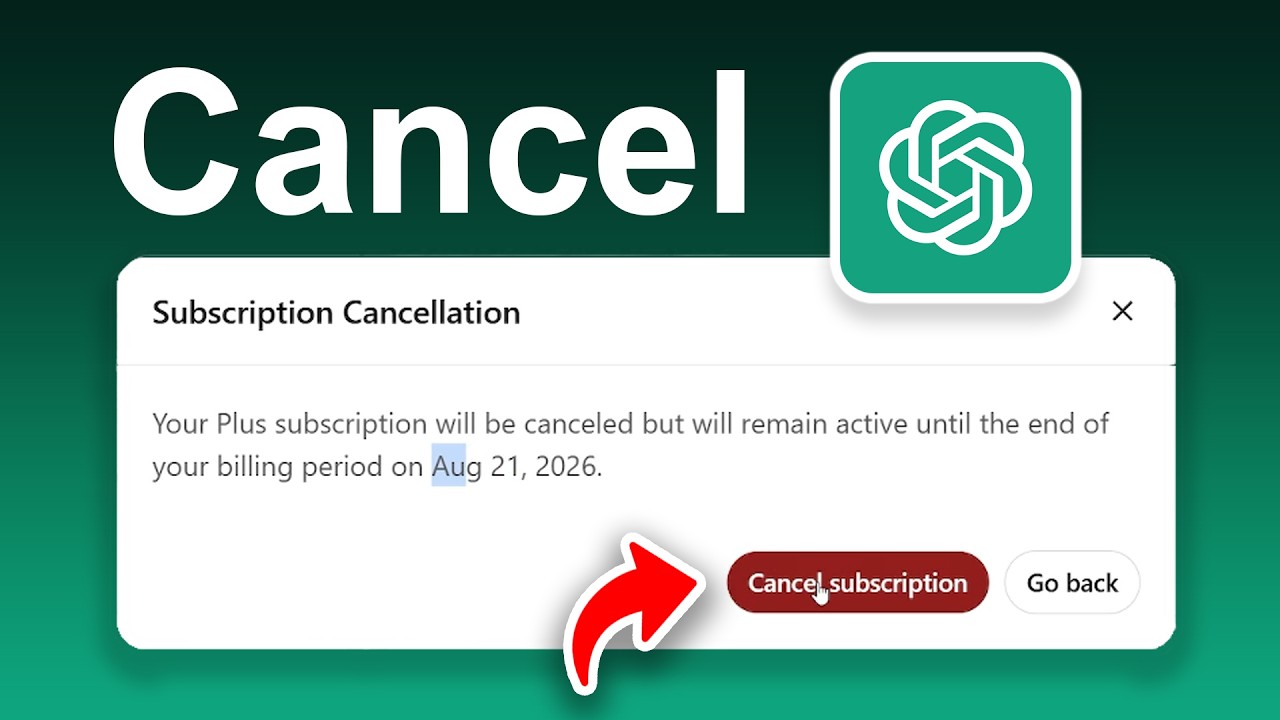
- Please note that the cancellation will only take effect from the next billing cycle. Until then, you can continue to use ChatGPT Plus for the remainder of the paid period.
- Tip: You should cancel at least 24 hours before the next billing cycle. Otherwise, your subscription may be automatically renewed for another month.
For iOS or Android: Cancelling via the ChatGPT app
A new feature is the option to cancel your subscription directly within the mobile app. If you took out the subscription via the app, you can only cancel it via the relevant app store, not via the ChatGPT website.
- For iOS: Open the Settings on your iPhone via the Apple App Store. Tap your name (Apple ID) at the top and then select the ‘Subscriptions’ menu item. Find the ‘ChatGPT’ subscription and tap ‘Cancel’.
- For Android: Open the Google Play Store and, via your profile picture, navigate to ‘Payments & Subscriptions’ and then to ‘Subscriptions’. There, select ‘ChatGPT’ and tap ‘Cancel’.
- Even if you cancel via the app, the subscription will remain active until the end of the period you have already paid for. Your account will therefore not be deactivated immediately.
Having trouble cancelling? Here’s what you can do
Before cancelling, check your payment details and the date of the next billing period to avoid automatic renewal. You can find this information in your account under ‘Subscription settings’. If you encounter any issues whilst cancelling or if anything is unclear, the following support channels are available:
- If you’re cancelling via a web browser, you can find help in the OpenAI Help Centre.
- Alternatively, you can contact OpenAI Support directly by email: [email protected].
- Via the app, you can contact Apple Support or Google Support. You’ll find the relevant support option in the app settings, usually under ‘Help’, ‘Hilfe’ or ‘Support’. There, you can submit an enquiry or view contact details.
