6
The Google Nest Mini has many features that can be useful in everyday life. In this practical guide, you’ll find out what you can use your smart speaker for.
Google Nest Mini: These features are useful for everyone
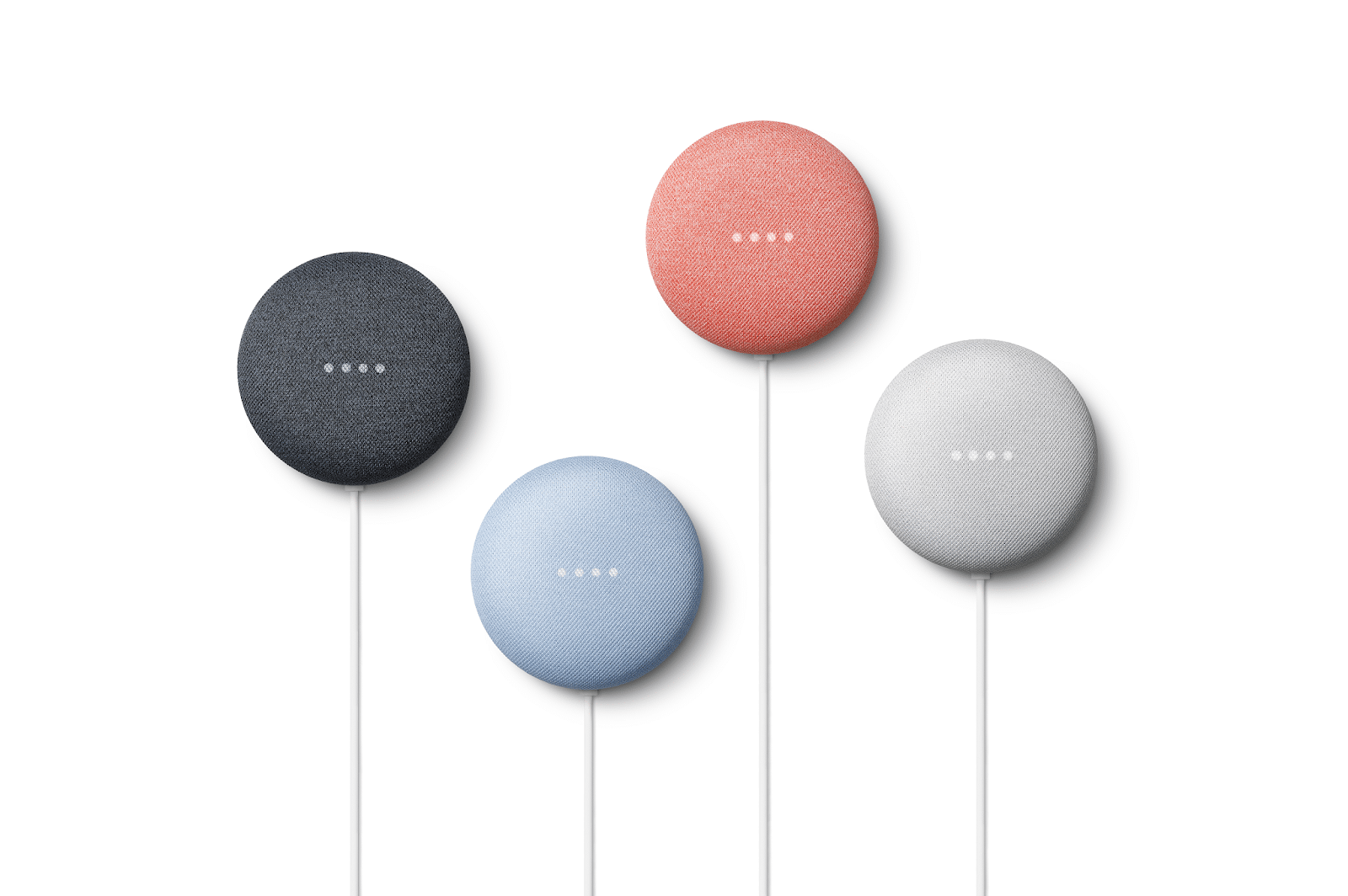
The Google Nest Mini is a smart speaker and assistant from Google. For most features, you don’t need any additional devices in your home. You’ll find the best and most useful features here.
- Assistant: The Google Nest Mini is equipped with Google Assistant. This allows you to use all of Google Assistant’s features.
- Clock and alarm: You can use Google’s timer and alarm functions by saying “Set an alarm for 6 o’clock”, “Set a timer for 15 minutes” or “Wake me up in 30 minutes”.
- Calendar and reminders: If you use Google Calendar and have set up VoiceMatch on your Nest Mini, you can ask when your next appointment is or what appointments you have this week. If there are several people in the household, voice recognition ensures that the information you’ve asked for is provided.
- Music and podcasts: If you ask Google to play a song, an artist or a playlist, it will start playing immediately without any further interaction. This is useful if, for example, you want to listen to music whilst cooking but your hands are dirty or occupied.
- Routines: In the Google Home app, you can create routines that carry out several actions at a specific time or with a single voice command. For example, you can be woken up automatically in the morning, listen to the news, have your appointments read out and finally check the traffic situation on your route.
- Making calls: Once set up in the Google Home app, you can use Google Duo to make calls to your contacts via your Nest Mini.
- Find your mobile: If you can’t find your smartphone, you can use the command “Where’s my mobile” to ask your assistant to make the device ring at full volume. This works even if your smartphone is currently in silent mode.
- Games: If you’re looking for some quick entertainment for yourself or your children, you can ask Google to play a game. A selection of features is available, all of which work entirely by voice.
- Translator: You can use Google Translate to translate words and sentences into many different languages. Simply say “What is the Spanish word for wardrobe?”.
- Actions: With extensions from various free services, you can make your Google Nest Mini even smarter. With apps such as Deutsche Bahn, nutritional information, waste collection calendars and more, you can ask for the information you need. In the Actions directory, you’ll find all the extensions you can use.
Google Nest Mini features with multiple devices
If you have several Nest speakers or other smart devices in your home, you can use an unlimited number of additional features via your Google Nest Mini.
- Music in every room: If you have several Nest speakers set up around your home, you can add them to a group in the Home app. If you then say, “Hey Google, play music on [Gruppenname]”, the music will play simultaneously throughout your home.
- TV control: If you own a Google Chromecast, you can also control media via voice commands using your Nest Mini. You can switch your TV on and off with “OK Google, turn off the TV” or stream content such as “Play Dark on Netflix on the Chromecast”.
- Photos on your TV: As well as streaming services such as Netflix and others, you can also view personal content on your Chromecast using voice control. If you use the Google Photos app, you can start automatic slideshows on your TV with commands such as “Show me my photos from New York on the Chromecast” or “Show me pictures with Marie on the Chromecast”.
- Smart home control: If you have smart lights at home that are connected to your network via a Zigbee hub, for example, you can switch them on and off using voice control. Smart sockets can also be automated using routines, for example to automatically make your tea in the morning.
- Doorbell: If you use a smart doorbell, you can ring it via your Nest Mini.
- Broadcast: If you have several Google speakers in your home, you can communicate between rooms. You can either call a specific Nest Mini in another room or make an announcement to all rooms using the “Broadcast” command.
- Other: Depending on the other smart home-compatible devices in your home, you can carry out any additional functions.
