4
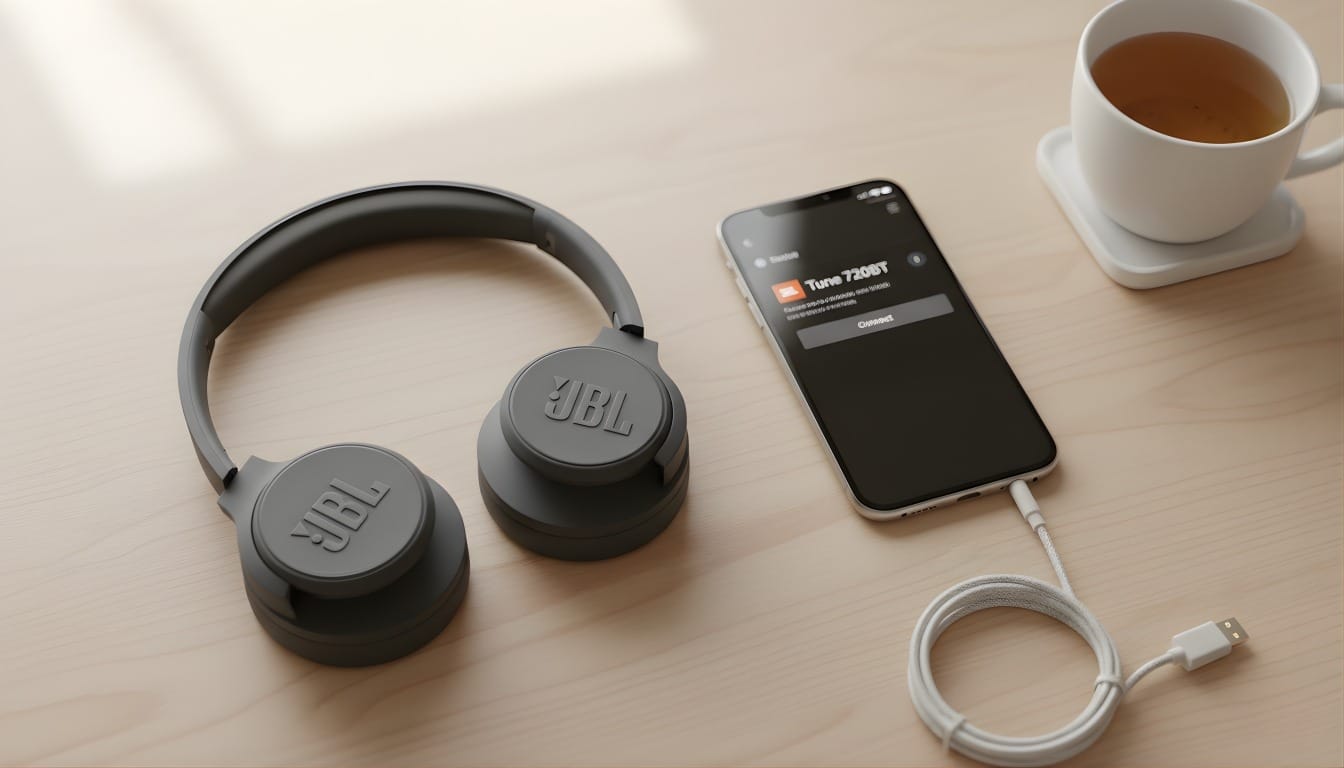
JBL headphones work via Bluetooth, so you don’t need to connect them to your smartphone with a cable. We’ll show you how it works and why you’ll no longer have to worry about tangled cables.
It’s that simple: connecting JBL headphones via Bluetooth
Wireless headphones are much more practical. The cable won’t get caught on anything, nothing can get tangled, and you don’t run the risk of the cable breaking. JBL headphones can be connected to your mobile phone or smartphone in just a few steps.
- Switch on your JBL headphones and activate the Bluetooth function using a separate button. A short beep will sound when they switch on.
- Now select ‘Settings’ from your smartphone’s app overview. In the menu, you’ll find Bluetooth under ‘Connections’.
- A list of available connections for your device will appear. Select ‘Bluetooth’ from this list and switch it on.
- Once you have enabled “Bluetooth”, a list of “available devices” will appear, which you can now connect to your smartphone. In the list, tap your JBL headphones and select “Connect”. They are now paired with your device.
- If you no longer wish to use the headphones, you can simply deactivate the Bluetooth function on both devices. That way, next time you’ll just need to activate Bluetooth and everything will connect automatically.
- If you still can’t hear any music, check your Bluetooth settings again. Sometimes you’ll need to reconnect the headphones to the device.

