4
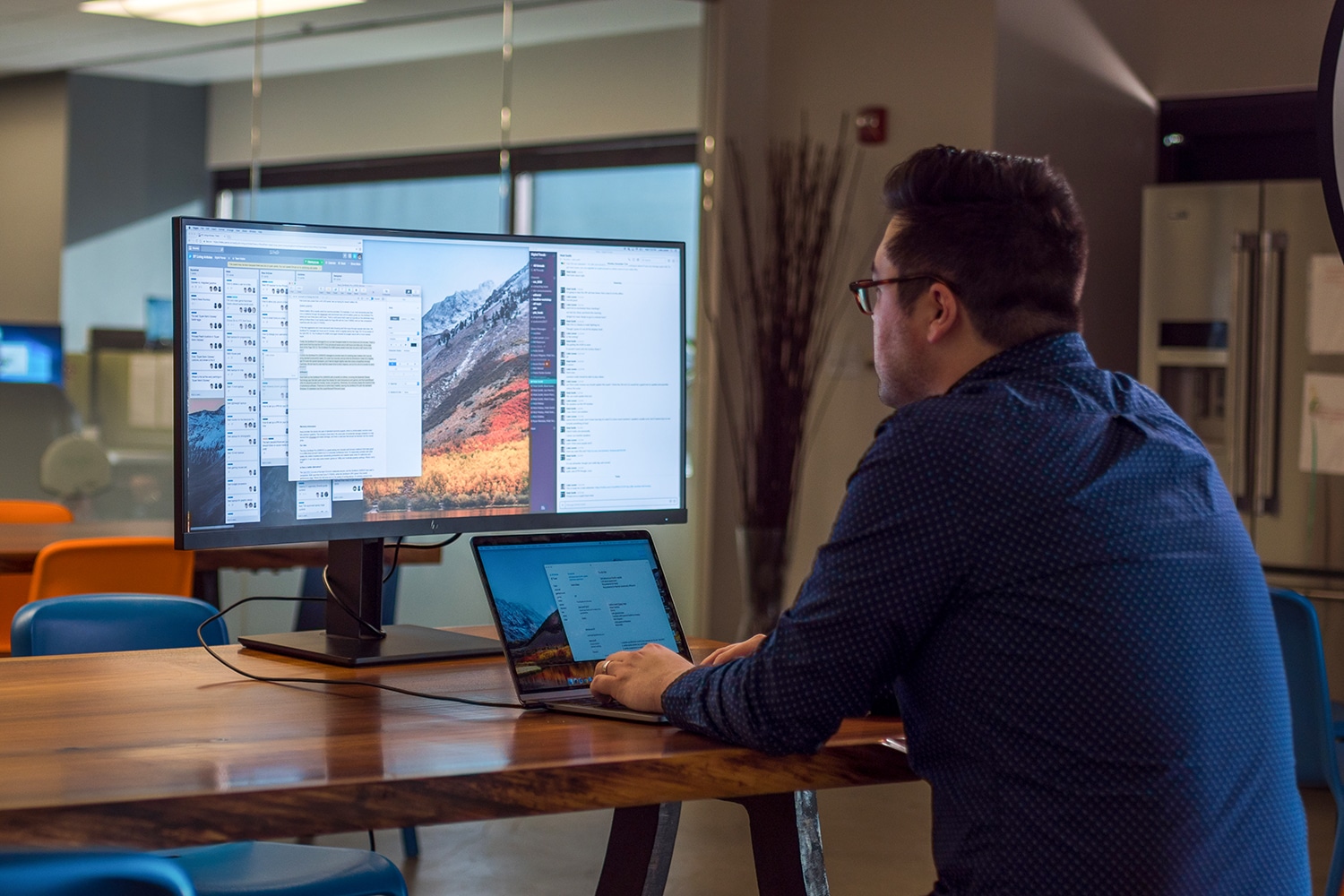
You can only use your laptop as a monitor to a limited extent. It’s actually a clever idea: working on two screens, but with the laptop acting as the second screen. We’ll show you how it can still be done.
Using a laptop as a monitor: what works and what doesn’t?
With a bit of workaround, you can use your laptop as a monitor.
- If you connect two laptops to each other via an HDMI cable, the second laptop cannot be used as a monitor. Direct transmission of the image is not possible.
- However, with the free software from SpaceDesk, you can use your laptop as an extended monitor without any problems. Simply install the software on both devices.
- Alternatively, you can remotely control your laptop instead of using it as a second screen. Remote maintenance software such as TeamViewer is ideal for this.
- If you wish to use your laptop as a monitor on a regular basis, it is worth using VNC software. This streams the screen of the second PC to your own computer.

