0
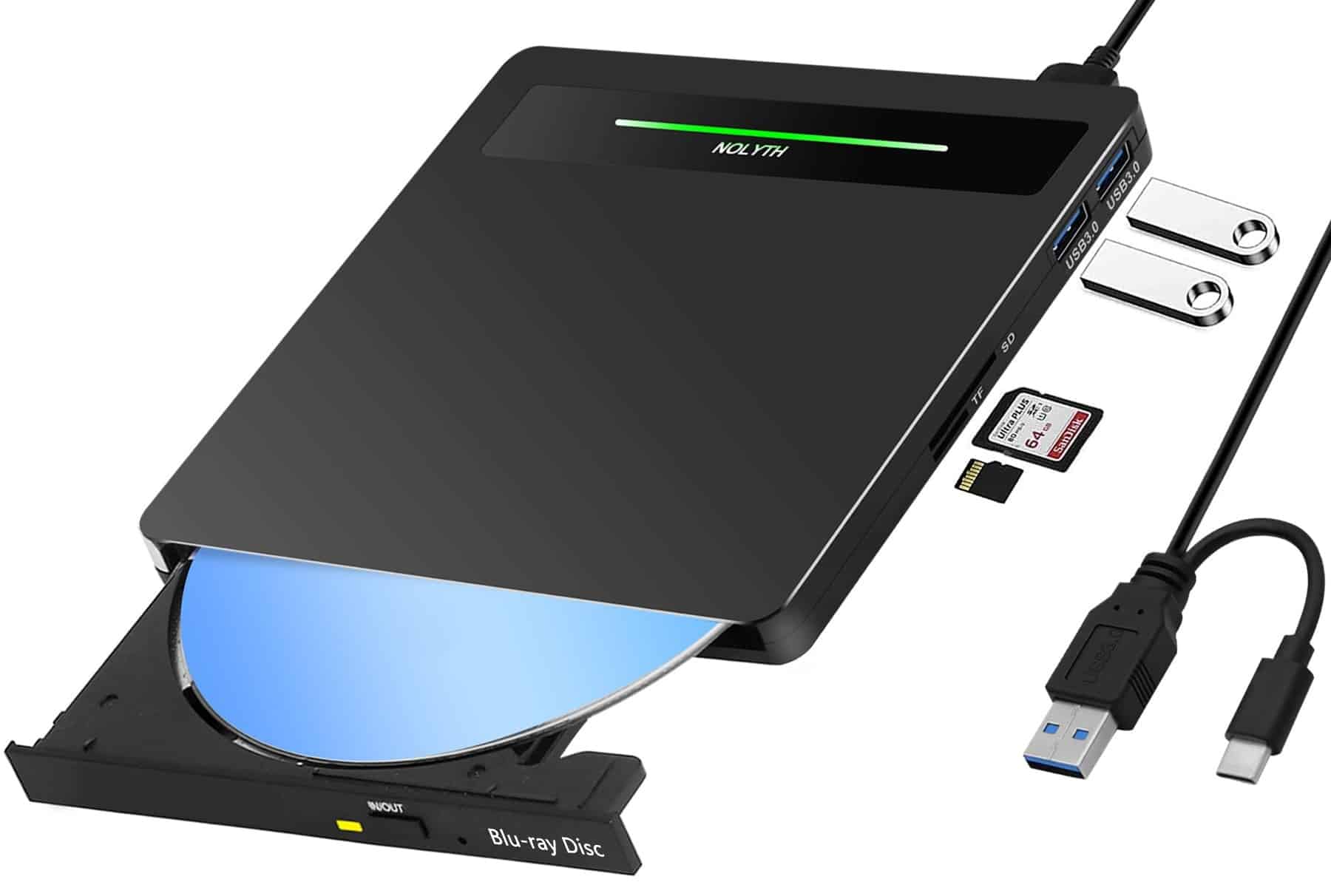
A Blu-ray player can only be used as an external drive if it is fitted with a USB cable.
Using a Blu-ray player as an external drive – not all Blu-ray players are the same
A standard Blu-ray player, which is normally intended for use with a television, cannot be used with a PC.
- However, there are external Blu-ray drives that have been specifically designed for this purpose. These come with a USB cable to connect the player to your PC or laptop.
- The clear advantage of an external Blu-ray player is that you can watch films on your laptop whilst on the move, even if it doesn’t normally have a drive at all.
- Another advantage is that they offer much greater flexibility, as you can use an external drive on a wide variety of PCs. Want to watch a Blu-ray film at a friend’s house, but they don’t have a Blu-ray player? No problem – simply take your external drive with you and connect it to a PC or laptop there.

External Blu-ray player: What you should bear in mind
When buying your new Blu-ray player, bear a few points in mind to avoid any nasty surprises:
- To be able to use the player whilst on the move, the drive must be powered exclusively via USB. If your drive is fitted with an external power supply, you won’t be able to enjoy films on the go.
- The read speed depends heavily on the interface used. With USB 2.0 devices, it can take up to a minute for the Blu-ray disc to finish loading. With an internally fitted drive connected via SATA, this is significantly faster (under 10 seconds).
- Caution is advised with cheaper Blu-ray drives. These often do not come with Blu-ray playback software, and you will have to buy this separately at a high cost, as very few programmes can bypass the Blu-ray copy protection. One such tool is PowerDVD, but at around 45 euros, it quickly makes what might seem like a bargain Blu-ray drive very expensive indeed.